
ImageGPTImageGPT

For florists

Bouquet Photos for Florists

One phone photo becomes a bouquet in a living room, in hands, and on white for your catalog.

6 free credits on sign up

I

Original and generated shots

Real outputs of the model: the request and what came out, with no retouching

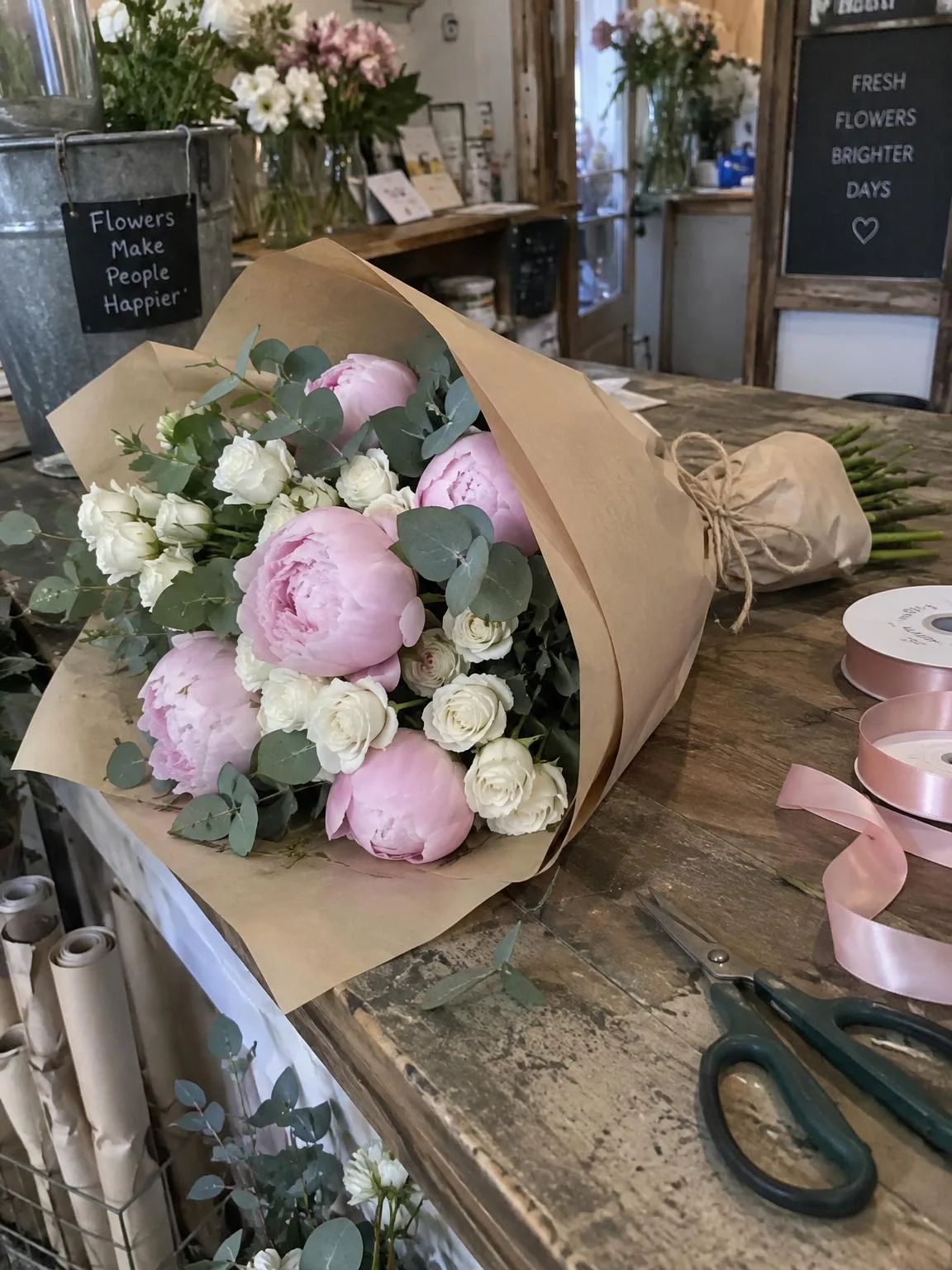
Wrapped bouquet on a shop counter → in a roomBeforeBeforeAfter

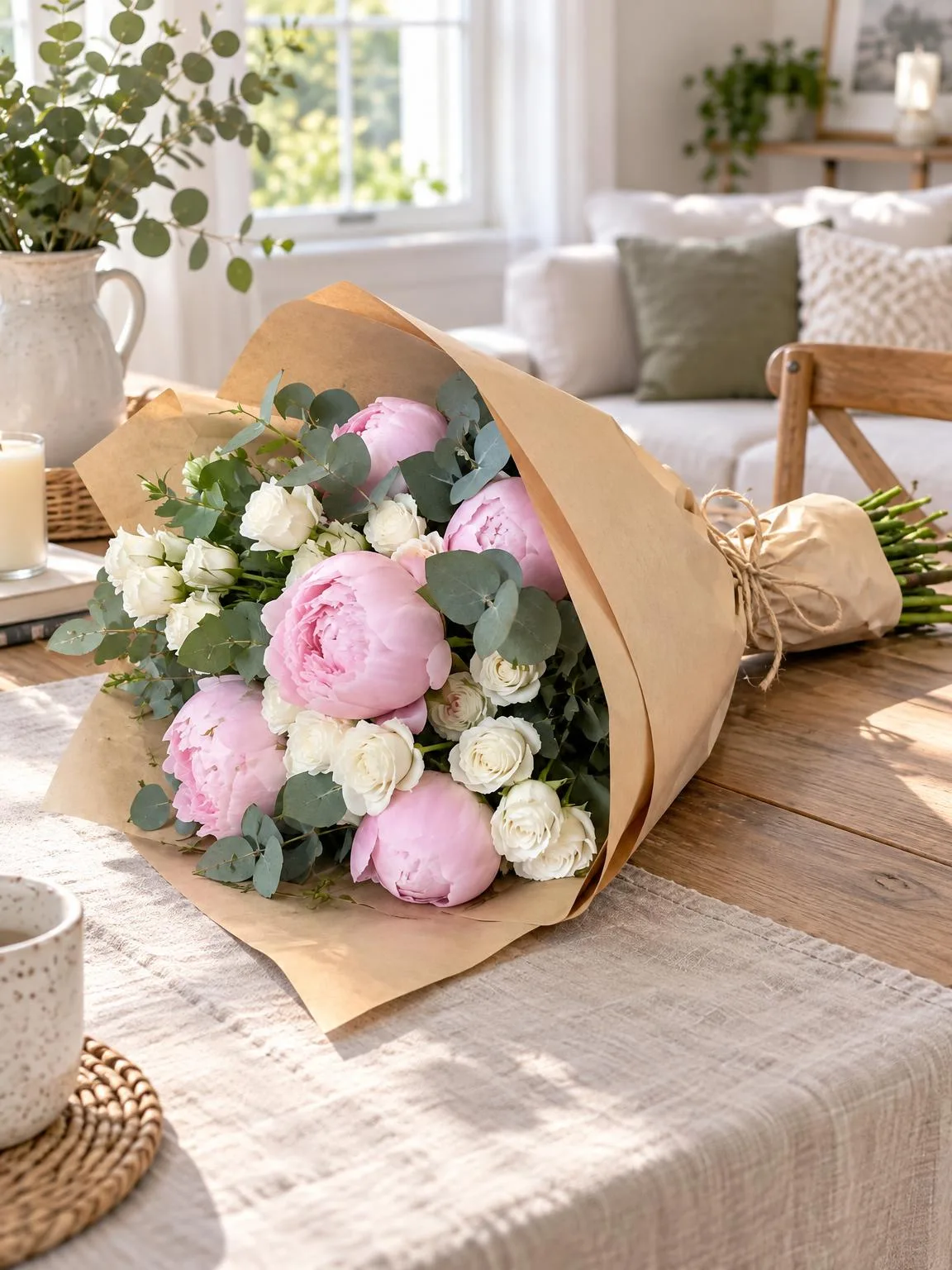
«Wrapped bouquet on a shop counter → in a room»

Bouquet photo · Lifestyle · GPT Image 2.5

The same bouquet → on whiteBeforeBeforeAfter

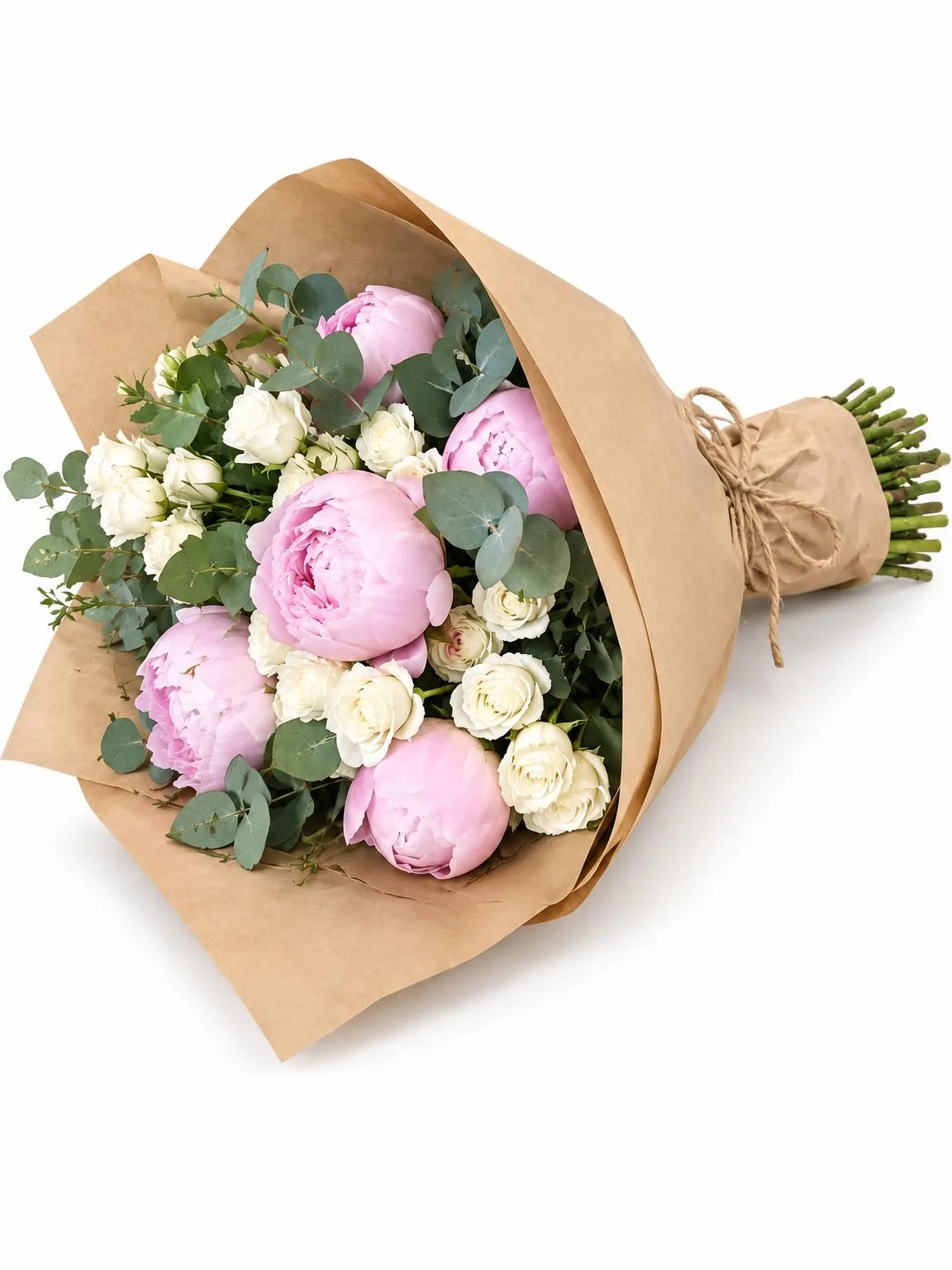
«The same bouquet → on white»

Bouquet photo · White background · GPT Image 2.5

The same bouquet → held in handsBeforeBeforeAfter

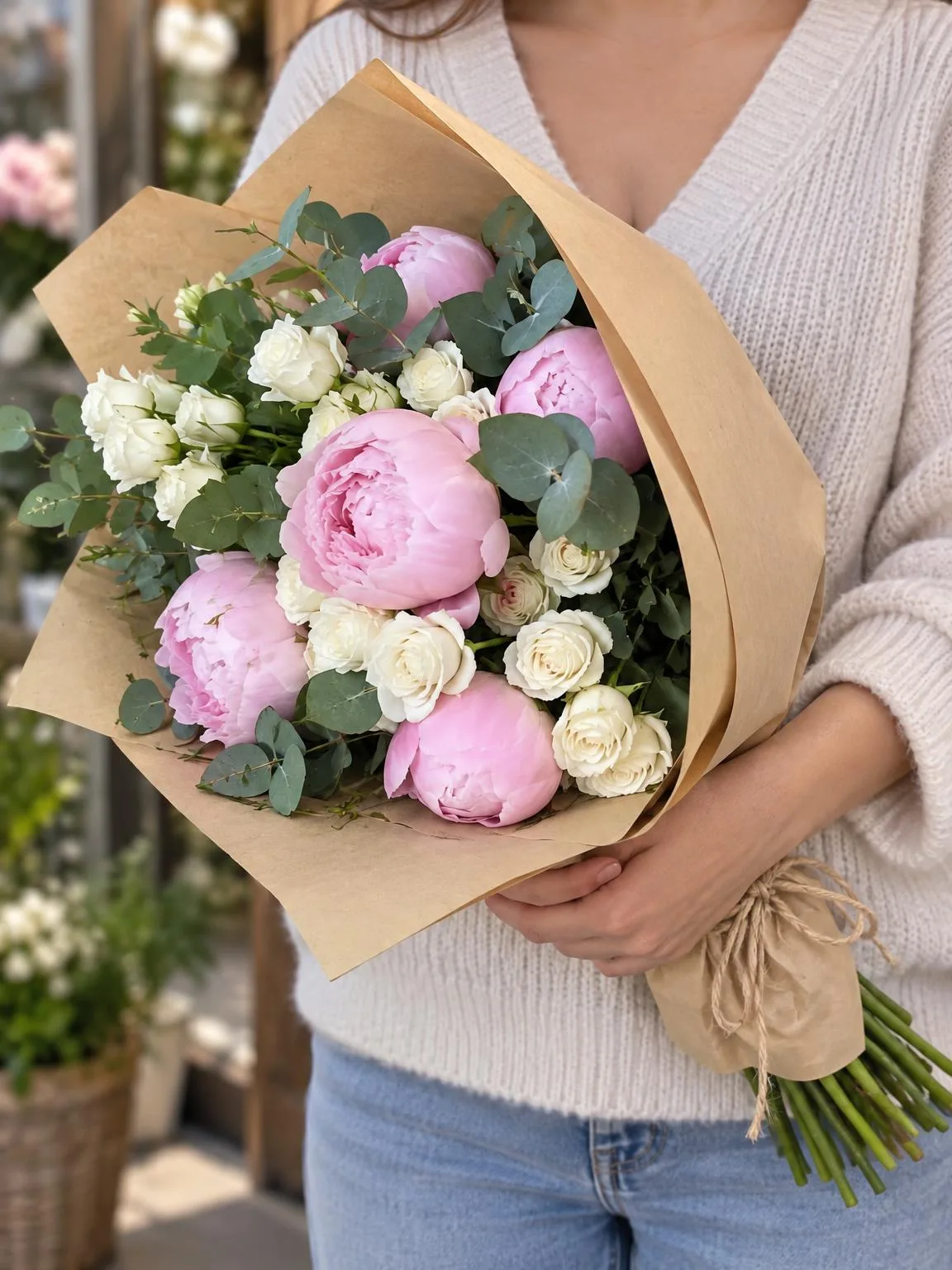
«The same bouquet → held in hands»

Bouquet photo · In hands · GPT Image 2.5

II

Bouquets are often photographed quickly on the shop counter, surrounded by ribbons, scissors, and other flowers, with no time or space for a dedicated photo area.

Just snap a photo of the bouquet as it is, and ImageGPT transforms it into a complete set: the bouquet in a bright living room or on a table by the window, held in hands, on a clean white background for your catalog, or on a colored studio backdrop. The flowers, their count, the wrapping, and ribbon remain exactly the same, so customers see what they'll receive.

Choose the right proportions for your platform—3:4 for catalogs and marketplaces, 4:5 for feeds, 9:16 for Stories—and download all images in one archive.

III

What you get

01

In a room

Living room or table by a window

02

In hands

Close-up, face not shown

03

White background

Perfect for catalogs and marketplaces

04

Studio

Colored backdrop or podium

05

Flowers unchanged

Same flowers, wrapping, and ribbon

06

Proportions

3:4, 1:1, 4:5, 9:16, or 16:9

IV

Who it's for

Flower shops

Website catalogs without a studio

Florists on social media

Beautiful posts and Stories

Flower delivery

Product pages and marketplace listings

V

How to photograph your bouquet

01

Photograph your bouquet

Capture the whole bouquet in daylight

02

Choose your shots

Room, in hands, white, studio

03

Download your set

All images in one archive

VI

Examples

See what you can create — try it yourself

Prompt

«Peony bouquet in kraft paper on the counter · Lifestyle»

Result

The bouquet on a table in a bright living room

Prompt

«The same bouquet · In hands»

Result

The bouquet held at chest level

Prompt

«The same bouquet · White background»

Result

A catalog shot

VII

Pricing

Pay only for results — no subscription

All plans →
Model / operationCredits
  • One shot6 cr.
  • Three shots18 cr.
  • 4K copy, per shot2 cr.

Credit packs: 150 credits for $5, 350 credits for $12, 1250 credits for $35.

VIII

FAQ

Will the flowers stay the same?+

Yes, the AI keeps the flowers, their colors, number, wrapping, and arrangement unchanged. Only the background, lighting, and setting are altered. Compare with your real bouquet before publishing.

Who holds the bouquet?+

A generated person, with the face out of frame. You can specify details like sweater color in the notes.

Can I process several bouquets in a row?+

Yes, each bouquet is a separate run. Your shot settings are saved, so the next bouquet takes just one click.

Can I use these photos commercially?+

Yes. You can use your generated images in listings, on your website, in catalogs, ads, and client proposals. No watermarks or attribution required.

How much does it cost?+

6 credits per shot. A 4K copy adds 2 credits per shot. Credits for failed shots are refunded.

Try for free

Sign up for free and get 6 credits right away. No card required.