
ImageGPTImageGPT

Image to text

Image to text converter

Turn a photo, screenshot, scan or PDF into text you can copy, edit and search.

I

Drop in a picture with text and a few seconds later it's in the box on the right, paragraphs and all. The free mode runs entirely in your browser and does a good job on printed text: book pages, letters, documents, receipts and screenshots.

For handwriting, tables and difficult photos there's an AI mode. It reads cursive, keeps the rows and columns of a table and understands pretty much any language. It costs 1 credit a page, and pages it couldn't read aren't charged.

Fix anything you like right in the result box, then copy it or download a TXT or Word file. Tables found by the AI mode download as Excel or CSV.
II

Real results

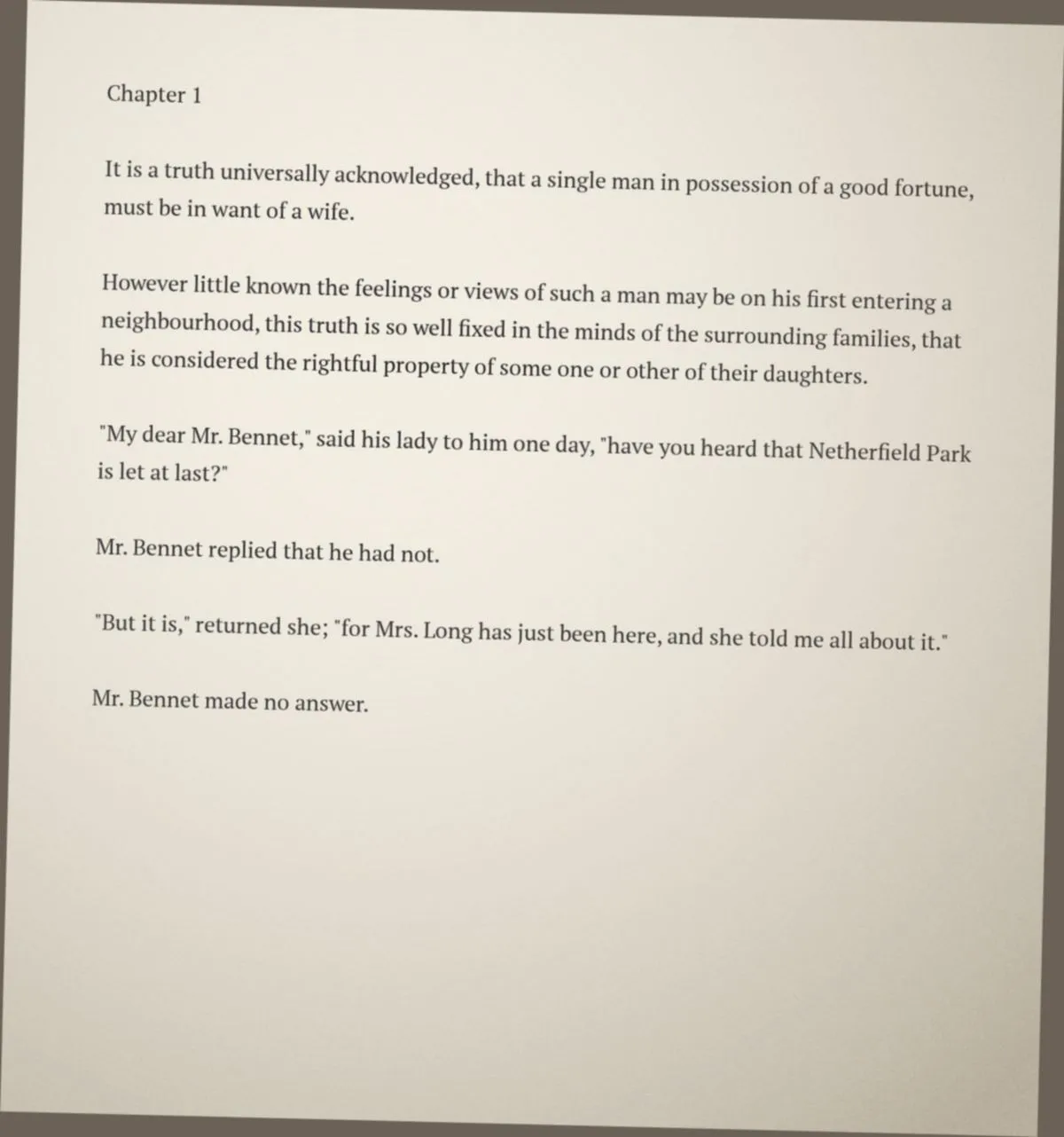
Phone photo of the first page of Pride and Prejudice
IT

Chapter 1
Itis a truth universally acknowledged, that a single man in possession of a good fortune,
must be in want of a wife.

However little known the feelings or views of such a man may be on his first entering a
neighbourhood, this truth is so well fixed in the minds of the surrounding families, that
he is considered the rightful property of some one or other of their daughters.

"My dear Mr. Bennet," said his lady to him one day, "have you heard that Netherfield Park
is let at last?"
A slightly tilted, unevenly lit page read by the free mode, unedited — including its two slips. Pride and Prejudice is in the public domain; we rendered the page ourselves for testing.

III

How it works

  1. 01

    Add a photo or PDF

    Drop a file, pick one from your device or paste a screenshot with Ctrl+V. Several pages at once are fine.

  2. 02

    Pick a mode

    Free reads printed text right in your browser. AI mode handles handwriting, tables and poor photos for 1 credit a page.

  3. 03

    Copy or download

    Edit the text in place, copy it with one click or save it as TXT or Word; tables go to Excel or CSV.

IV

Good to know

Free mode runs in your browser

The text engine downloads once (about 10 MB); after that your files never leave your device.

Whole PDFs

Multi-page PDFs are read page by page, up to 30 pages at a time.

When to use AI mode

Handwriting, tables, small print, photos taken at an angle or in poor light, less common languages. Files are sent to our server in this mode.

Translate right after

In AI mode you can translate the recognised text into English, Spanish, German, Chinese and more.

V

FAQ

How do I copy text from an image?+

Upload the image, press Recognise, then Copy. The text is on your clipboard, ready to paste anywhere.

Is it free?+

The free mode is, with no sign-up and no limits. AI mode for handwriting and tables costs 1 credit a page.

Which languages does it read?+

The free mode reads English and Russian. AI mode reads most languages, including Chinese, Arabic, Japanese and Hindi.

Can it read a PDF?+

Yes. Scanned PDFs are read page by page, up to 30 pages at a time.