
ImageGPTImageGPT

For agents

Sky Replacement for Real Estate Photos

Turn a grey day into a sunny one — show your property at its best.

6 free credits on sign up

I

Before and after

Real outputs of the model: the request and what came out, with no retouching

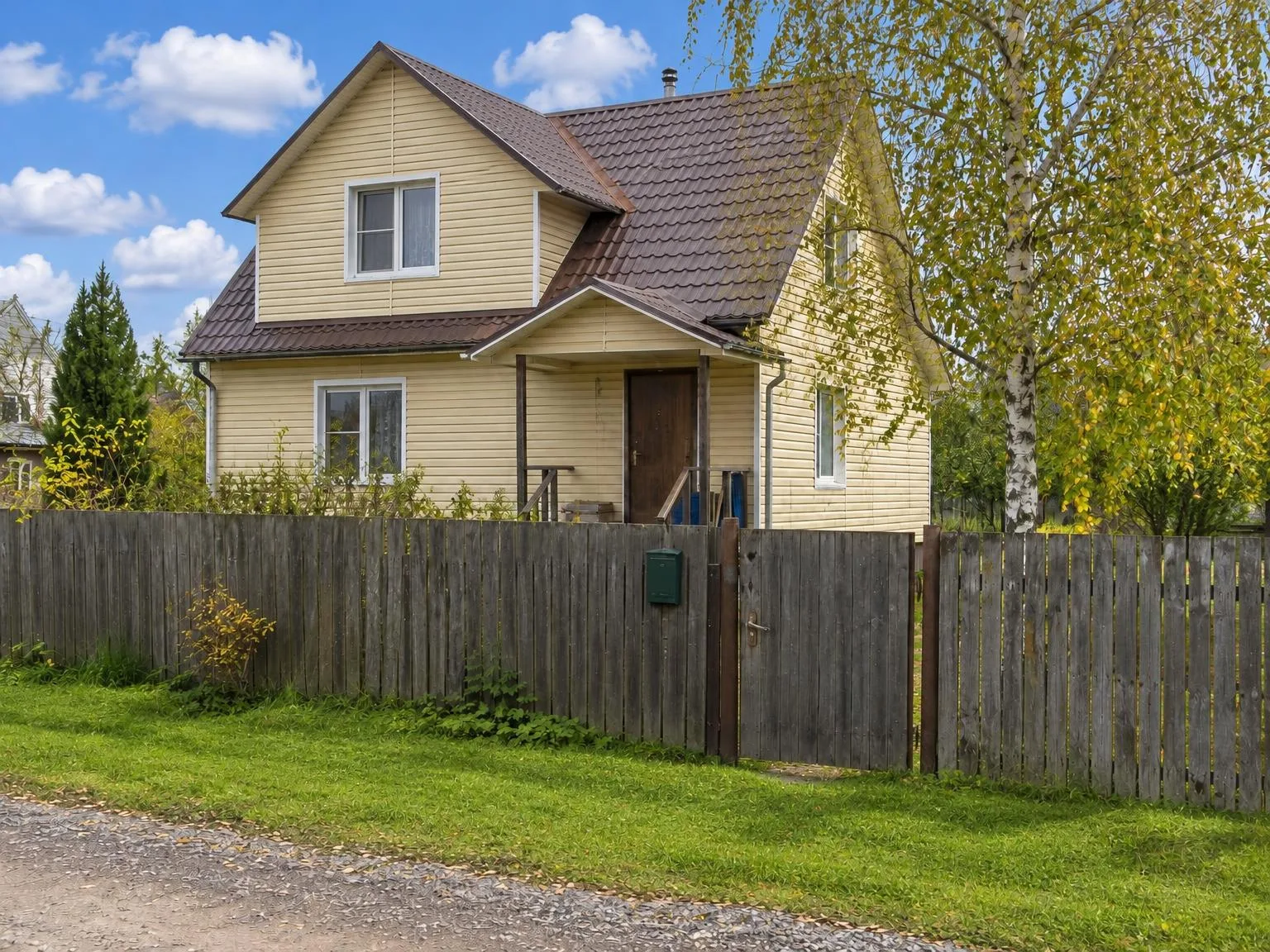
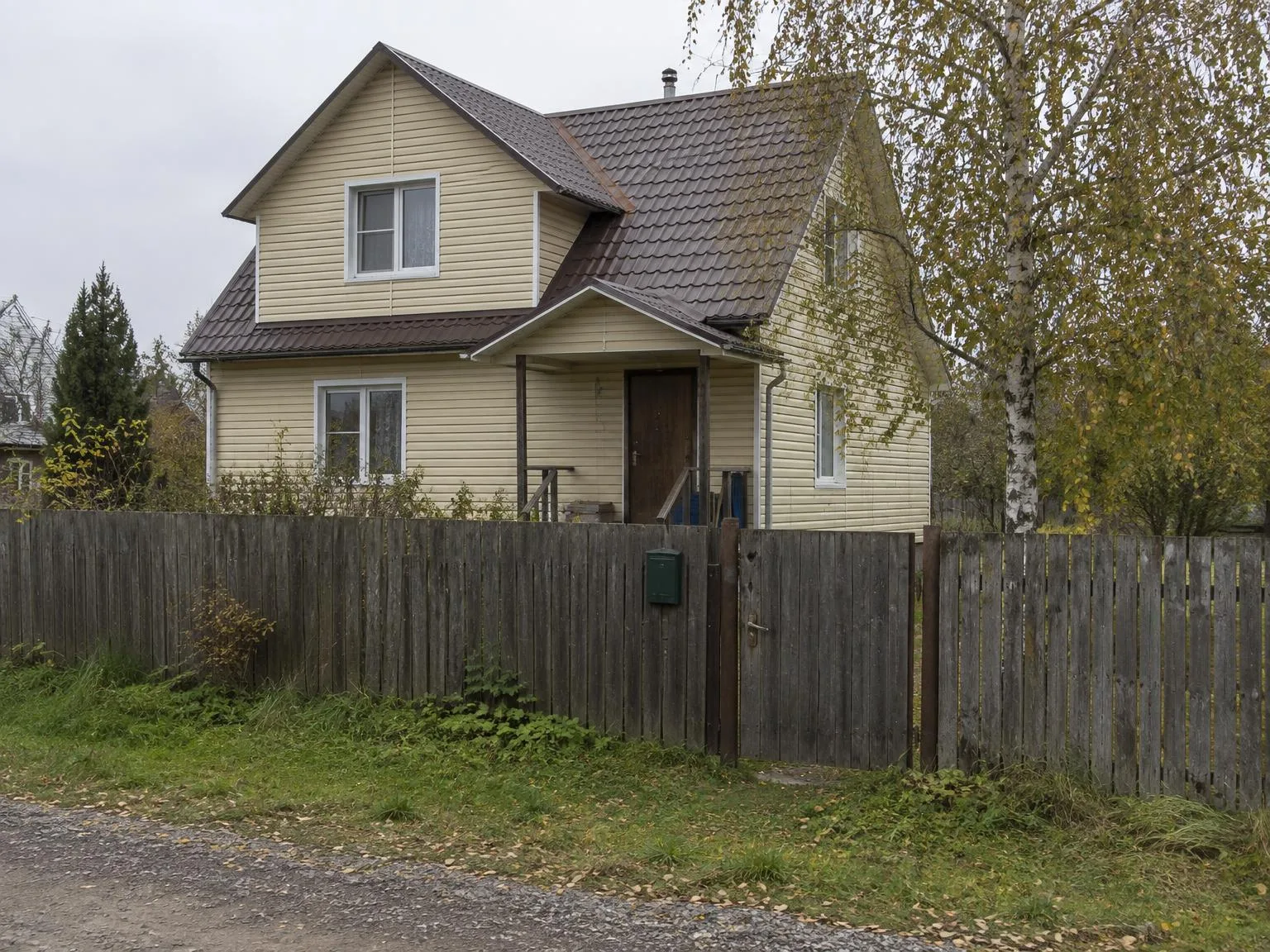
House under a grey sky → blue sky, house unchangedBeforeBeforeAfter

«House under a grey sky → blue sky, house unchanged»

Listing photo · Blue sky · GPT Image 2.5

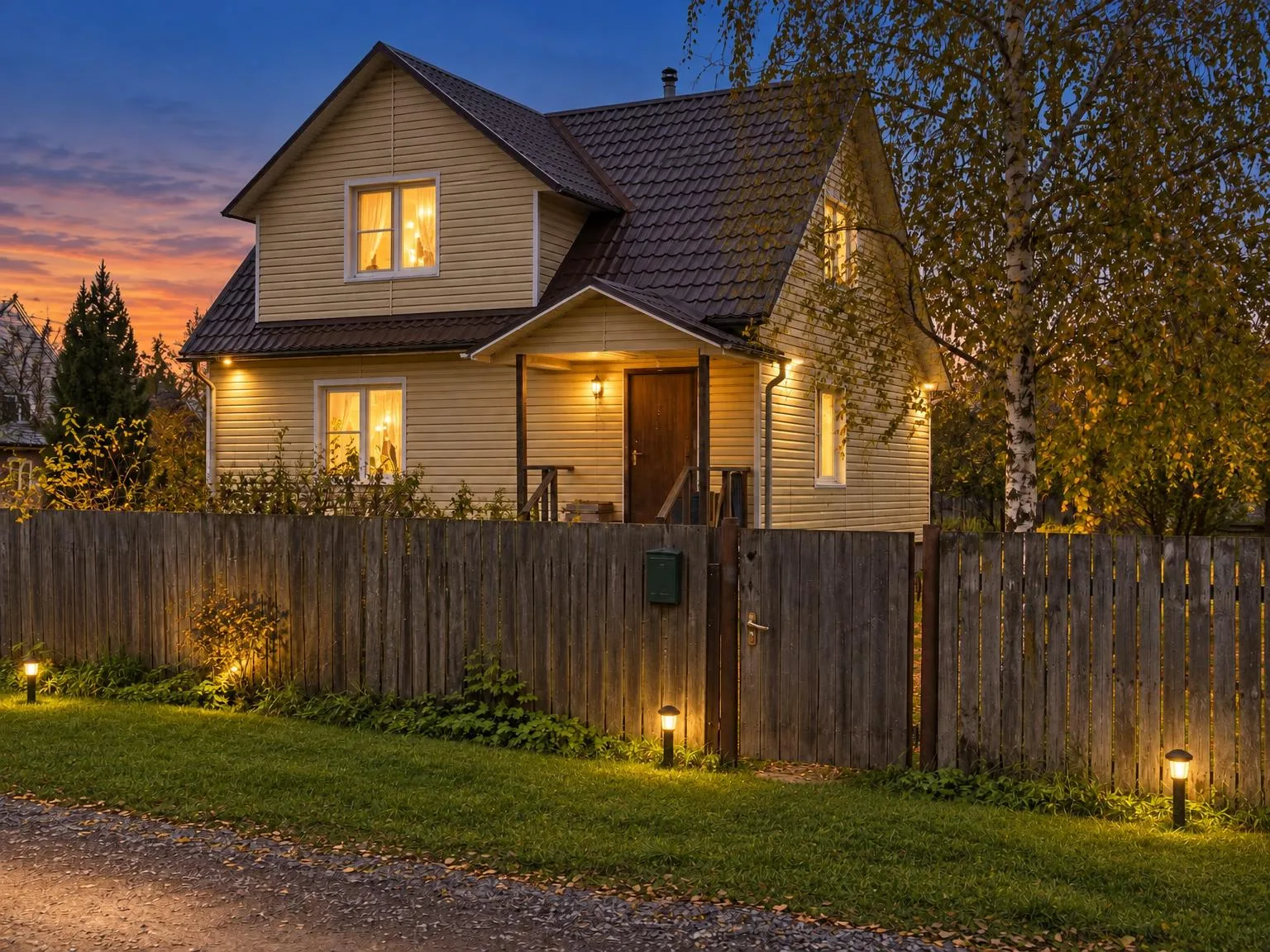
Daytime exterior → dusk with glowing windowsBeforeBeforeAfter

«Daytime exterior → dusk with glowing windows»

Listing photo · Twilight · GPT Image 2.5

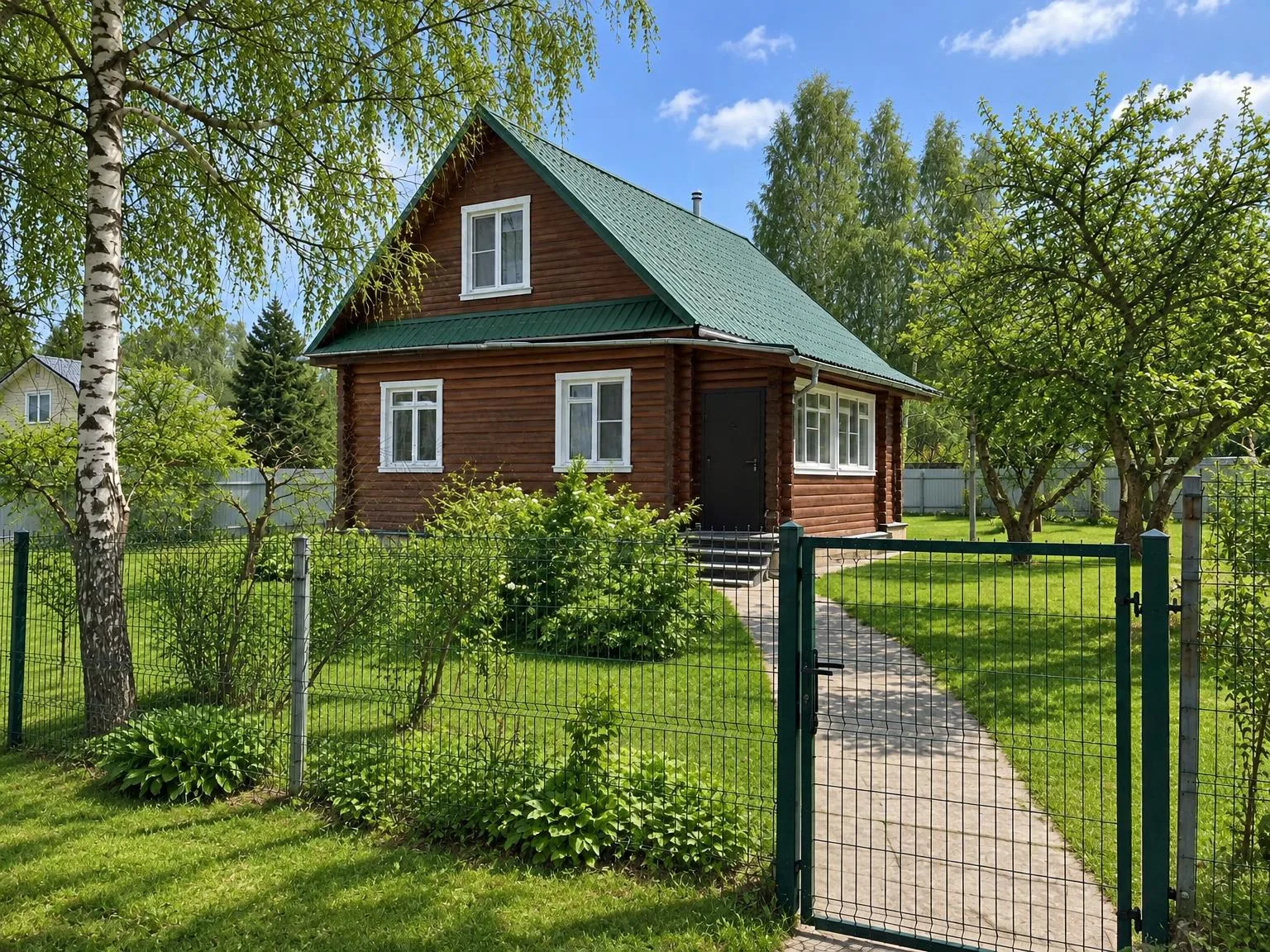
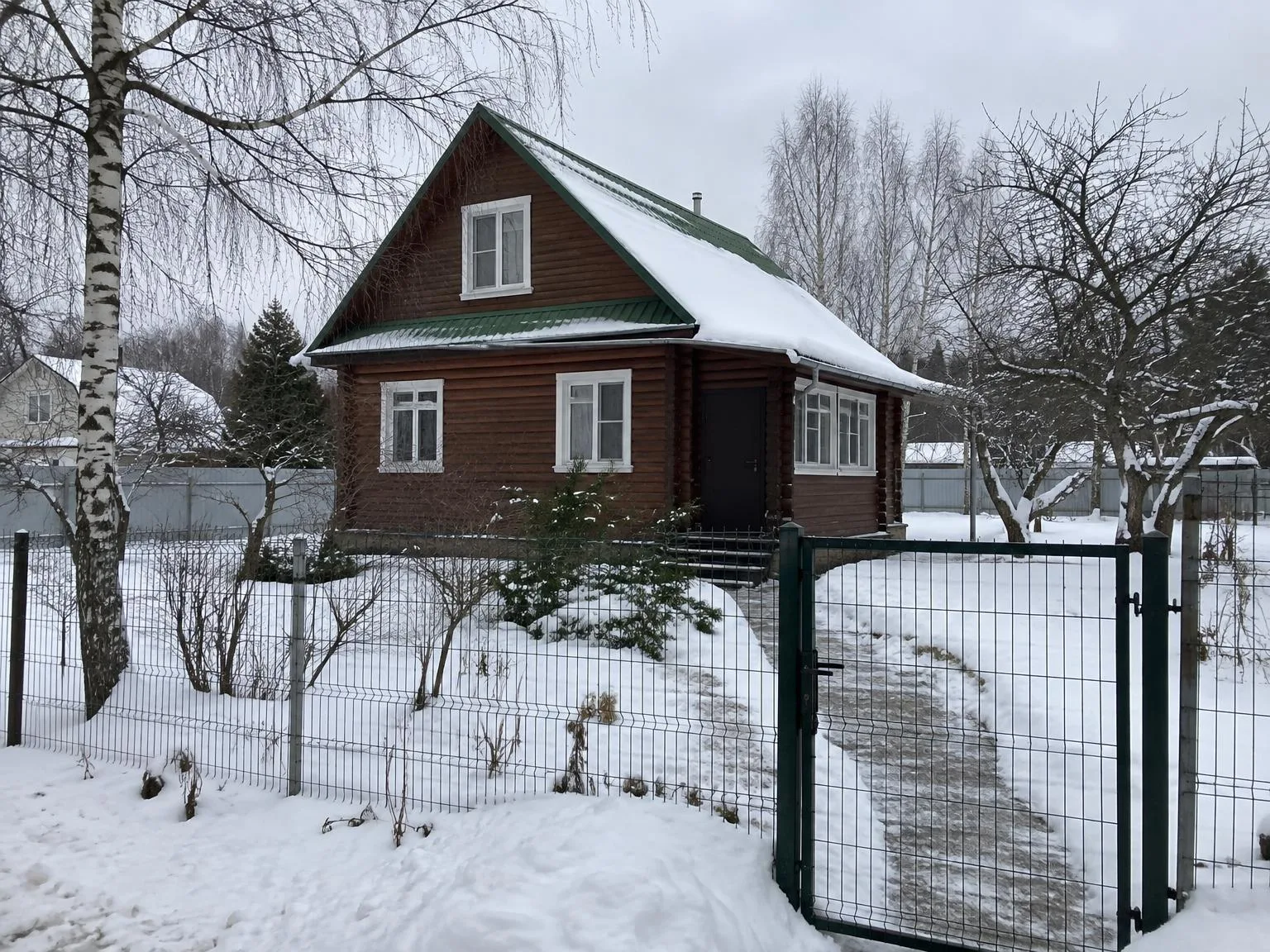
House in winter → the same house in summerBeforeBeforeAfter

«House in winter → the same house in summer»

Listing photo · Summer view · GPT Image 2.5

II

Homes sell year-round, but photos depend on the weather. Even a great house looks uninspiring under a flat grey sky, and the cover photo is what gets buyers to click.

Upload an exterior photo and choose your sky: a clear blue with light clouds, a bright sky with soft cumulus, or a warm sunset that bathes the facade in golden light. The model adjusts the lighting on the building to match the new sky and keeps window reflections realistic. You can also make the lawn look healthy and green without changing its shape.

The house itself never changes: facade, windows, roof, fence, and yard stay exactly as in the original. Upload up to 30 exterior shots per listing and apply the same sky to all of them.

III

Skies to choose from

01

Clear blue

Deep blue sky with a few light clouds

02

Clouds

Bright sky with soft cumulus clouds

03

Sunset

Warm sunset light on the facade

04

Greener lawn

Optional, keeps the same shape and size

05

House unchanged

Only the sky and lighting are altered

06

30 photos per run

Apply the same sky to the whole listing

IV

Who it's for

Home sales

A sunny cover photo for your listing

New communities

Consistent look for all homes in a catalog

Real estate photographers

Sky swaps without manual editing

V

How to replace the sky

01

Upload exterior photos

The sky must be visible in the frame

02

Pick a sky

Choose clear, clouds, or sunset

03

Download

Same proportions, optional 4K resolution

VI

Examples

See what you can create — try it yourself

Prompt

«House under a grey autumn sky · Clouds»

Result

The house on a sunny day

Prompt

«Front elevation · Sunset · Lawn green»

Result

Warm evening light and a green lawn

VII

Pricing

Pay only for results — no subscription

All plans →
Model / operationCredits
  • One photo6 cr.
  • 4K copy, per photo2 cr.

Credit packs: 150 credits for $5, 350 credits for $12, 1250 credits for $35.

VIII

FAQ

Does the house change?+

No. The model is instructed to keep the house, windows, roof, fence, yard, and camera unchanged. Only the sky, lighting, and optionally the lawn are altered.

Is sky replacement allowed in listings?+

Sky and lighting edits are standard in real estate, but always follow your MLS rules and do not depict features the property doesn't have. This tool does not add renovations, buildings, or landscaping.

What about dusk or winter photos?+

Use Virtual Twilight for dusk shots with glowing windows, or Winter to Summer to show a snowy house in summer.

Can I use the pictures commercially?+

Yes. Images you create can be used in listings, on your website, in catalogs, ads, and client proposals. No watermarks or attribution required.

How much does it cost?+

6 credits per picture; a set of 30 photos is 180 credits. A 4K copy (3840 px on the long side) adds 2 credits per picture. Credits for failed images are refunded.

Try for free

Sign up for free and get 6 credits right away. No card required.