
ImageGPTImageGPT

For agents

Winter to Summer Real Estate Photos

Listing in spring but only have winter photos? Show your property in summer—no reshoot needed.

6 free credits on sign up

I

Before and after

Real outputs of the model: the request and what came out, with no retouching

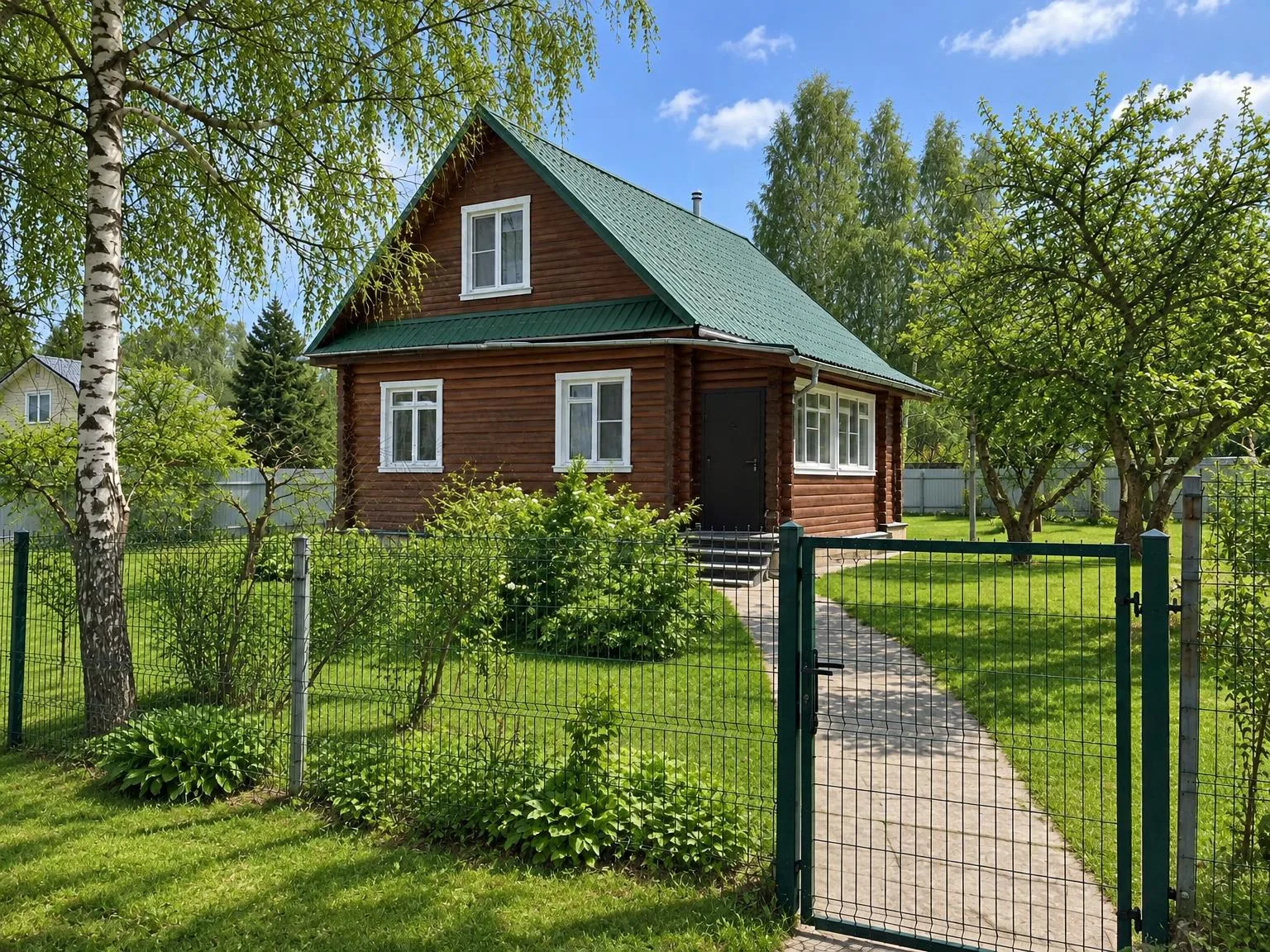
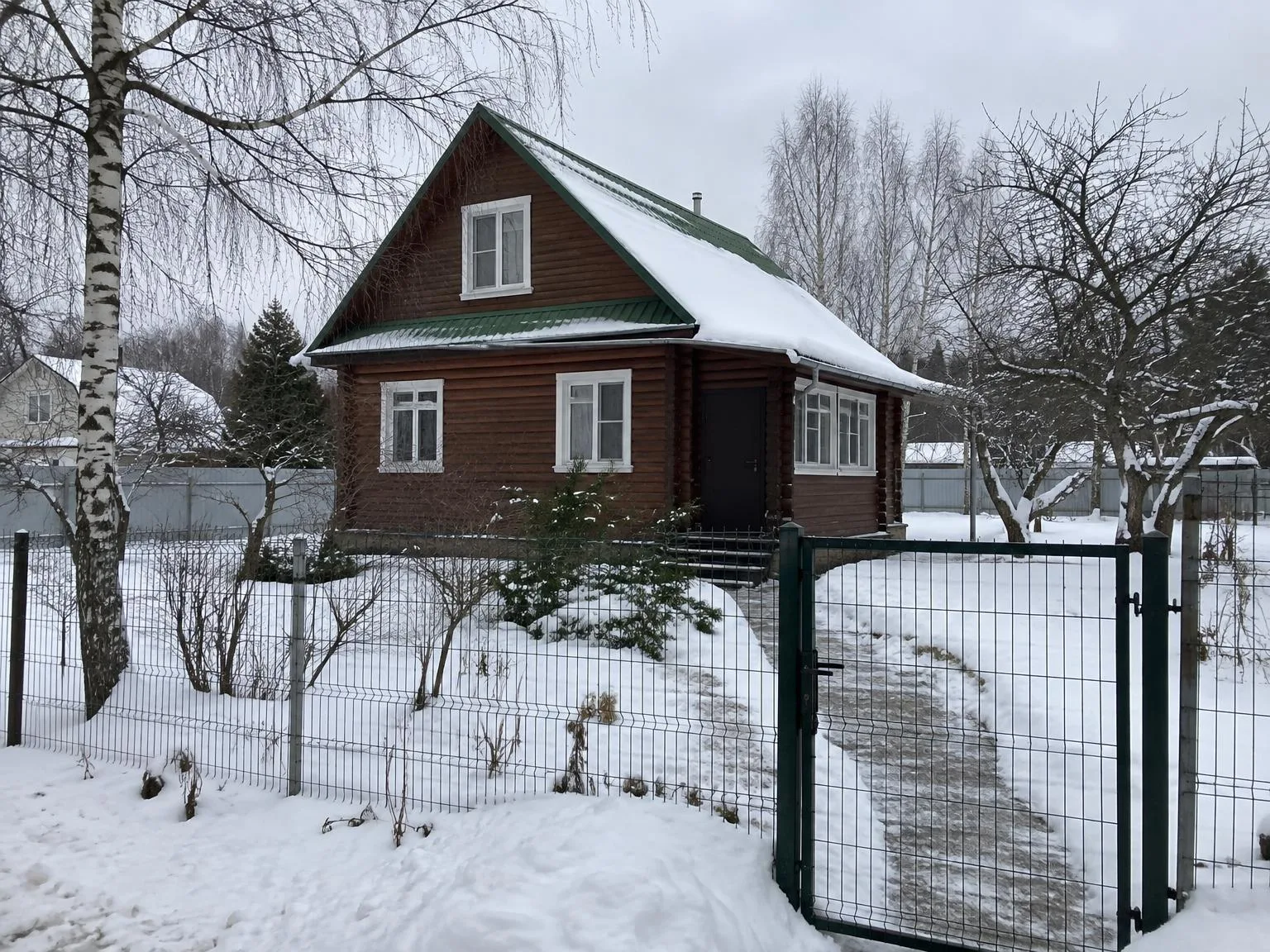
House in winter → the same house in summerBeforeBeforeAfter

«House in winter → the same house in summer»

Listing photo · Summer view · GPT Image 2.5

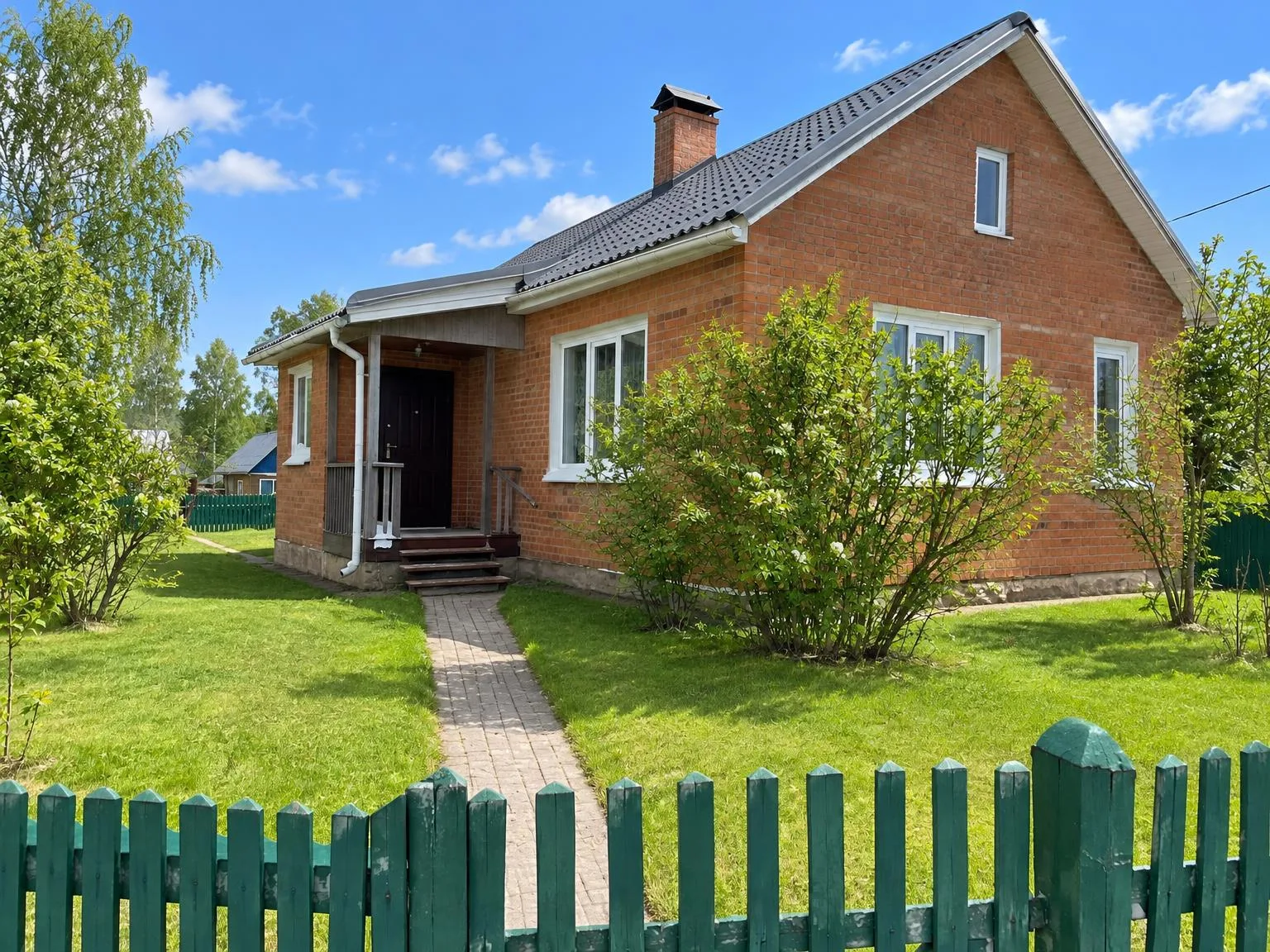
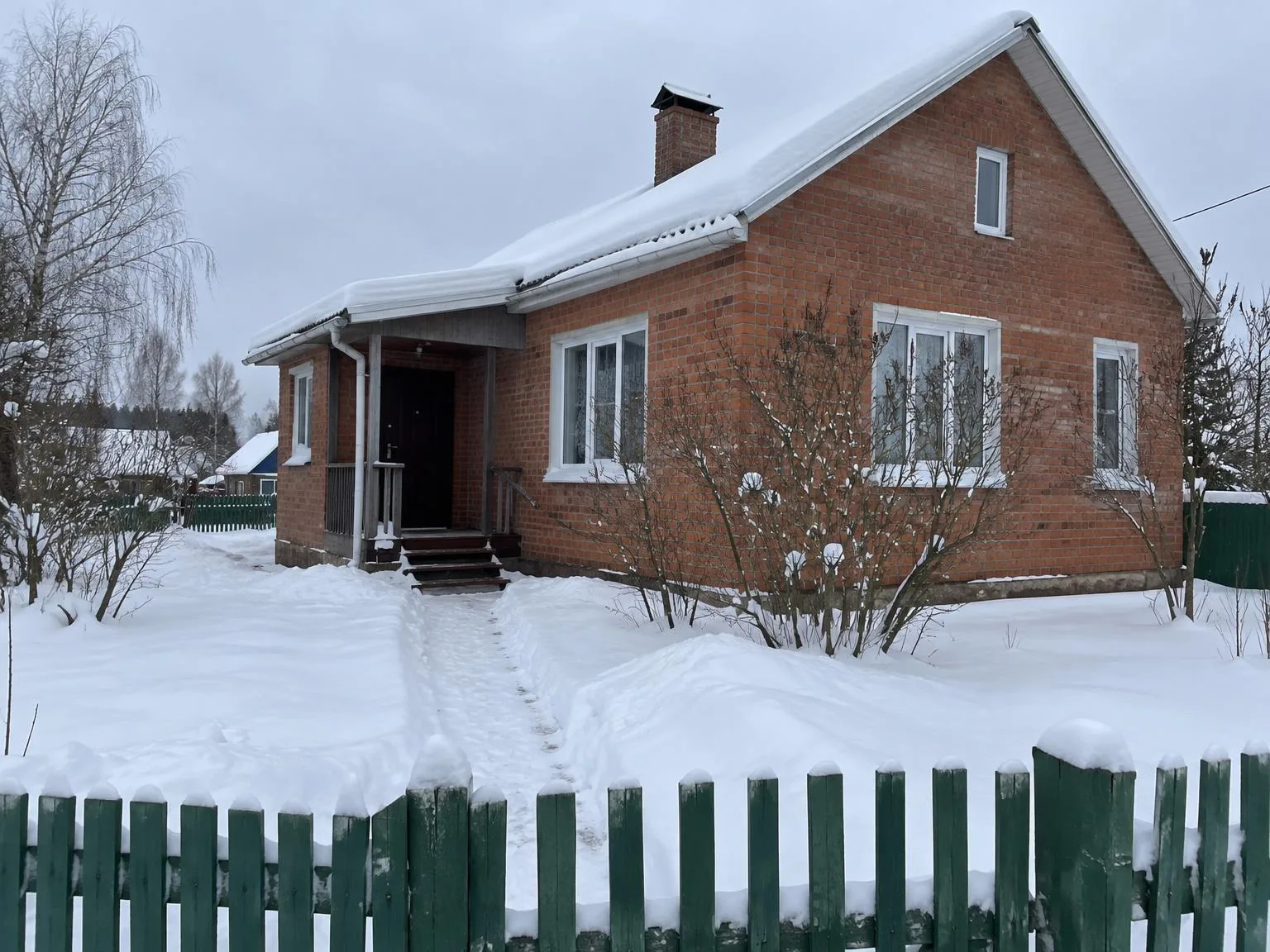
Daytime exterior → dusk with glowing windowsBeforeBeforeAfter

«Daytime exterior → dusk with glowing windows»

Listing photo · Twilight · GPT Image 2.5

II

Many homes are listed in winter or early spring, when photos show snow, slush, and bare trees—making it hard for buyers to imagine the yard in summer, when they'll actually use it.

This tool removes snow, ice, and slush, adds lush green leaves to trees and shrubs, turns the lawn green and even, clears and dries paths and driveways, and gives the sky a clear blue look. The layout of the yard, house, trees, and fences stays the same: leaves appear, but no new plants are added.

It's best to show both the original and the summer version with a caption, so buyers see the real season and can picture the yard in summer.

III

What changes

01

No snow or ice

Roof, yard, and walkways are cleared

02

Trees in leaf

The same trees, now in summer foliage

03

Green lawn

Even grass replaces snow

04

Clear sky

Blue sky with light clouds

05

House unchanged

Facade, windows, and fence remain as photographed

06

30 photos per run

Process all exterior shots at once

IV

Who it's for

Home sales

Show a summer view in a winter listing

Builders

Display finished homes in season

Vacation rentals

Create a summer cover before the season starts

V

How to create a summer photo

01

Upload a winter photo

Select one or several photos of the house or yard

02

Add notes

For example, “no flowers in the beds”

03

Download the summer version

Compare with a slider

VI

Examples

See what you can create — try it yourself

Prompt

«House in deep snow, January»

Result

The same house in summer, green lawn and trees

Prompt

«Yard in slush, March»

Result

Dry paths and green grass

VII

Pricing

Pay only for results — no subscription

All plans →
Model / operationCredits
  • One photo6 cr.
  • 4K copy, per photo2 cr.

Credit packs: 150 credits for $5, 350 credits for $12, 1250 credits for $35.

VIII

FAQ

Will new trees appear?+

No. The model is instructed not to add new buildings or plants: bare branches get leaves, and snowbanks become lawn.

How should I caption it in a listing?+

For example, “The yard in summer” under the summer photo, with the original winter photo next to it. Buyers appreciate the transparency.

Can it do winter for a render?+

This tool only creates summer versions of photos. For renders, the Day to Night Render tool also supports winter, autumn, and rain.

Can I use the pictures commercially?+

Yes. Images you create can be used in listings, on your website, in catalogs, ads, and client proposals. There are no watermarks and no attribution required.

How much does it cost?+

6 credits per picture; a batch of 30 photos is 180 credits. A 4K copy (3840 px on the long side) adds 2 credits per picture. Credits for failed images are refunded.

Try for free

Sign up for free and get 6 credits right away. No card required.