How to Make a Photo With Santa Claus With AI (Portrait or Selfie)
No mall line, no tired toddler. Upload one clear photo and get a picture with Santa: a warm portrait by the fireplace or a front-camera selfie with his arm around you.
Contents
A photo with Santa is a holiday tradition that usually comes with a long line, a rushed two minutes on his lap and a kid who suddenly refuses to look at the camera. With AI you can skip the line: you upload one photo of yourself, your child or the whole family, and get a picture where Santa is sitting right next to you.
There are two ready templates for this, and they give you two different pictures. Here is how each one looks, which photo to start from and how to write your own prompt if you want a different scene.
Two ways to get a picture with Santa
| Template | What you get |
|---|---|
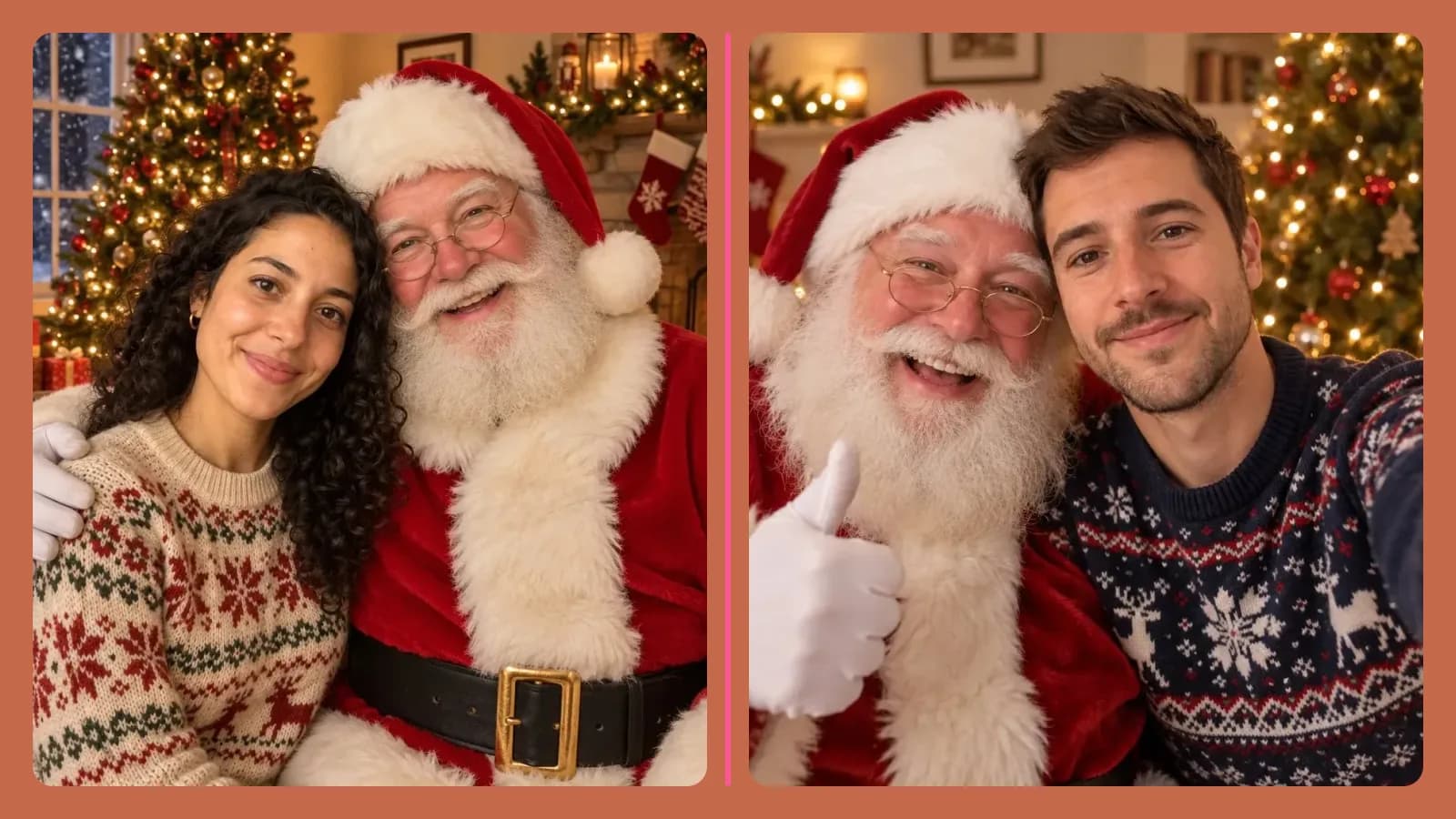
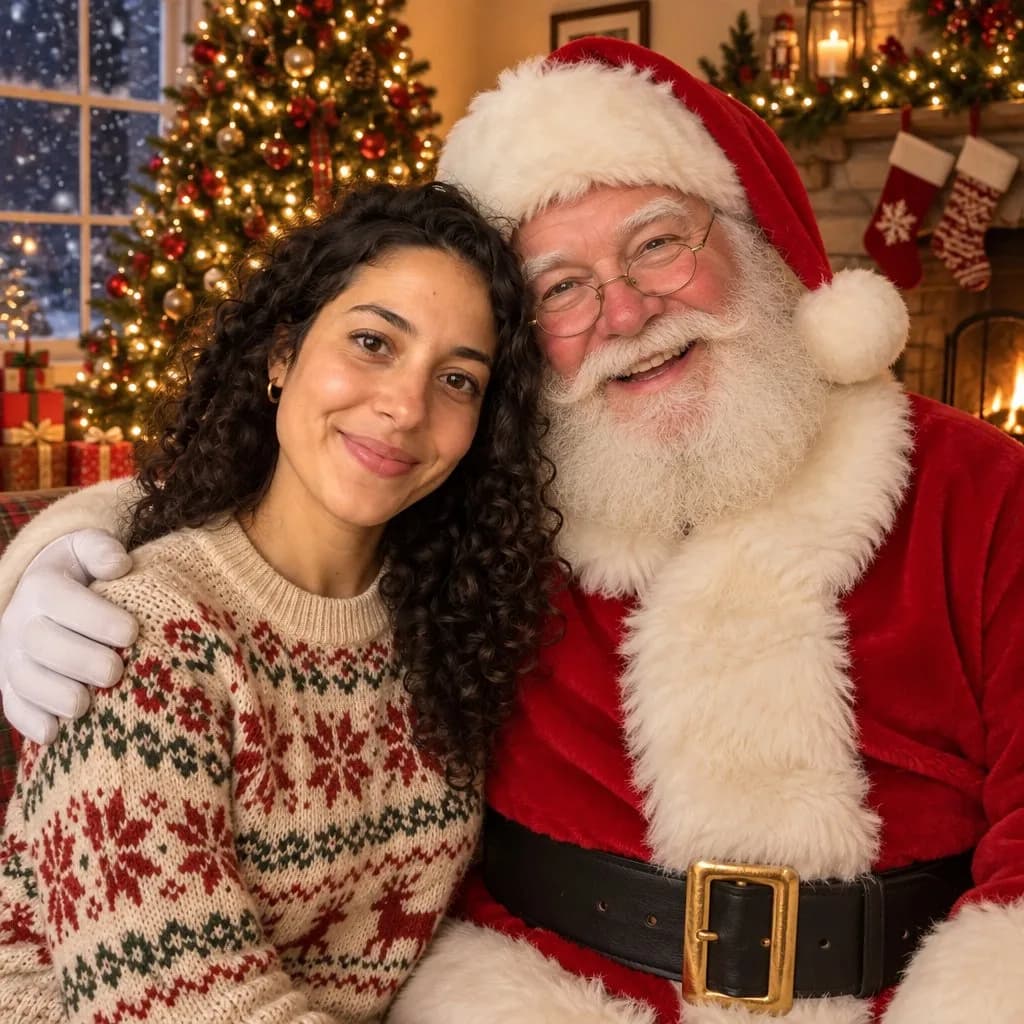
| Photo with Santa Claus | a warm portrait: you and Santa side by side in a cozy living room with a tree, a fireplace and stockings |
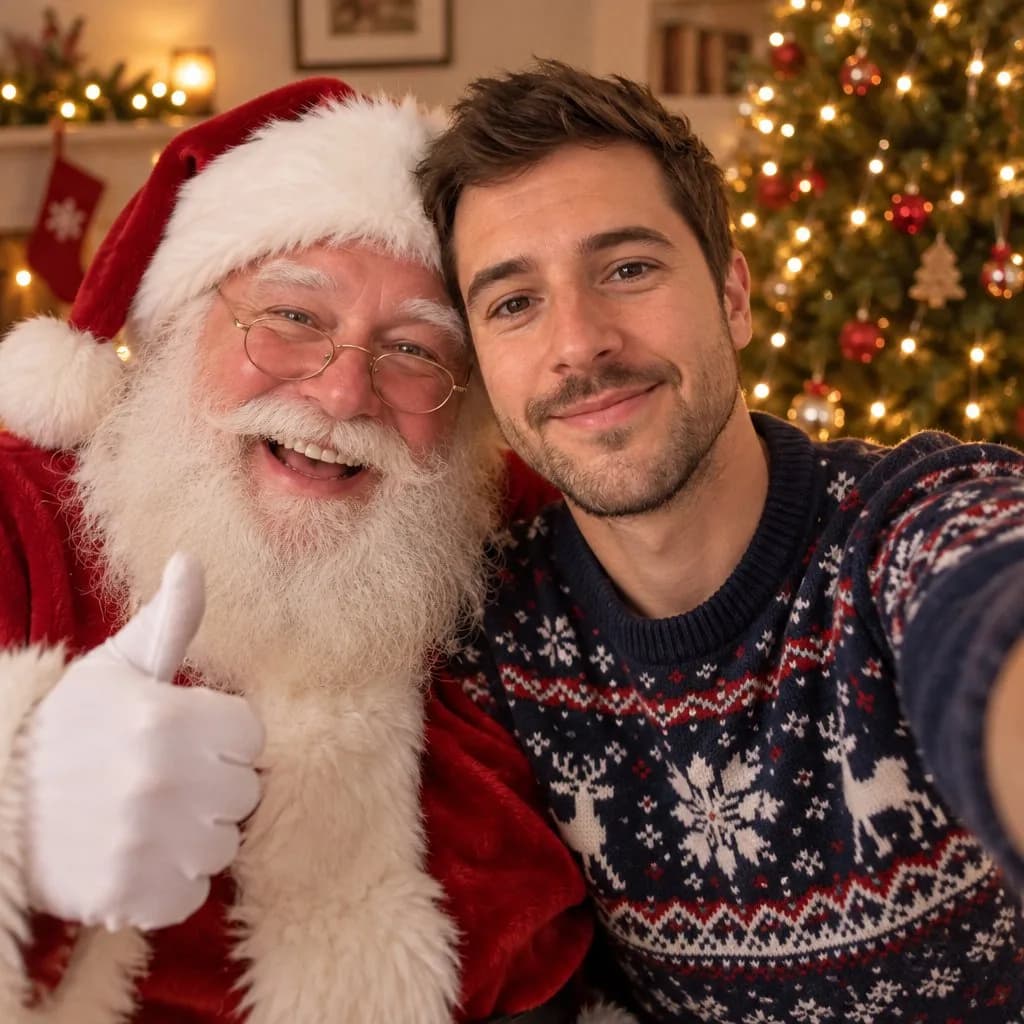
| Selfie with Santa | a front-camera selfie: your arm stretched to the lens and Santa squeezed into the frame next to you |
The portrait by the fireplace
This one looks like a studio holiday photo: Santa has an arm around your shoulders, the tree glows behind you and snow falls outside the window. Your face, hair and expression stay the same; the AI changes the room, adds Santa and puts you in a holiday sweater.

The selfie with Santa
The second template copies the look of a real phone selfie: slight wide-angle distortion, close faces, a thumbs-up and a tree with lights in the background. It works well for group chats and social posts, where a polished studio shot would look out of place.

Which photo to upload
- A clear photo of the face in daylight, for example by a window. Blurry or very dark pictures give the AI less to work with.
- Face turned to the camera or slightly to the side, no sunglasses and no hand covering the mouth.
- A head-and-shoulders or waist-up shot. A tiny figure in the corner of a big landscape will not carry your face well.
- For kids, pick a photo where the face is big and sharp, ideally with a calm or smiling expression.
Step by step
- Open the Photo with Santa Claus or the Selfie with Santa template in the template section.
- Upload your photo.
- Start the generation and wait for the result.
- Not happy with Santa's pose or the room? Run it again: every attempt comes out a bit different.
- Save the picture or print it as a holiday card.
Prompts if you want your own scene
Templates are the quickest way, but you can also upload a photo to the photo editor and describe a different setting. These prompts are based on the templates.
Warm Christmas photo of the person standing next to Santa Claus, a jolly old man with a full white beard and a red suit with white fur trim. They smile together in a cosy living room with a tall decorated tree, string lights, wrapped gifts and a fireplace with stockings. Keep the person's face, hair and features exactly the same
Cheerful Christmas selfie on a smartphone front camera: the person and Santa Claus squeeze close together and look into the lens, the person's arm stretched toward the camera. Cosy room with a lit tree and soft bokeh lights behind them. Keep the person's face exactly the same
Christmas Eve photo: the child sits by the tree next to Santa Claus, who hands over a wrapped gift. Snow outside the window, warm evening light. Keep the child's face and features exactly the same
Ideas for using the picture
- A holiday card with the whole family: add a short greeting in any card editor, or ask for two or three words in the prompt so the lettering stays clean.
- A surprise for grandparents: send the picture to the family chat on Christmas Eve.
- A profile picture for the season.
- Part of a gift: print the portrait and put it in a frame.
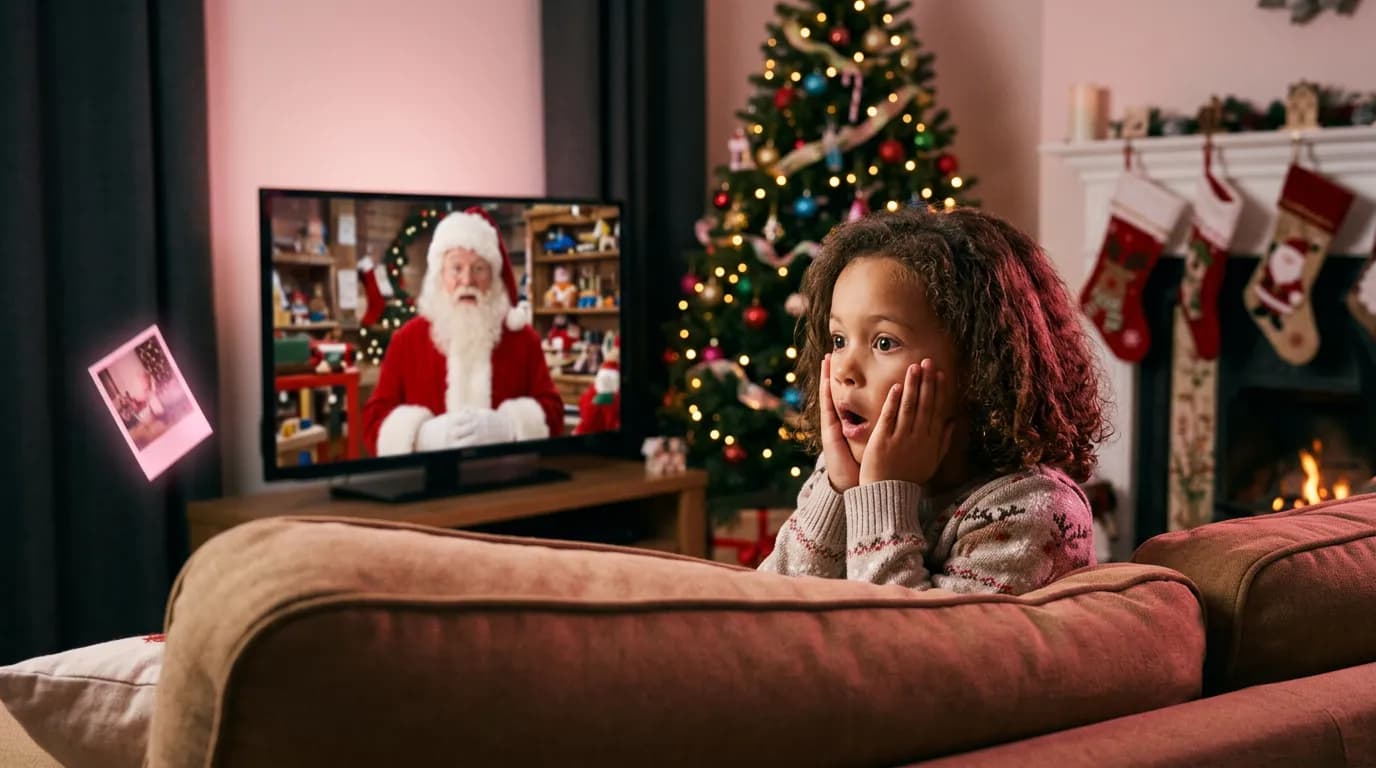
- A picture to go with a video from Santa that greets your child by name.
What it costs
A picture from a template costs 3 credits, and you get 6 free credits when you sign up.
A note on kids' photos
Use only photos you have the right to use, and avoid posting pictures of children publicly when you do not need to. The photos you upload to the service are visible only to you.
Upload a clear photo and Santa will join you in the picture.
Make a photo with SantaPrefer a selfie? Squeeze Santa into the frame.
Make a selfie with SantaTry everything from this article in minutes
All the models and tools from this article are in one place. You get 6 free credits after sign-up, and every price is shown before you run it.
Make a photo with Santa