How to Change Text in an Image with AI: Signs, Mugs and Mockups in the Same Font
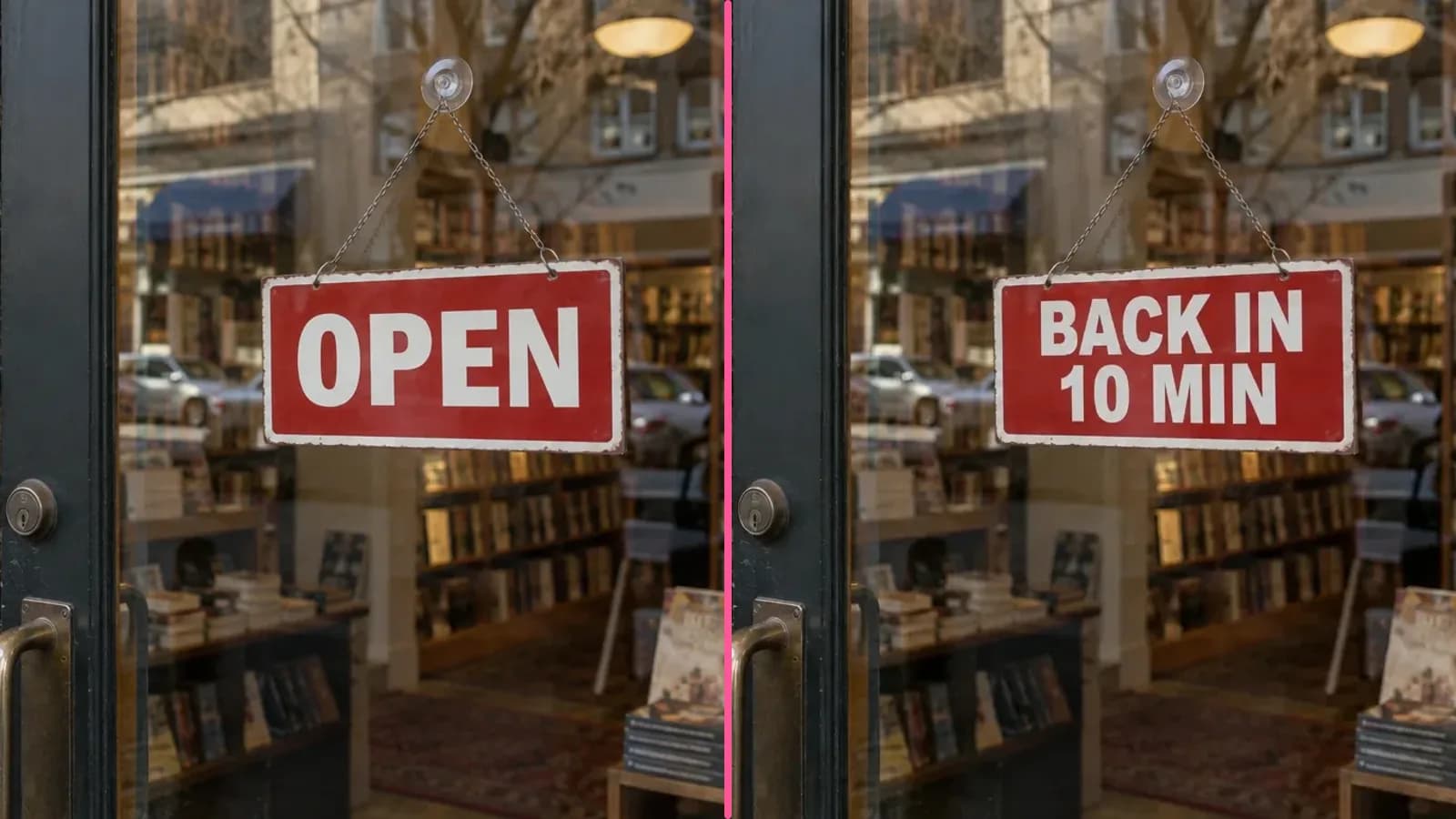
We turned a bookshop's OPEN sign into BACK IN 10 MIN and a Monday Mood mug into Friday Mood without touching anything else. Plus the new A4 crop and expand for prints.
Contents
The storefront mockup says the wrong name. The mug design looks great, but you want to see it with a different slogan before you order fifty of them. Last year's event poster is perfect apart from the date. Retyping text in Photoshop sounds quick until you're hunting for a matching font, warping it to the perspective and faking the paint texture and the glare on the glass.
The ImageGPT photo editor now has Replace text. You type the new wording, and the AI writes it letter for letter where the old text was, in the same font, color and perspective. Everything else in the picture stays as it was.
What it's good for
- Shop signs, menu boards and window lettering in a mockup: try a new name before you commit.
- Product mockups for mugs, tees and tote bags: test slogans before a print run.
- Event posters and flyers: keep the design, change the date or the venue.
- Typos in AI-generated images. Image models still misspell words now and then, and this fixes them in place.
- Your own photos: the name on a birthday cake or the banner at a party.
Before you start
- A photo where the text is fully visible and not cut off by the edge of the frame.
- The new text exactly as it should read, with capitals, punctuation and line breaks.
- Roughly the same length as the old text. A much longer line has to get smaller or spread wider, and it may spill past the edges of the sign or the label.
Step by step
- Open the photo editor, click Your photo, upload the picture and choose Open in editor.
- Pick the AI tool in the toolbar and find the Replace text section.
- In Text to replace (optional), type the current text. You can leave it empty, and the AI will replace the main text in the picture.
- In New text, exactly as it should read, type what it should say.
- If there's more than one piece of text, point at the right one: switch to the Select tool and paint over it.
- Click Replace text. The result shows up as a new step in History, labeled Text: and your wording. Hold Before/after to compare with the previous step, and jump back to any earlier version in one click.
Examples
We generated the source images for this article with AI, then replaced the text with the same prompt and the same model, GPT Image 2.5, that the photo editor uses. Each example worked on the first try.
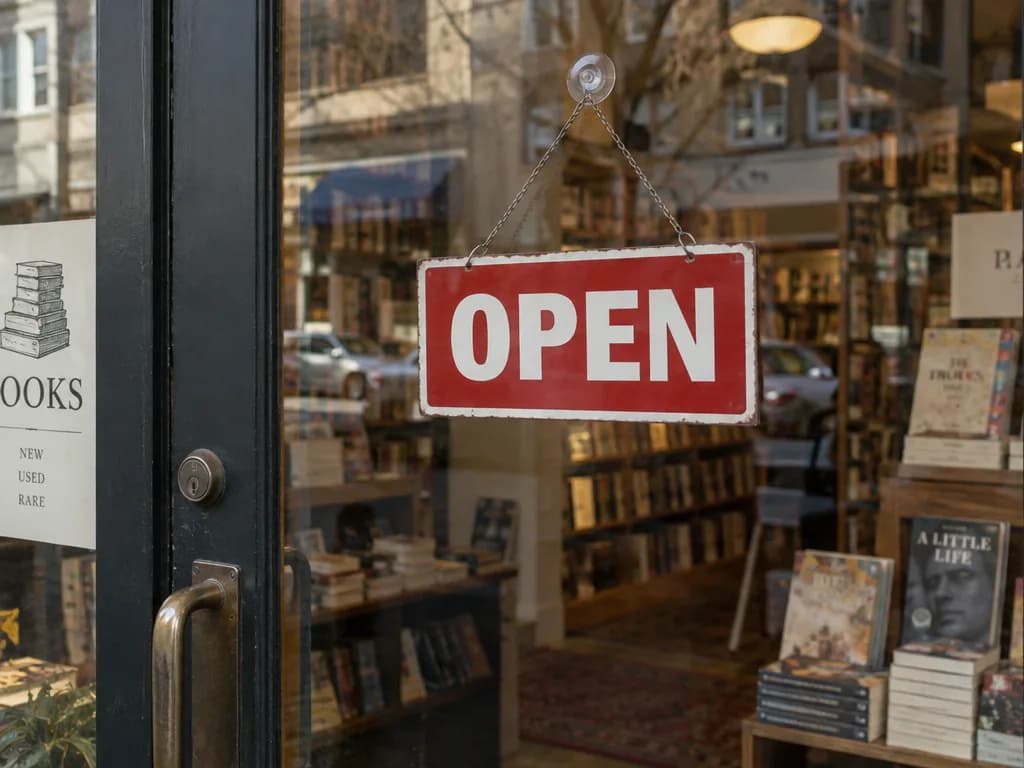
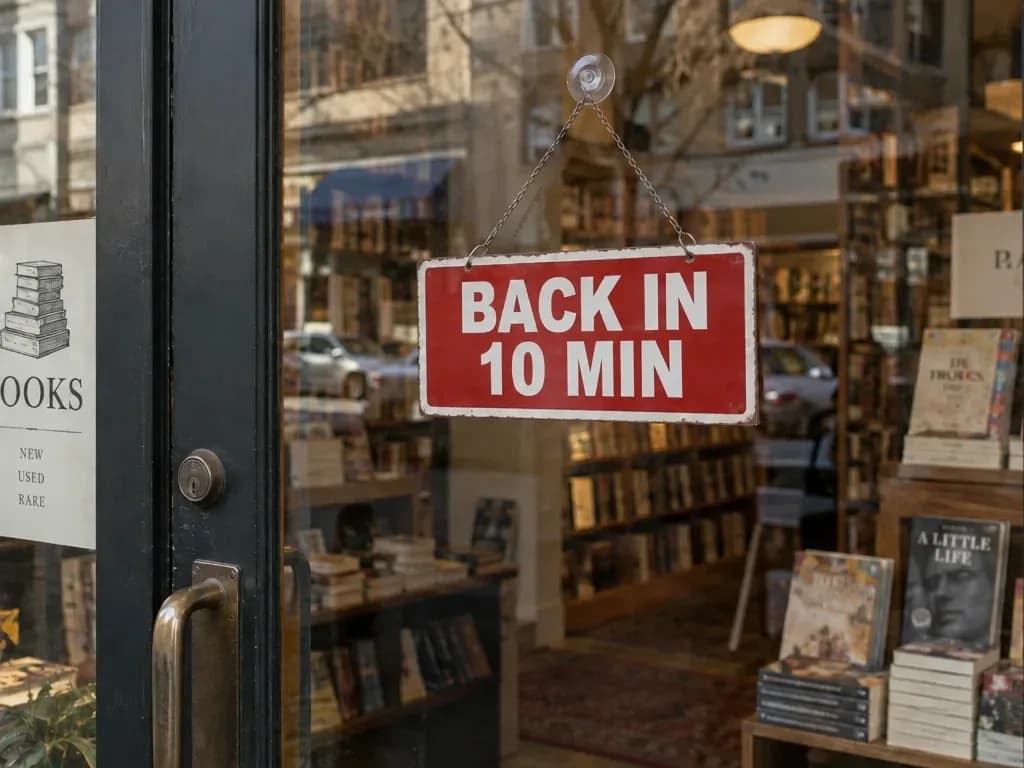

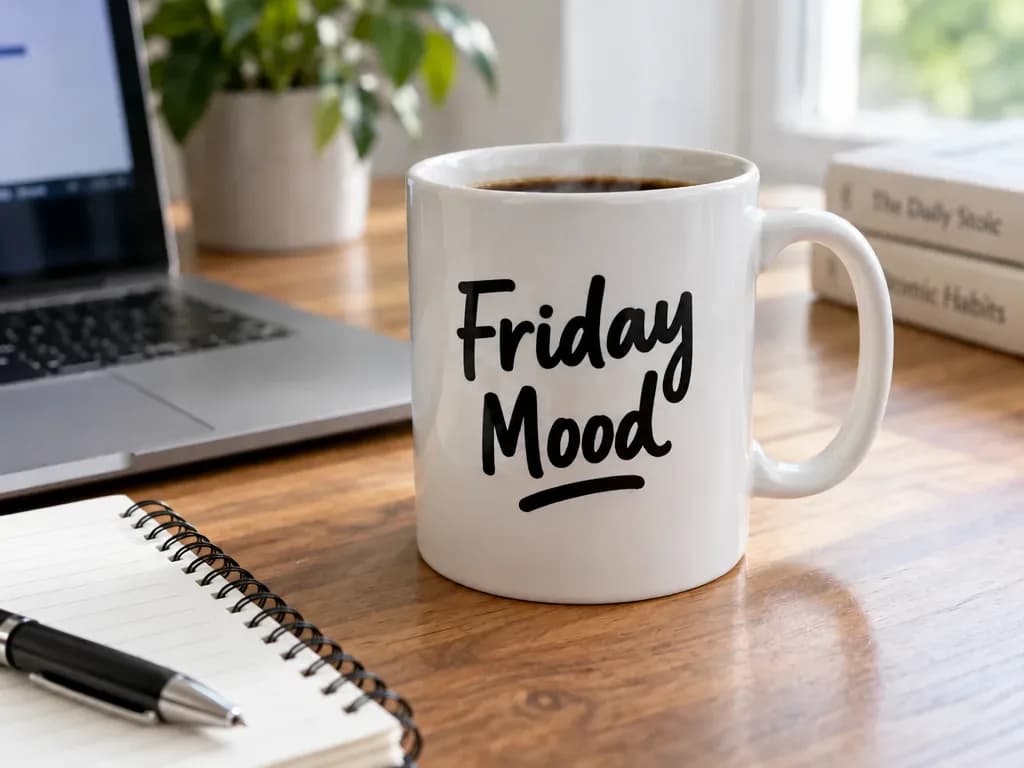
Check the whole result, not just the words: read every letter and glance at what's around the text. If something is off, run it again. Earlier versions stay in your history.
Ready to print: A4 crop and expand
The same update added A4 to the editor. In the Crop tool you'll find A4 (portrait) and A4 ↔ (landscape) next to the usual ratios, and the frame snaps to the exact proportions of the sheet. Cropping is free and runs in your browser.
If you'd rather not lose the edges, open Quick actions in the AI panel, choose Expand frame and pick A4. The AI paints new margins above and below, or at the sides, until the picture matches the sheet. If it's already A4, the editor says so.


Printing on US Letter? The editor has A4 only; there's no Letter preset. A4 is a little narrower and taller than Letter, so an A4 picture printed fit-to-page on Letter paper gets thin white margins at the sides.
One more thing that saves credits: if you type make it A4 or 16:9 into the edit prompt, a note appears under the prompt. AI edits keep the photo's frame, so they can't change the format, and the Open crop button takes you straight to the crop frame.
Pricing
Replace text is a regular AI edit, so the price depends on the model picked under Edit with AI. With the default GPT Image 2.5 it's 4 credits on Balanced, 2 credits on Fast and 15 credits on HD. Expanding to A4 costs 4 credits, and cropping is free. New accounts get 6 free credits.
Use it on your own photos and designs. Don't use it to alter documents, receipts, other people's price tags or someone else's logo.
Upload a photo and change the text on a sign, a mug or a poster.
Open the photo editorTry everything from this article in minutes
All the models and tools from this article are in one place. You get 6 free credits after sign-up, and every price is shown before you run it.
Replace text