What's New at ImageGPT: Replace Text in Photos, Vocals Without the Music, Homework Help and Gifts for the Holidays
A note from the team on what we shipped this month and why: text replacement in photos, vocals split from the music, a homework solver, editing in the browser, free utilities and holiday gifts, all with real examples.

Contents
- Replace text in a photo, letter for letter
- Thumbs down now comes with a reason
- Homework Solver
- Audio: stems, a new voice, sounds from words and transcripts
- Video Tools and Audio Editor, right in the browser
- Free photo and text utilities
- Find any tool with Ctrl+K, and pin your favorites
- ImageGPT now speaks 13 languages
- Gifts for the holidays
- Small, but nice
- What's missing?
Hi! A quick note from the ImageGPT team about what changed over the past month. We read the ratings under your results and your messages to support, and we try to build what you ask for. Here it is in order, with examples and links to try each thing.
Replace text in a photo, letter for letter
The newest one. The photo editor has a Replace text section: type the new wording and the AI writes it where the old text was, in the same font, color and perspective, leaving the rest of the picture alone. Shop signs, mug slogans, poster dates, typos in AI images.


The editor also got A4: portrait and landscape in Crop, and Expand frame paints margins until the photo matches the sheet, so it prints without white bars. And if you ask an AI edit to make it 16:9, the editor tells you straight away that edits can't change the format and opens the crop instead.
The full walkthrough, with a mug example and an A4 print, is in its own guide.
How to change textThumbs down now comes with a reason
Results in the image generator, the photo editor, video and series have thumbs up and down, and on wide screens there's a How's the result? label next to them. Tap thumbs down and a small window asks What's wrong with it?: Not what I asked for, Face or looks got ruined, Poor quality or Other, with room for a short comment.
A bare thumbs down only says something went wrong; a reason on a specific model in a specific tool is a problem we can go and fix. We read these. No promises on dates, but please do tap it.
Homework Solver
Snap a photo of the assignment (up to three pages) or type the problem in, and the AI solves it step by step with explanations: math, physics, chemistry, languages and more. You can add a note like problem 2, using Cramer's rule. Credits are only charged for a finished solution.
Especially handy for parents who discover at 11:40 pm that they haven't done long division in decades. One honest warning: the AI sometimes gets things wrong, especially with blurry photos and diagrams, so check the answer.
Take a photo of a problem and get a step-by-step solution.
Solve a problemAudio: stems, a new voice, sounds from words and transcripts
Stem Splitter: vocals and backing track
Upload a song and get two tracks back: the voice and the music without it. Use the backing track for karaoke or your own cover and the clean vocal for a remix. Both download separately. Here's an acoustic ballad we made with MiniMax Music, after the split.
Split any song into vocals and music.
Open Stem SplitterVoice Changer
Your recording in a different voice: your timing and pauses, someone else's timbre. Handy for voice-overs or a character in a video. Below: a man's phone recording, and the same take as Sarah.
Upload a recording and pick a voice.
Change a voiceSound Effects from a description
Need a creaky door, a notification ping or a storm for a video? Describe it and the AI makes the sound; the chat assistant can do it too. This one came from a thunderstorm with heavy rain on a roof:
Describe a sound and get a ready file.
Make a soundTranscribe audio and video
Upload a call, a lecture, an interview or a video (MP3, WAV, M4A, OGG, FLAC, MP4 or MOV, up to 60 minutes) and get the text split by speaker plus SRT and VTT subtitles.
Turn a recording into text and subtitles.
Open TranscribeVideo Tools and Audio Editor, right in the browser
Quick edits no longer need an app. Video Tools trims, merges, changes speed, rotates, turns a clip vertical at 9:16, adds music, reverses and loops. Audio Editor cuts, joins, fades, changes volume and pitch, and detects key and tempo. Free, in your browser.
Trim, merge or turn a clip vertical.
Video ToolsCut a song, add a fade or shift the pitch.
Audio EditorFree photo and text utilities
Small everyday tools, almost all of them free, for the jobs that keep turning up next to the big ones.
- Photo Tools: resize and set DPI, crop, rotate and straighten, split into tiles, add text, a watermark or a frame, make a round photo, strip location and camera data. Free, in your browser.
- Image to Text: reads text from photos, scans and PDFs. The standard mode is free; the AI mode for handwriting and tables costs a few credits per page.
- Signature: draw it, type it in a handwriting font or lift it from a photo of paper, and download it on a transparent background. Free. It's a picture of a signature, not a qualified electronic signature.
- Fancy Text: stylish copy-paste text for usernames and bios, plus lettering as a PNG in gothic, graffiti, tattoo and script styles. Free.




Resize, crop, watermark and more, for free.
Photo ToolsGet the text out of a photo, scan or PDF.
Image to TextDraw, type or lift a signature from a photo.
SignatureUsernames and lettering in fancy fonts.
Fancy TextFind any tool with Ctrl+K, and pin your favorites
We have so many tools now that we sometimes go looking for them ourselves. So press Ctrl+K (Cmd+K on a Mac), or the search button on your phone, and All tools opens with a search box. Type the job the way you'd say it: remove background, fix an old photo, make a song. Search understands synonyms.
To keep the ones you use most within reach, open Customize sidebar tools in the sidebar, pick up to five and put them in your own order.
Every tool on one page, with search.
Browse all toolsImageGPT now speaks 13 languages
Besides English, the site now speaks Russian, German, French, Spanish, Portuguese, Chinese, Japanese, Korean, Arabic, Hindi, Indonesian and Vietnamese. Tool pages, support and the blog are translated, and in Arabic the whole interface mirrors and reads right to left. Pick a language in the language menu.
Gifts for the holidays
The holidays are a month away, which makes this a good time for gifts you can't buy in a store.
Letter from Santa
A personal letter to print, with a Nice List certificate, an envelope and a picture to share. Add the child's name, what made their year and what they wished for; the letter can even hint at the real gift without spoiling it. Print it on A4 or US Letter the same evening.
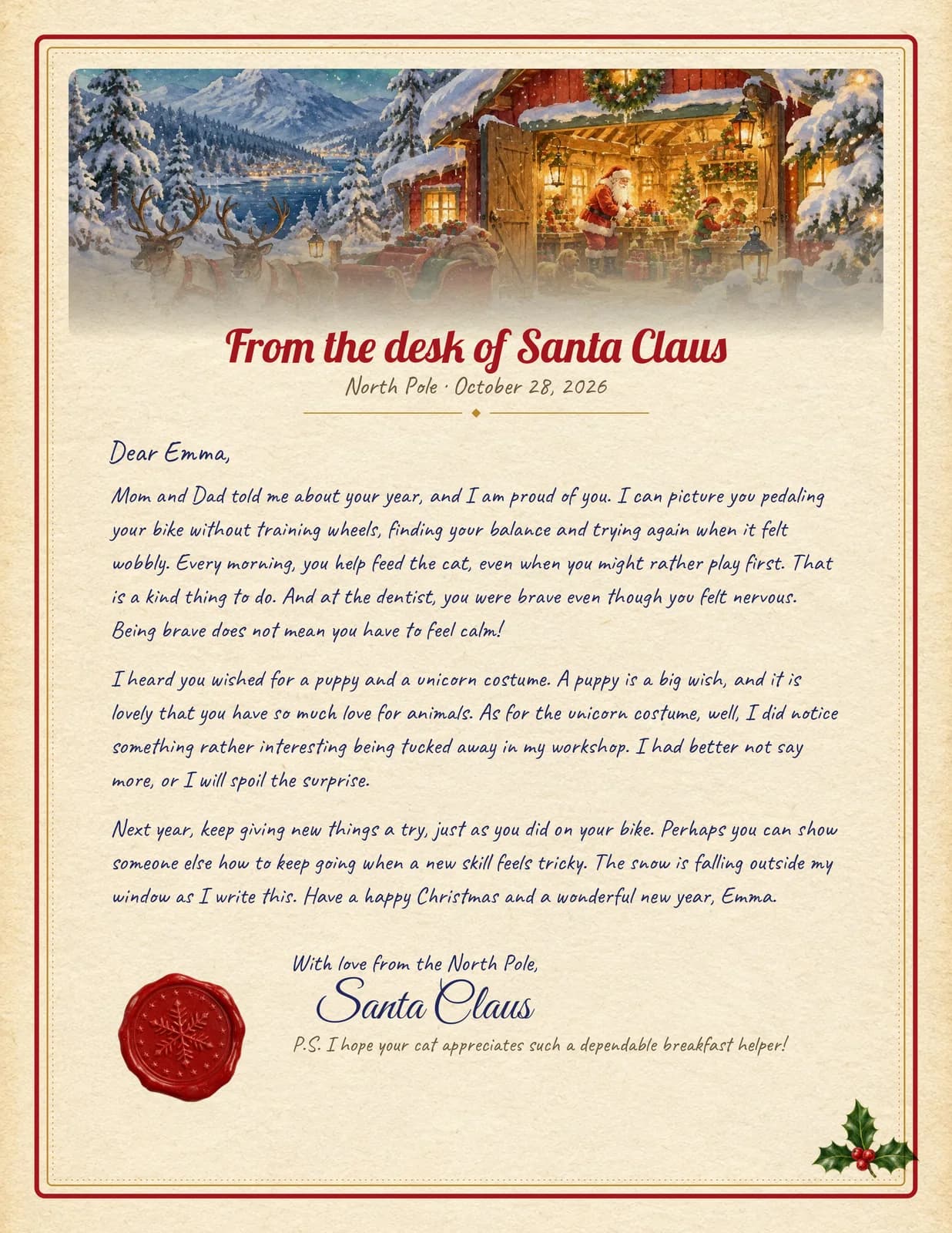
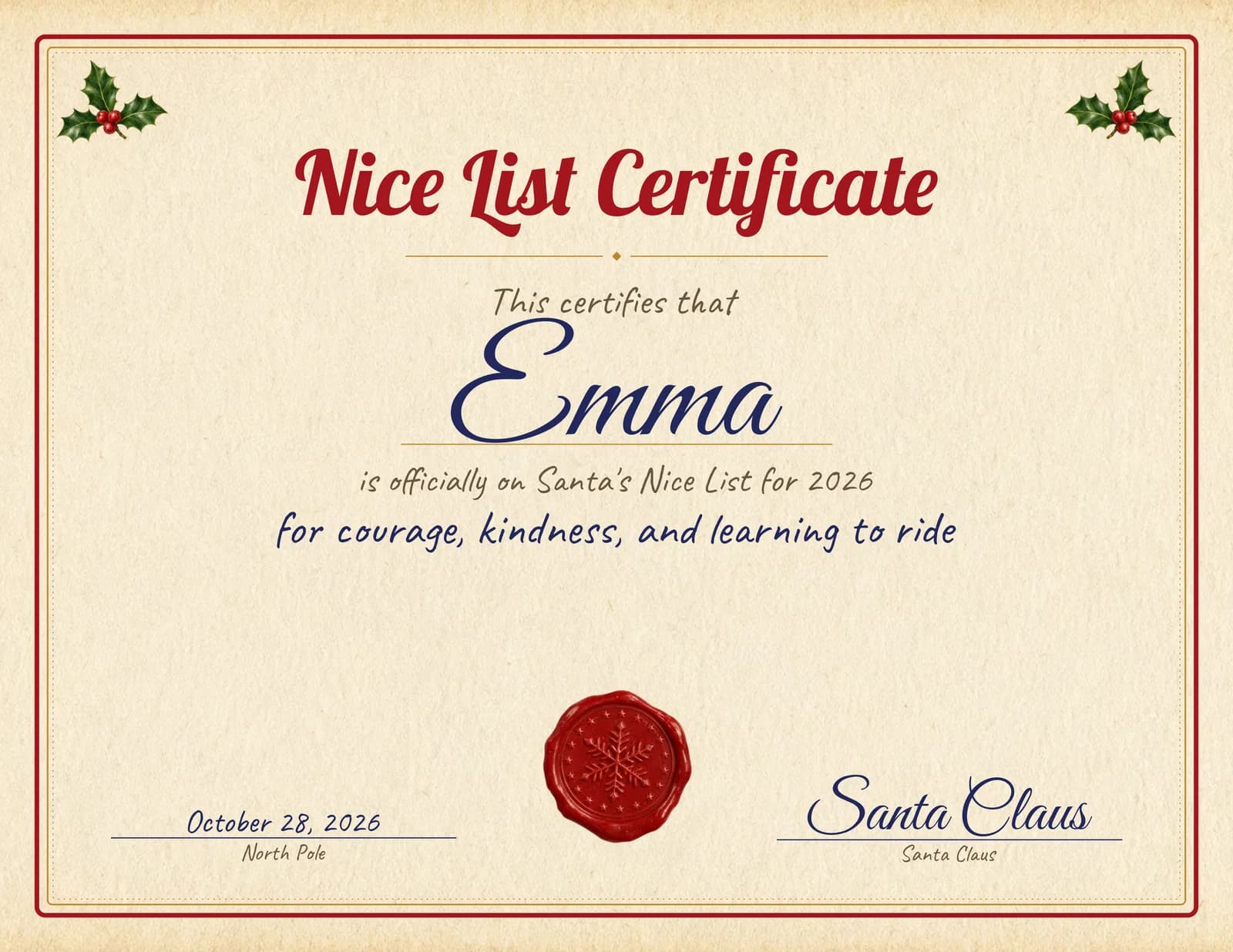

Make a personal letter from Santa.
Letter from SantaBedtime Story
A personal fairy tale starring your child: an illustrated PDF book, a narrated video and an MP3 to play at bedtime. If you don't need the video, there's an option without it.
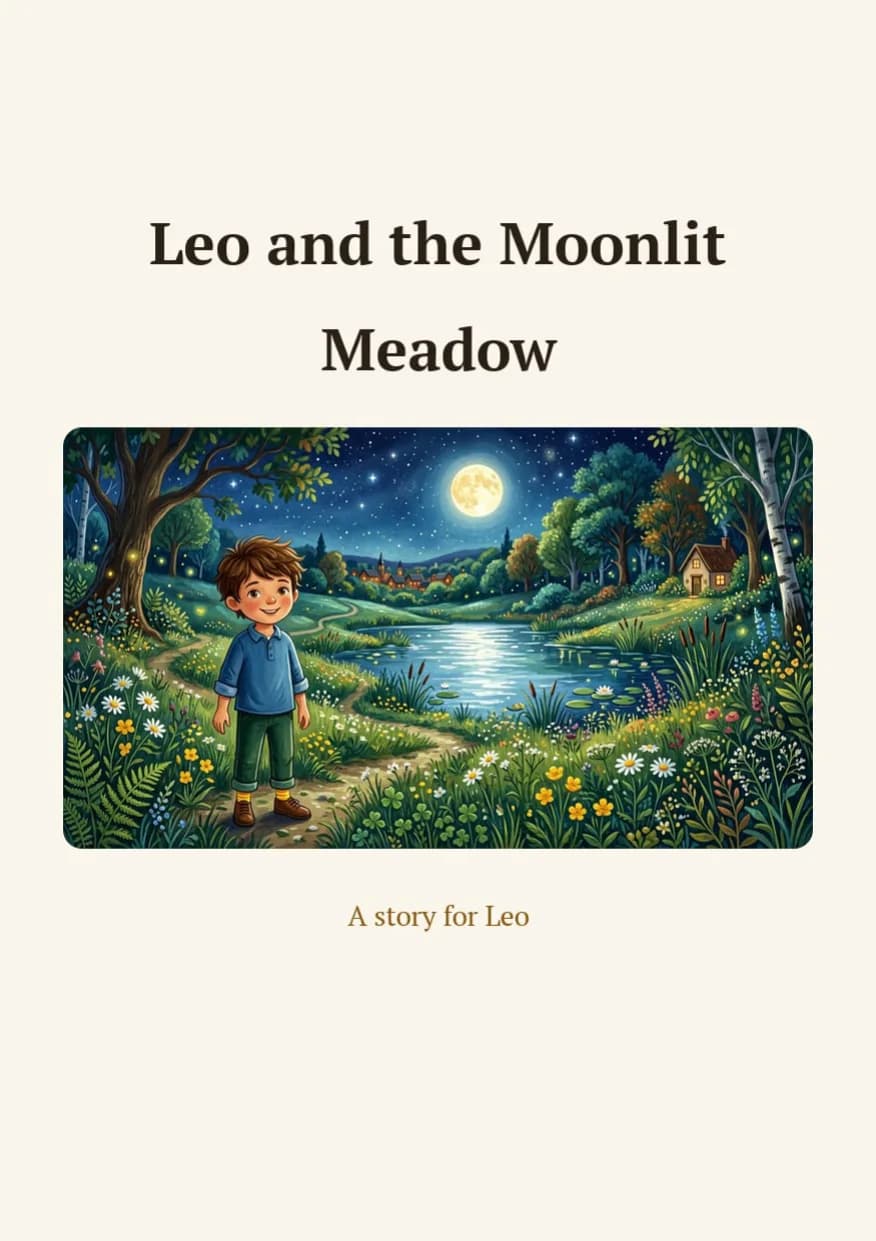
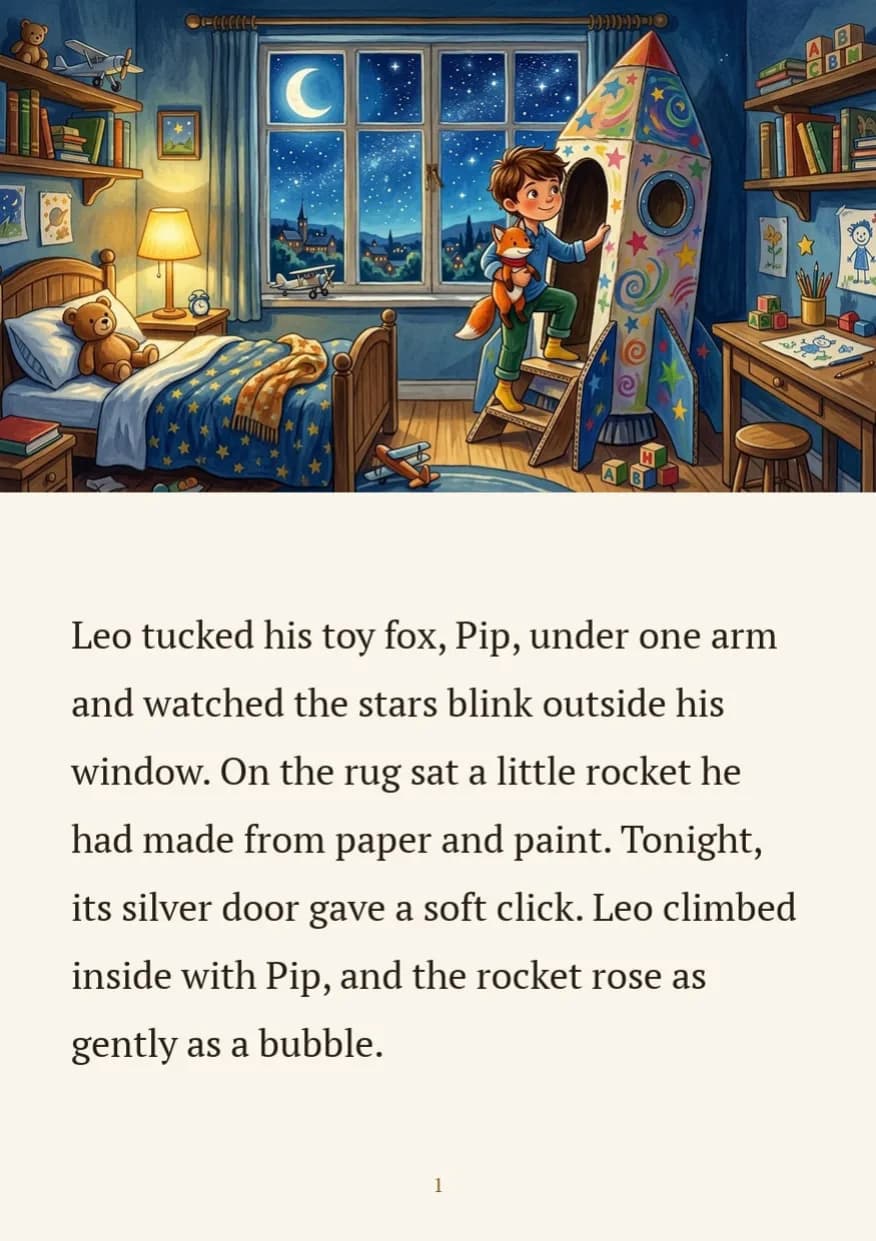

Make a story where your child is the hero.
Bedtime StoryAdd a Loved One to a Photo
When a group photo is missing someone who couldn't make it or isn't with us anymore, this tool places them in the shot with matching light and scale, even from an old black-and-white print.


Add someone who couldn't be there to a group photo.
Add a loved oneSmall, but nice
- If a subscription renewal fails, you can now cancel it right away. In settings it shows as Payment failed, and once you cancel, there are no more charge attempts.
- Support replies now reach you on the site too: a window pops up on your next visit, and a card with a badge waits in Tasks until you open it. No more digging through your inbox and spam folder.
What's missing?
Tell us through the form on the support page, or leave a rating with a comment under a result. We read everything and weigh it when we decide what to build next. Thanks for using ImageGPT!
Tell us which tool or feature you need.
Contact supportTry everything from this article in minutes
All the models and tools from this article are in one place. You get 6 free credits after sign-up, and every price is shown before you run it.
Browse all tools