AI Product Photography: a Full Set of Shop Photos from One Phone Snapshot
For makers, florists, jewelers and small brands: one photo of the product on the kitchen table becomes a set of shots for your store, socials and marketplace listing.
Contents
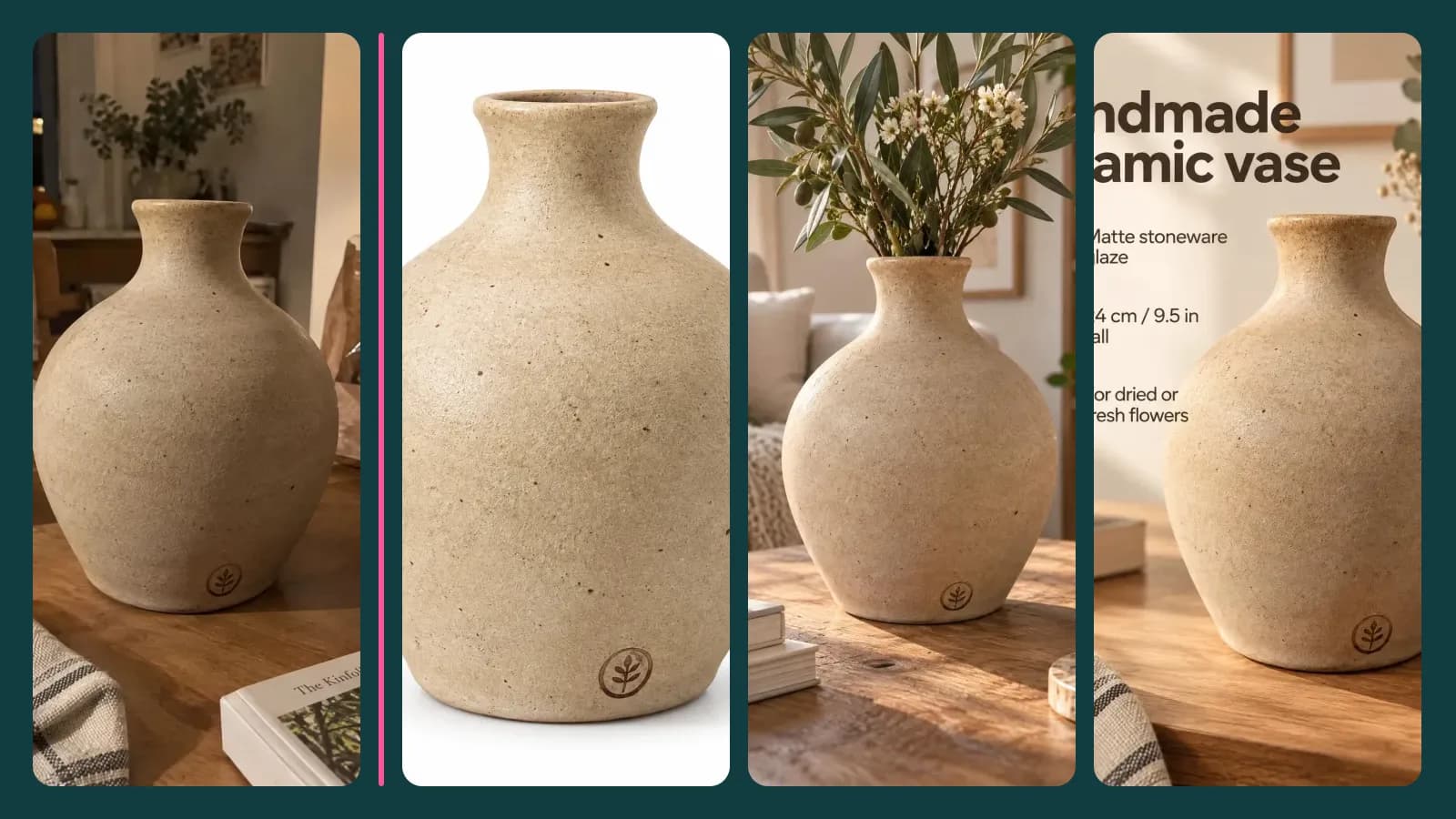
A potter finishes a new batch of vases, a florist ties a bouquet, a jeweler sets a stone, and the shop photos end up on the kitchen table again, next to a mug and a loaf of bread. Booking a studio for every new item takes money and a week. Product photos on ImageGPT takes one phone snapshot and gives you the set: white background, studio, in a setting, on a model, macro detail, flat lay and a marketplace card.
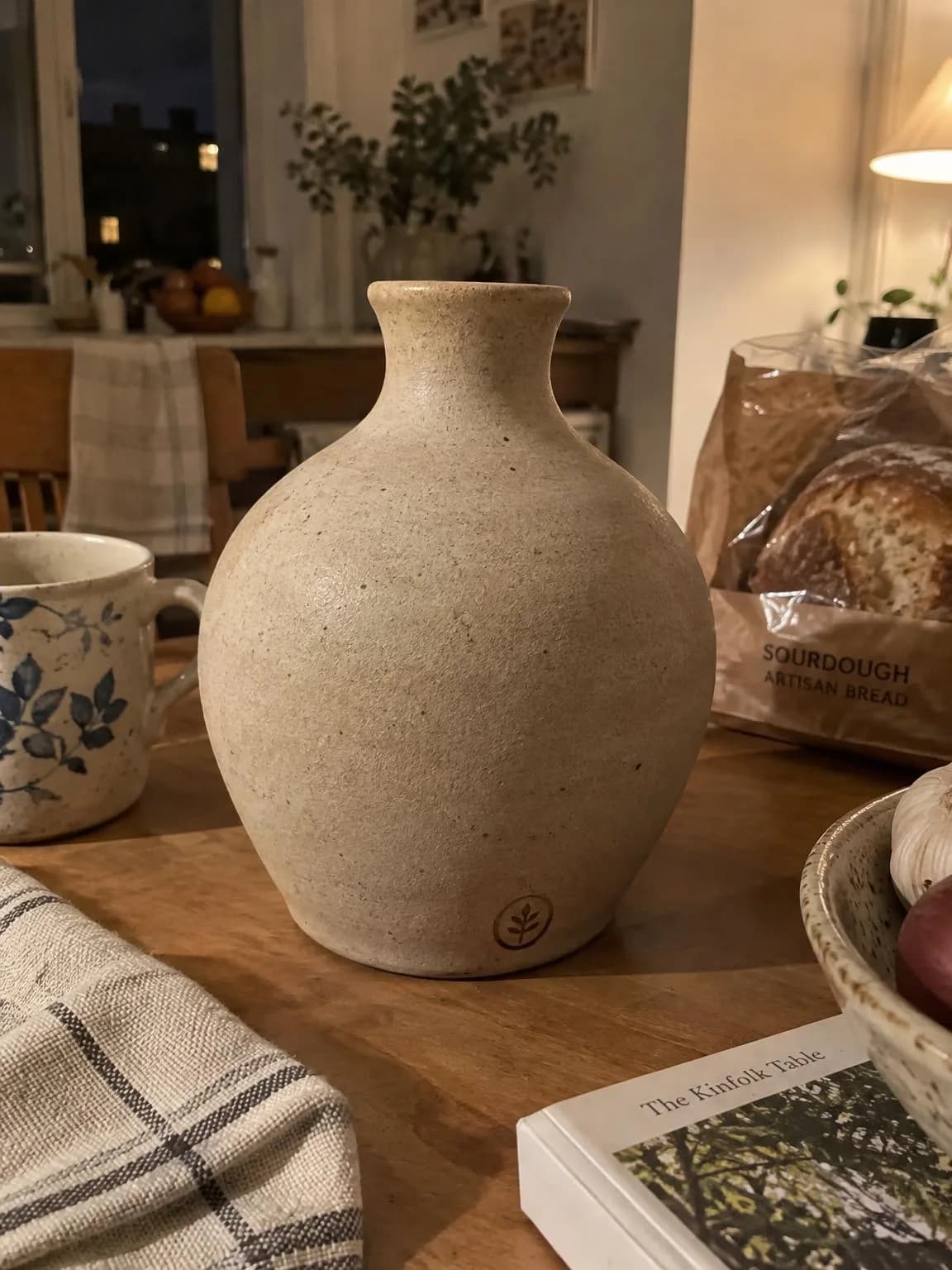
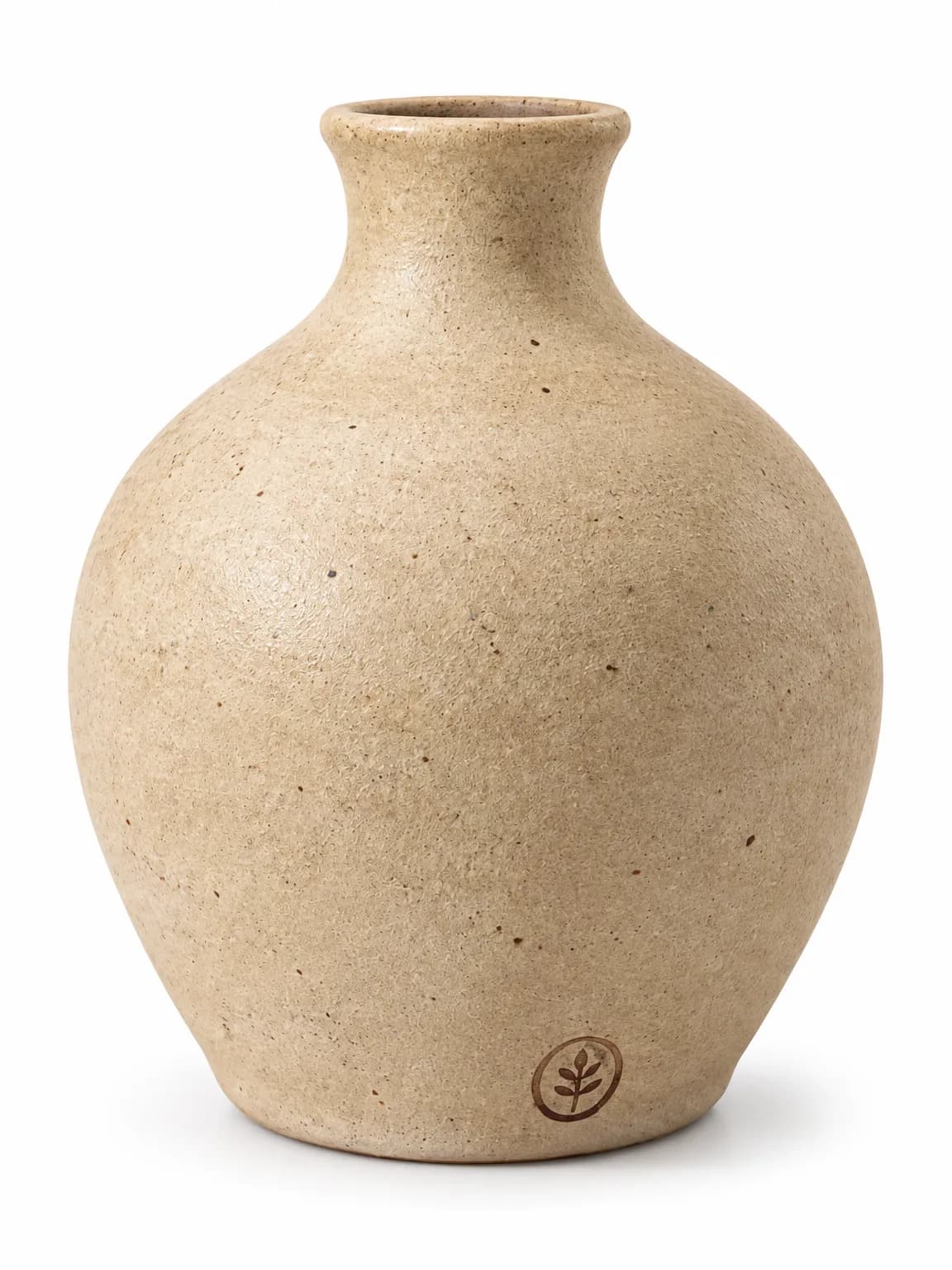
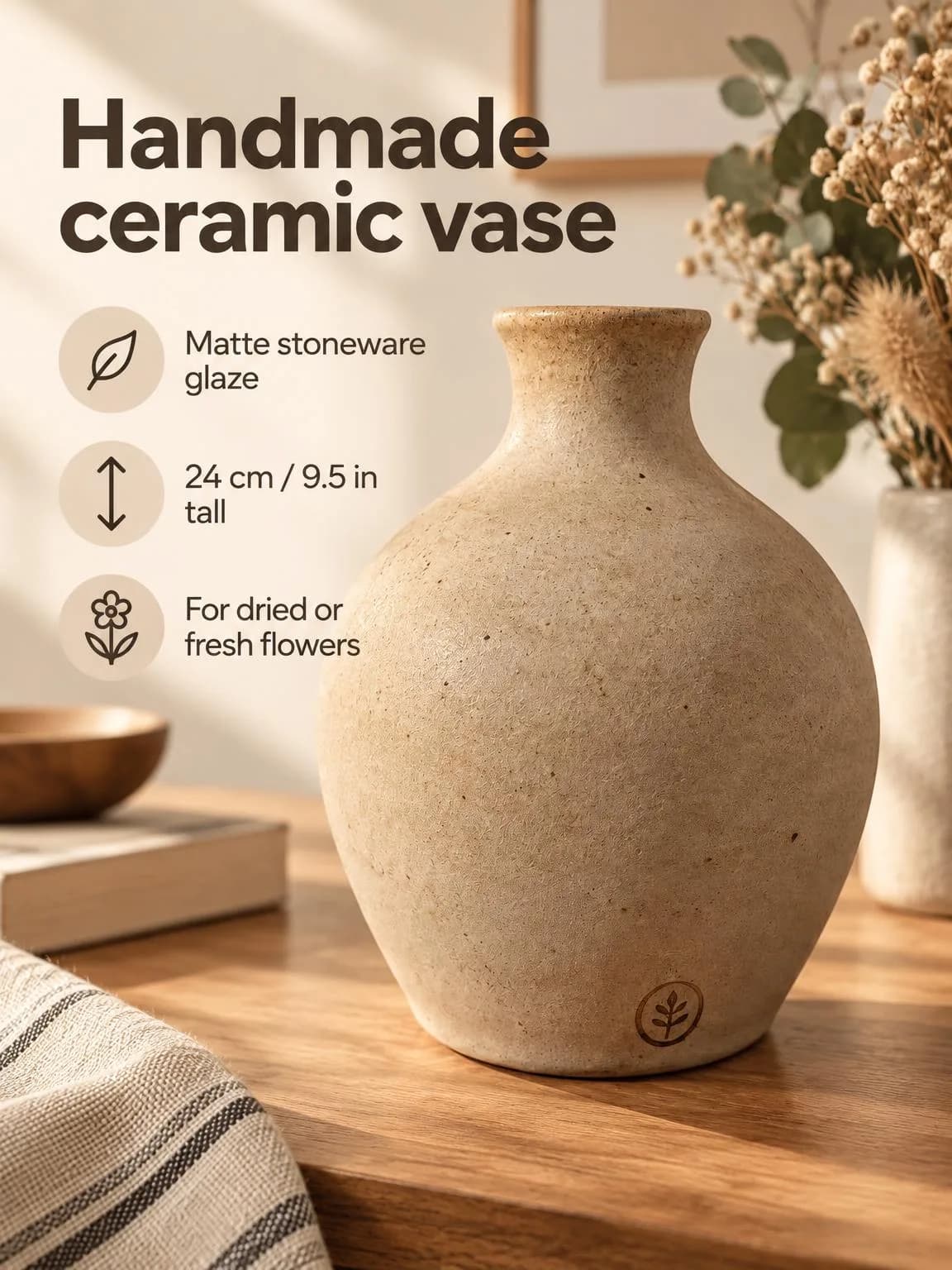
All results here were made with the tool. The source product photos were generated so we don't publish someone else's work.
What stays and what changes
The product's shape, color, texture, logo and label stay; the background, light and setting change. The vase kept the maker's stamp near its base, and the ring kept its twisted band and stone cut. If the back or a detail matters, add a second photo under Another angle and the result will be more accurate.
What you need
- A photo of the whole product, in focus, in daylight. A plain background helps, but a kitchen table works.
- For jewelry, a close-up without strong glare; for clothing, the item laid flat or on a hanger.
- For the marketplace card, a headline up to 60 characters and up to three callouts: size, material, what it's for.
Step by step
- Open Product photos and pick a category: Any product, Jewellery, Flowers, Decor, Clothing or Cosmetics. The category shapes the shots: jewelry "on a model" ends up on a hand, clothing on a person, a bouquet in a bright room.
- Upload the product photo and, optionally, another angle.
- Tick the shots you want, one picture each: White background, Studio, In a setting, In use / on a model, Macro detail, Flat lay, Marketplace card.
- For the card, fill in the headline and callouts, one per line. The text is set exactly as you type it, in your language.
- Choose the aspect ratio (3:4, 1:1, 4:5, 9:16 or 16:9) and click Create shots. The price is on the button before you start.
Examples by category
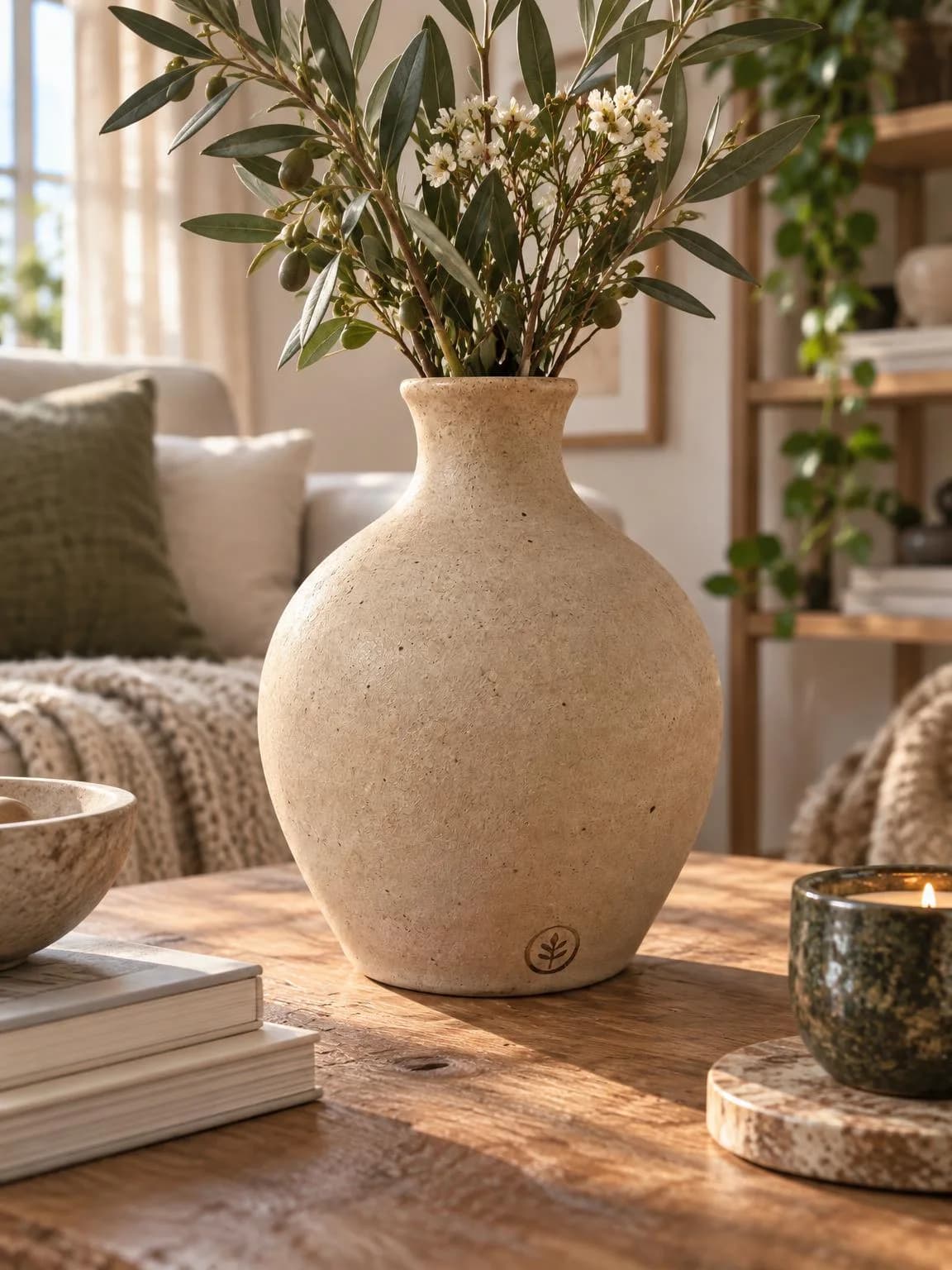
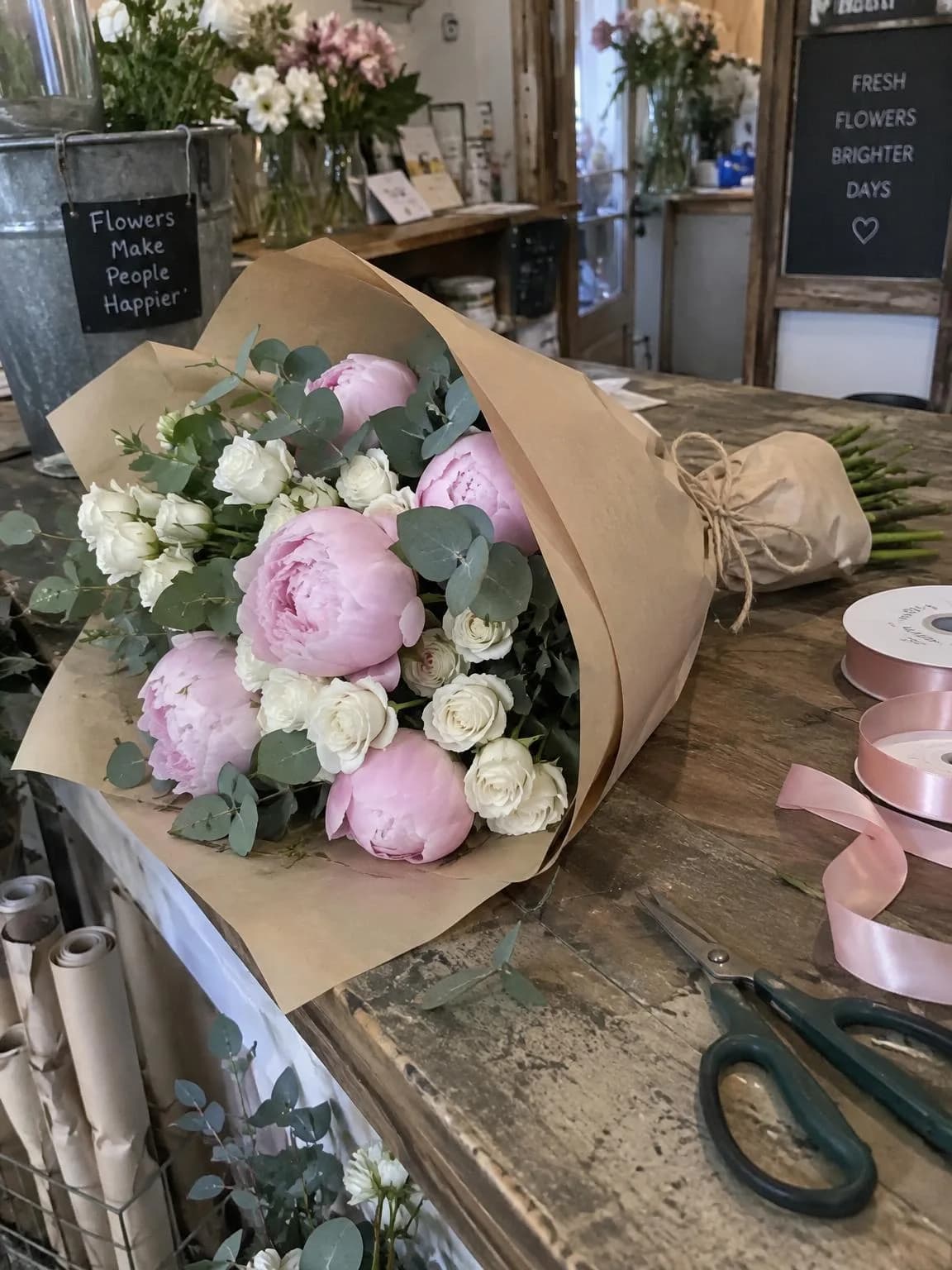
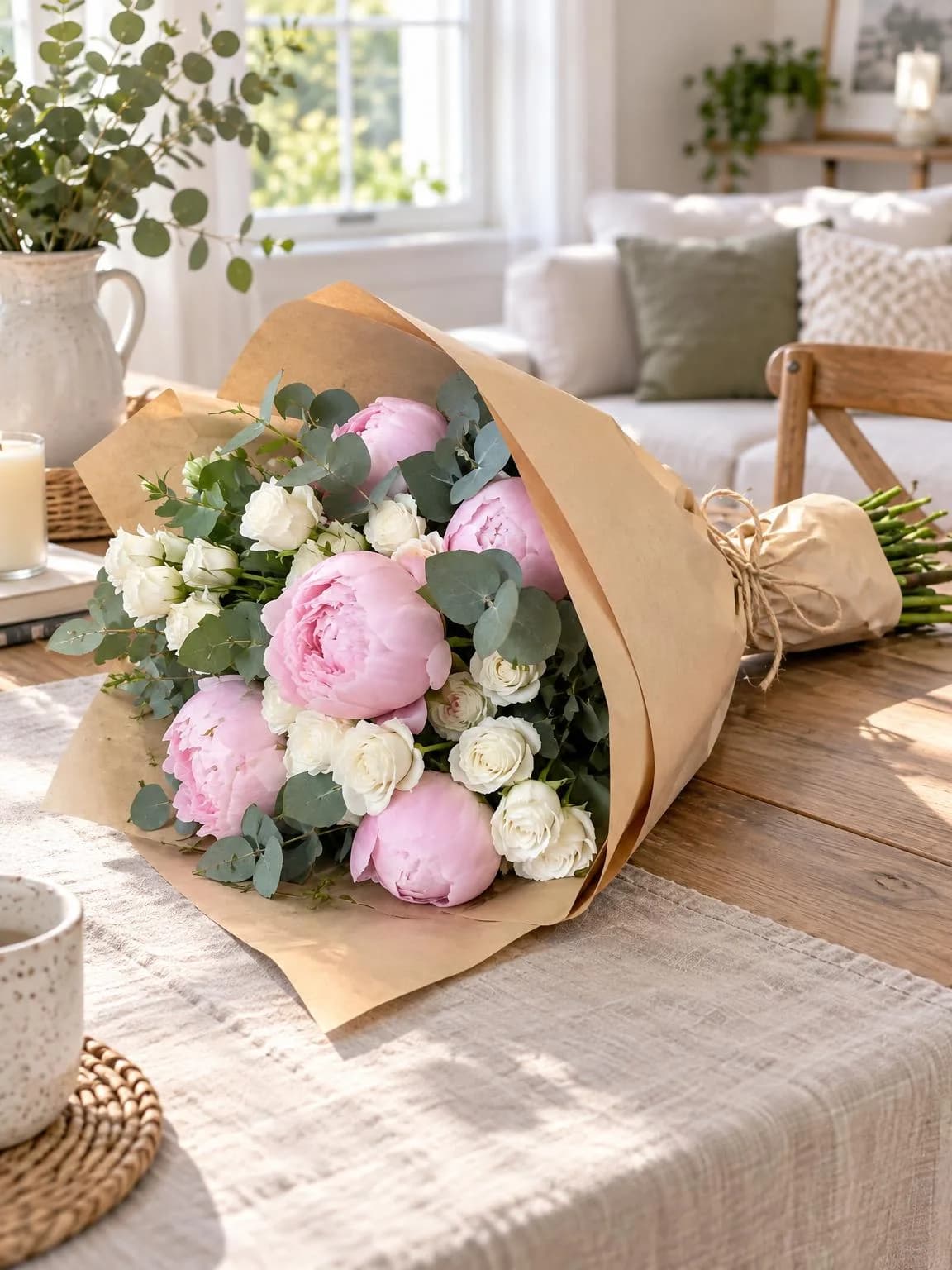
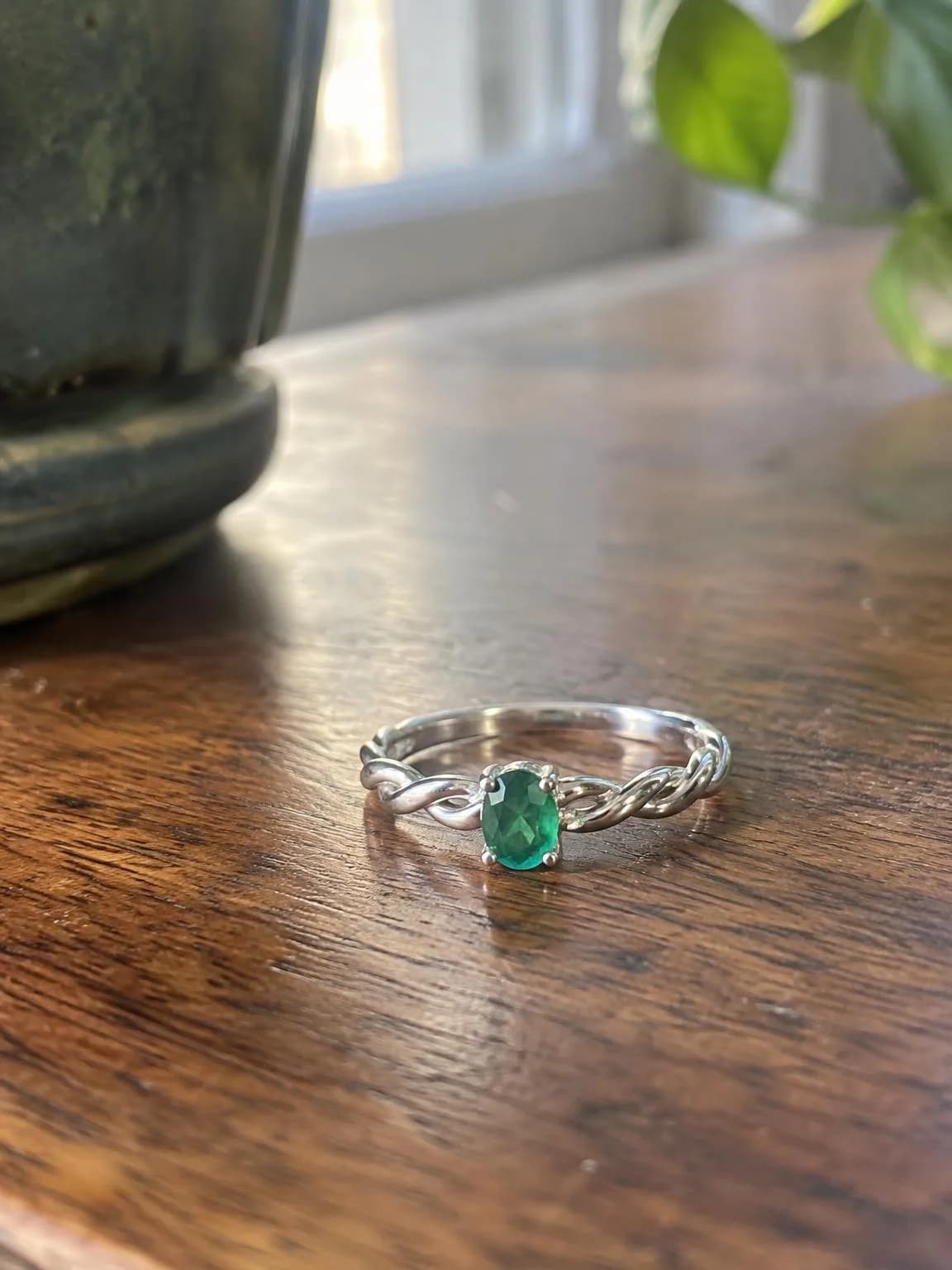
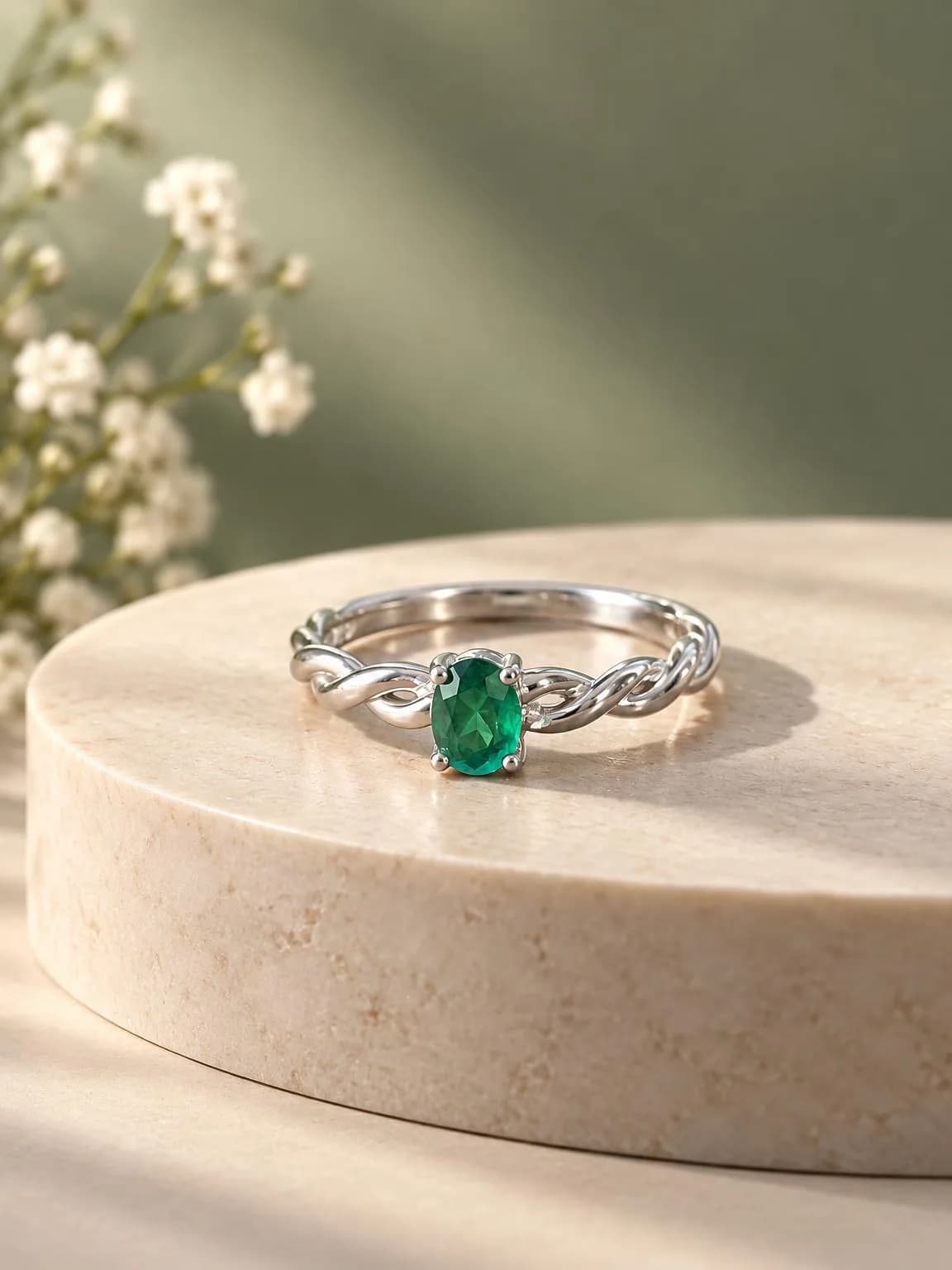
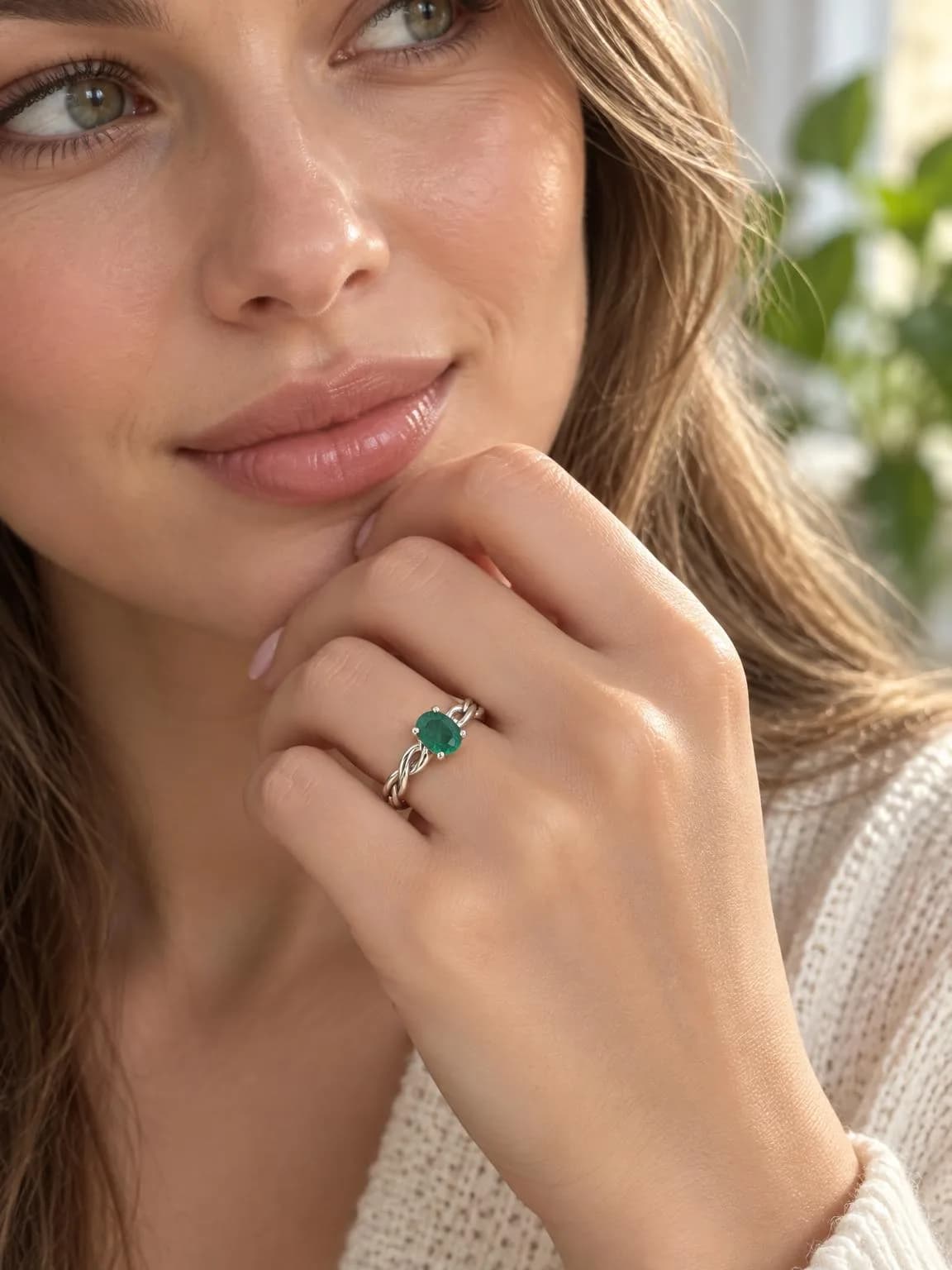
Wishes worth trying
The Wishes field is optional; without it the AI picks the setting. If your shop has a look, describe it once and it applies to every shot in the run.
Warm autumn mood: linen tablecloth, dried flowers, soft evening light
Dark velvet and a narrow beam of light for the studio shot
Scandinavian living room, pale wood, lots of space
Pricing
| What | Price |
|---|---|
| One shot | 6 credits |
| A set of three shots | 18 credits |
| 4K copy | +2 credits per shot |
If a shot fails, its credits come back. New accounts get 6 free credits, enough for a couple of sets. You can use the shots commercially: in your store, on marketplaces and in ads.
Upload a phone photo of your product and get a full set in about a minute.
Open product photosTry everything from this article in minutes
All the models and tools from this article are in one place. You get 6 free credits after sign-up, and every price is shown before you run it.
Open product photos