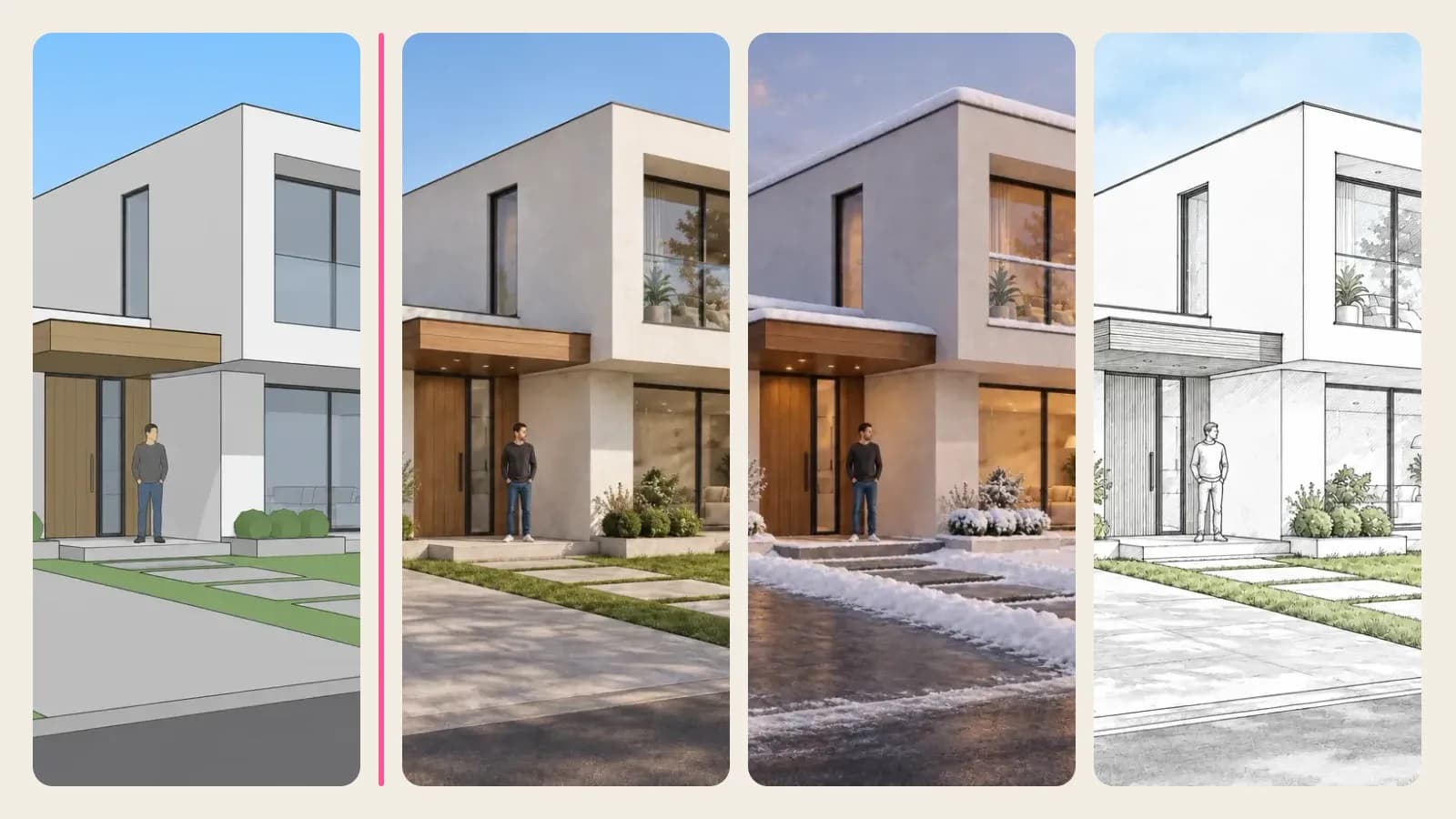
Show Customers Your Windows, Doors, Fencing, Roofing and Siding on a Photo of Their Own House
A customer sends a photo of their house, and a minute later you show them your windows, fence or roof in the color they're considering. Real results, steps and pricing.
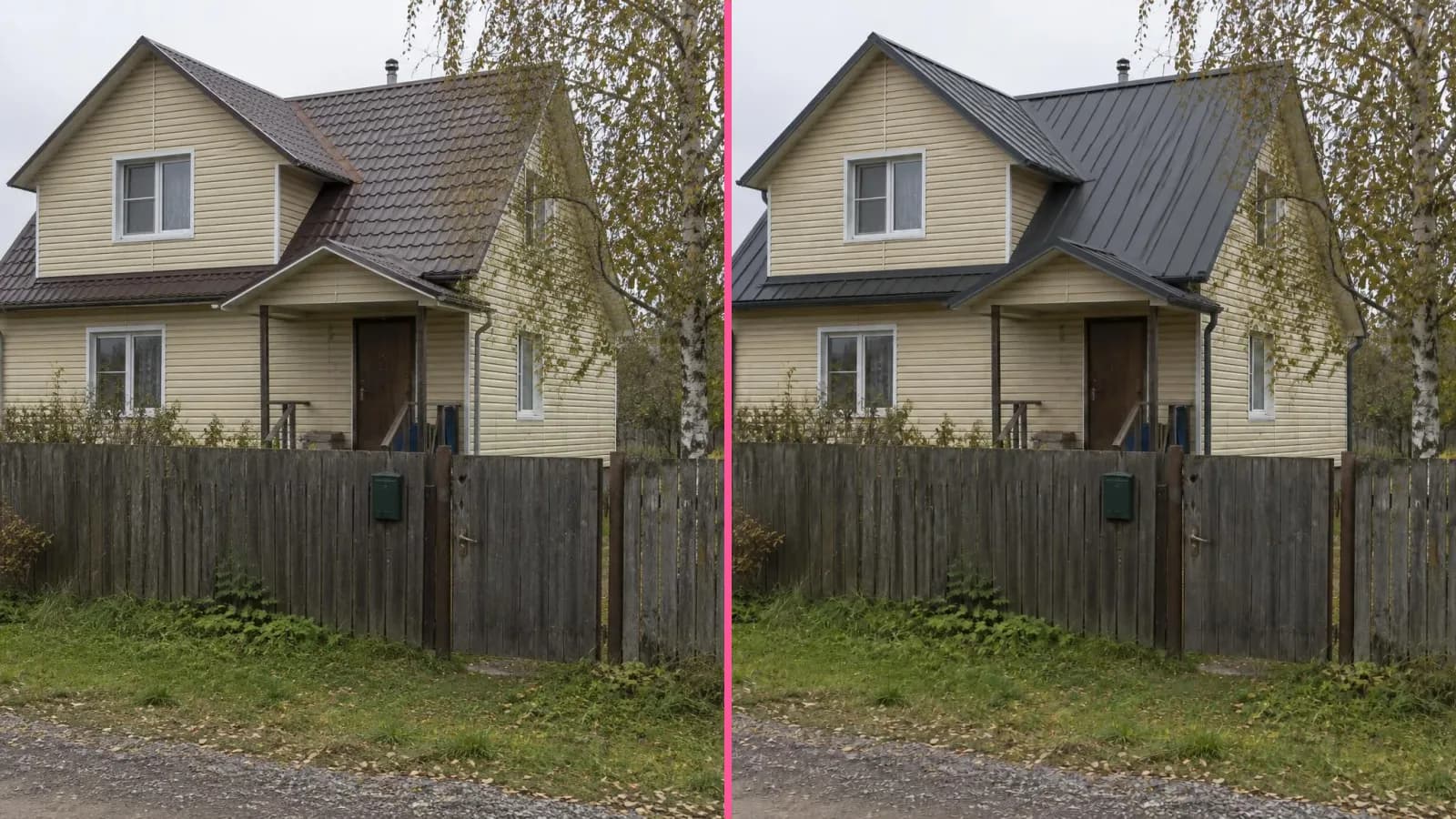
A homeowner choosing between three roof colors from a sample the size of their palm is afraid of getting it wrong. They'll live with that roof for twenty years. Windows, doors, fences and siding get bought the same way: from a catalog and photos of other people's houses. The Building materials visualizer on ImageGPT closes that gap: upload the customer's house photo, choose what to replace, and show them their own home with your product on it.
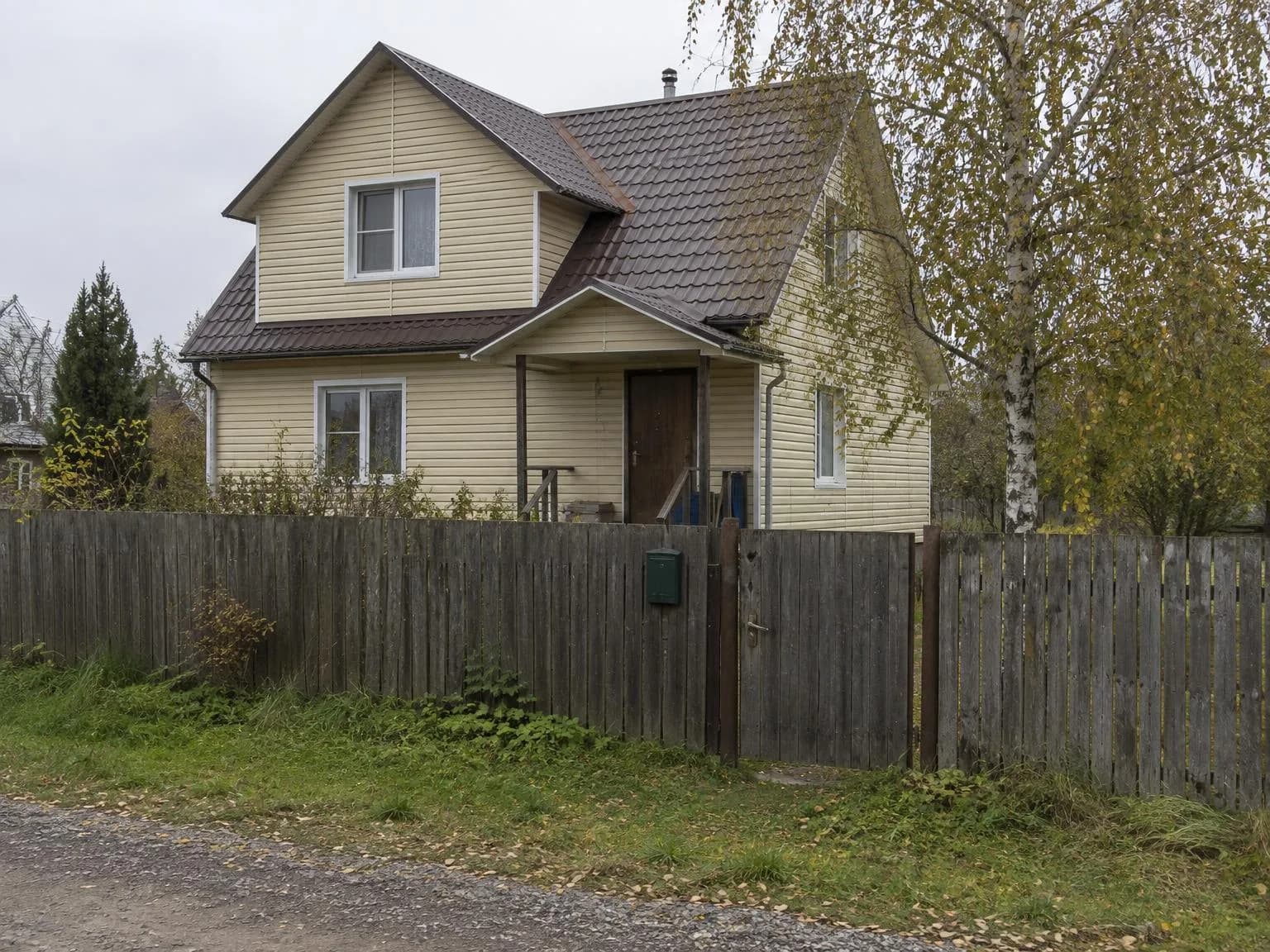
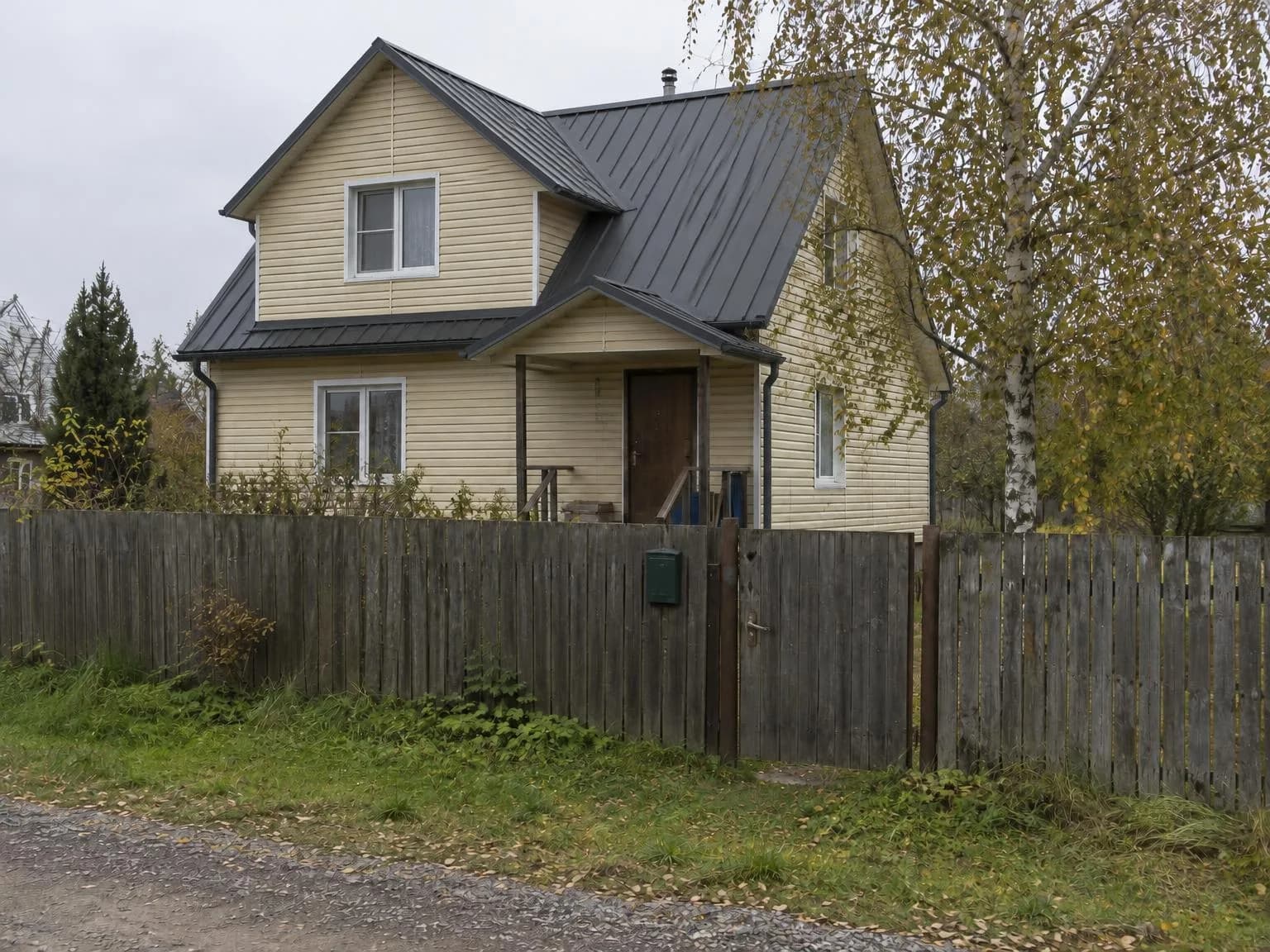
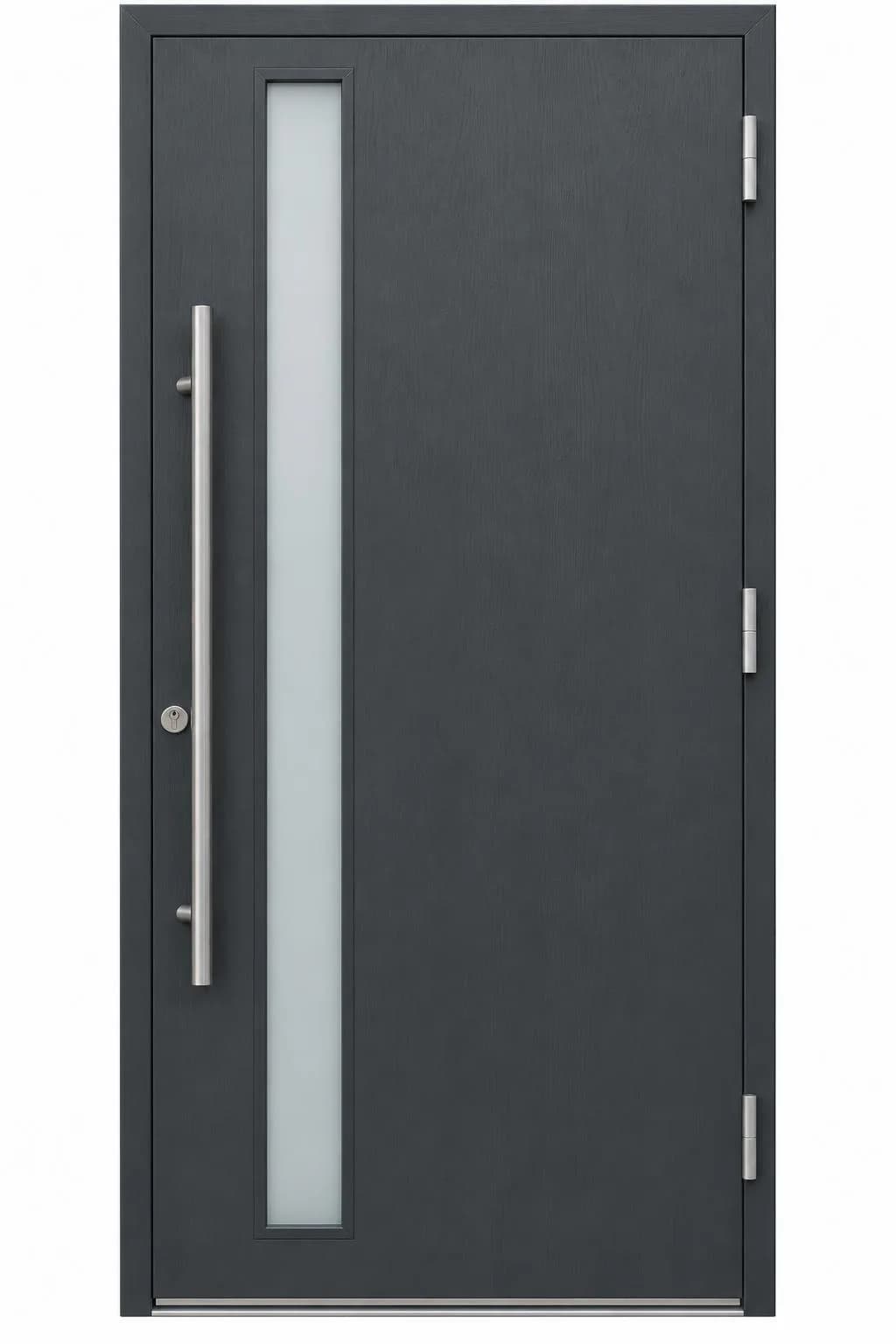
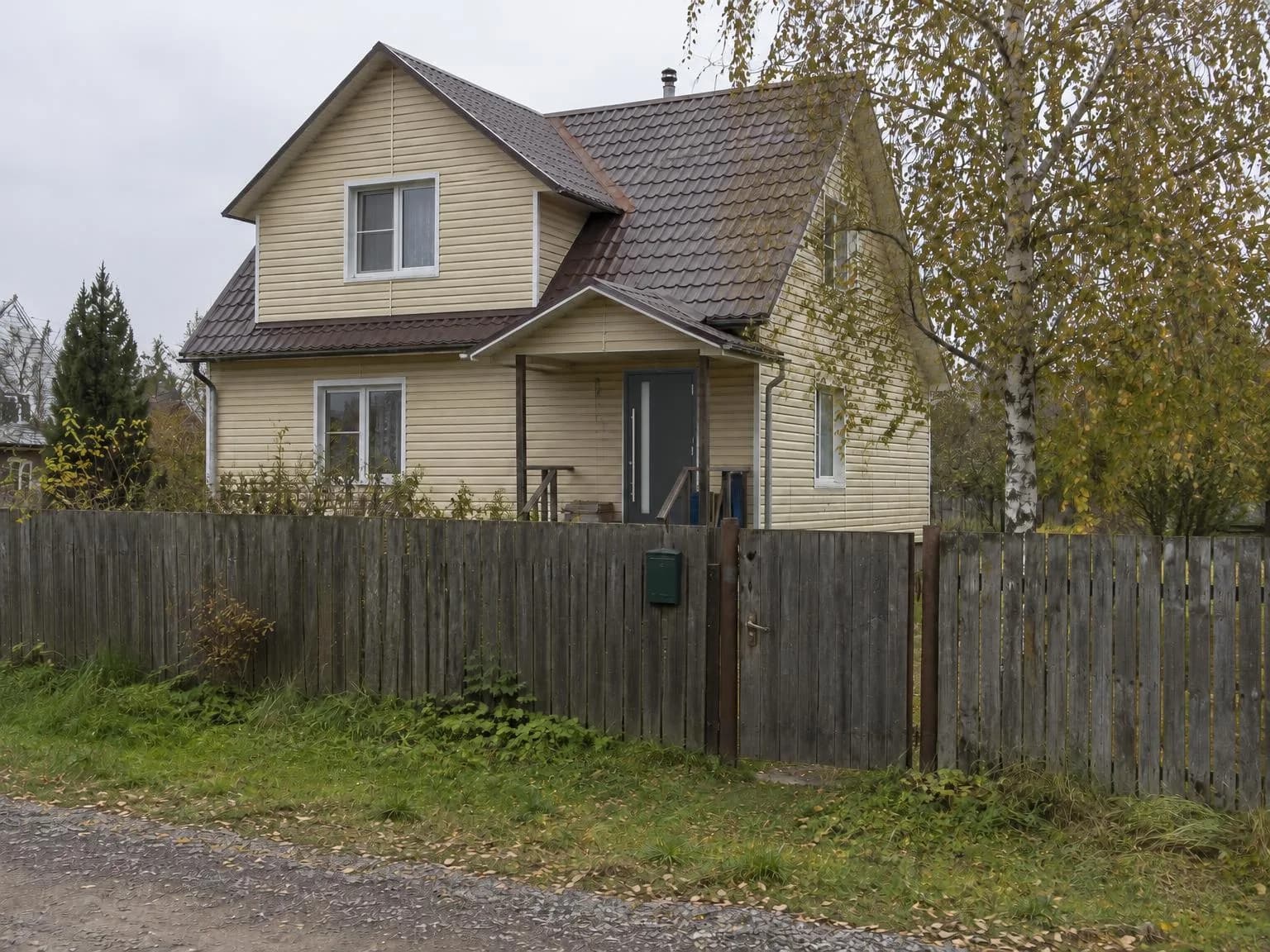
All results here were made with the tool. The house photo and the "catalog" door were generated so we don't publish a real home or someone else's product.
Who it's for
- Dealers and manufacturers of windows, doors, roofing, siding, fencing and pavers: show the product on the customer's house before the site visit and the contract.
- Installers and contractors: agree on type and color over chat, without driving out with samples.
- Showroom staff: make the picture while the customer is still there and deciding.
- Homeowners can use it too, though House Exterior, which repaints by RAL and hex codes, is usually a better fit for them.
What you need
- A daylight photo of the customer's house, the whole facade, straight on or at a slight angle. For roofing the roof must be clearly visible; for fencing, the line along the lot.
- A catalog photo of your product if the exact model matters: a window, a door, a fence panel, a roofing sheet, a siding board or a paver. Without it, the tool installs a clean standard version of the chosen type.
- A RAL code if the customer is already choosing a color.
Step by step
- Open the Building materials visualizer and choose what to replace: Windows, Front door, Fence, Roof, Facade or Paving.
- Upload the house photo. To show one product on several houses or angles, add up to 29 more under More photos of houses.
- Optionally add your catalog photo under Your product.
- Pick the type: for fences, profiled sheet, metal picket, brick, wood, 3D mesh or louvres; for roofs, metal tiles, standing seam, shingles, ceramic tiles or slate-look; for facades, panels, siding, facing brick, plaster, stone or wood planks.
- Pick a RAL color or keep As in the photo, add details such as "sliding gate" or "gutters to match the roof", and click Show on the house.
Examples by mode
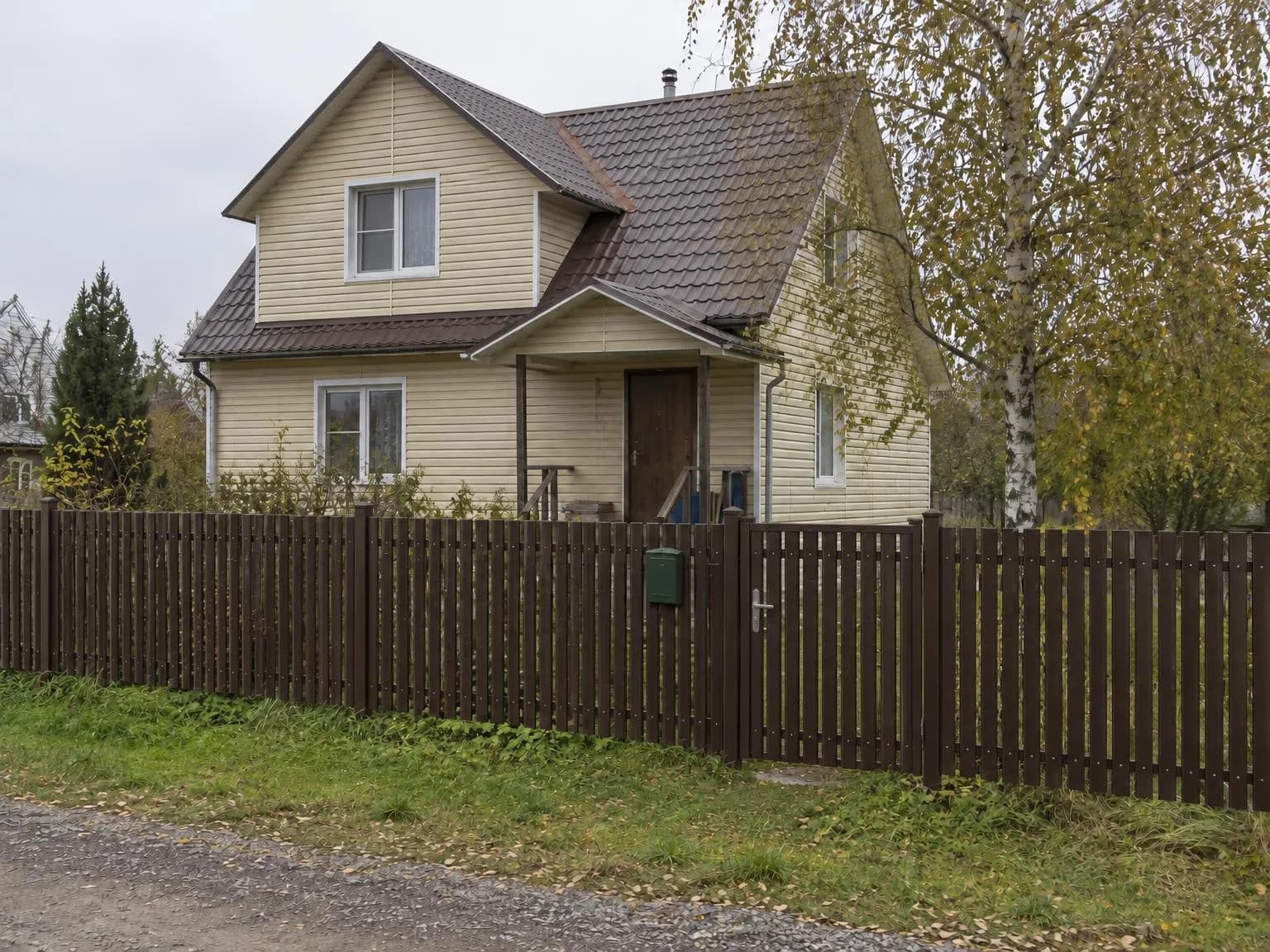
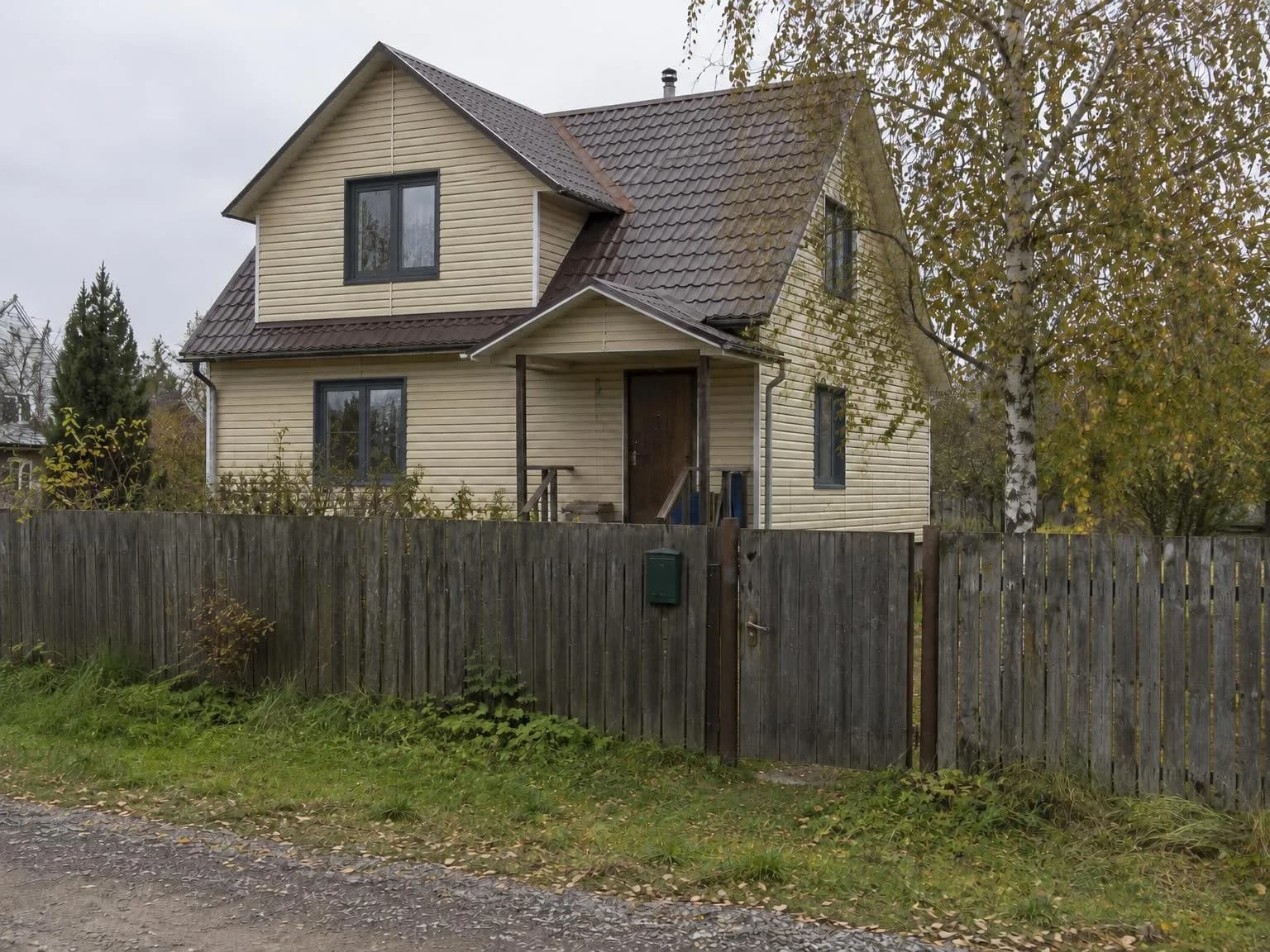
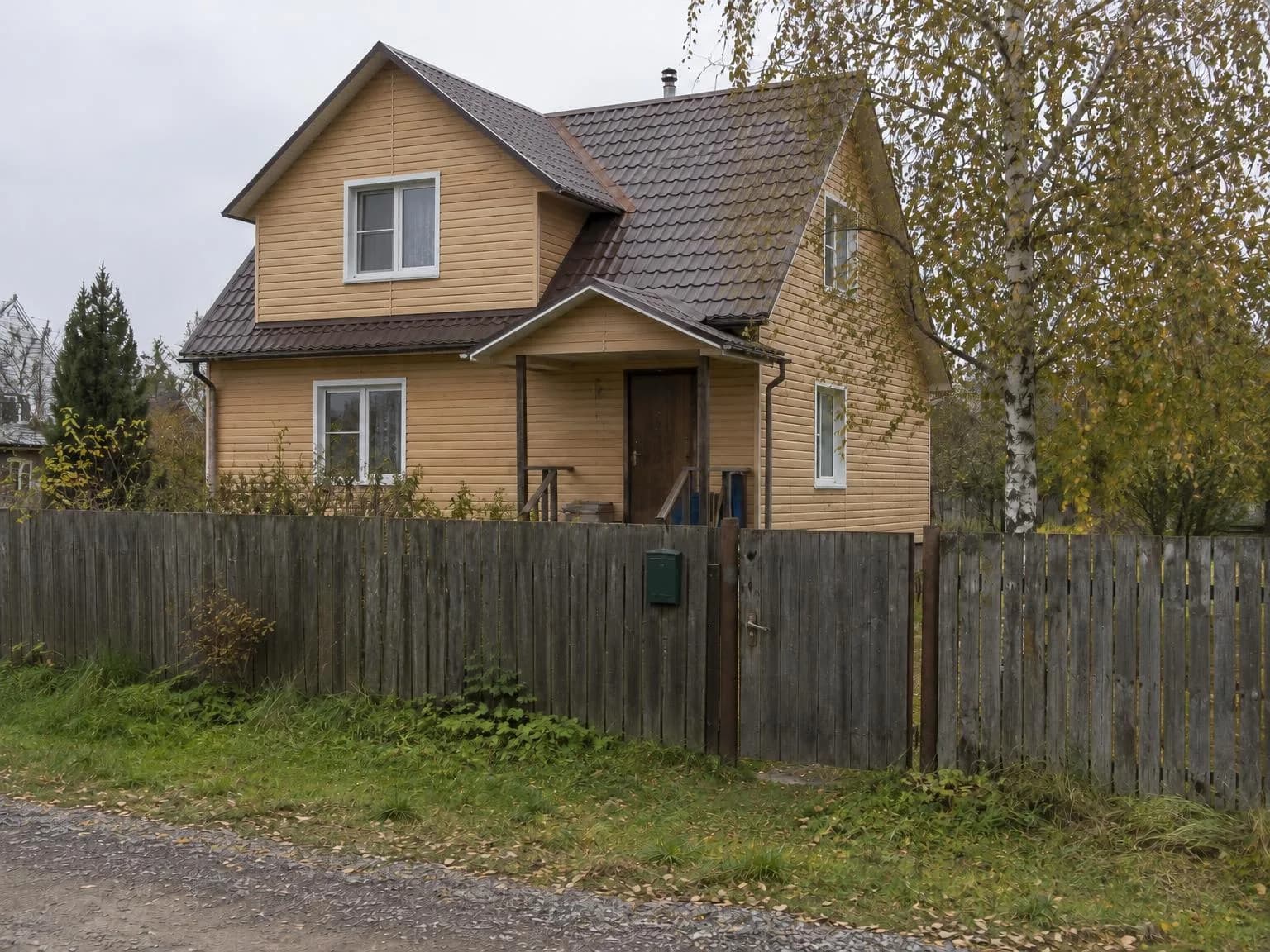
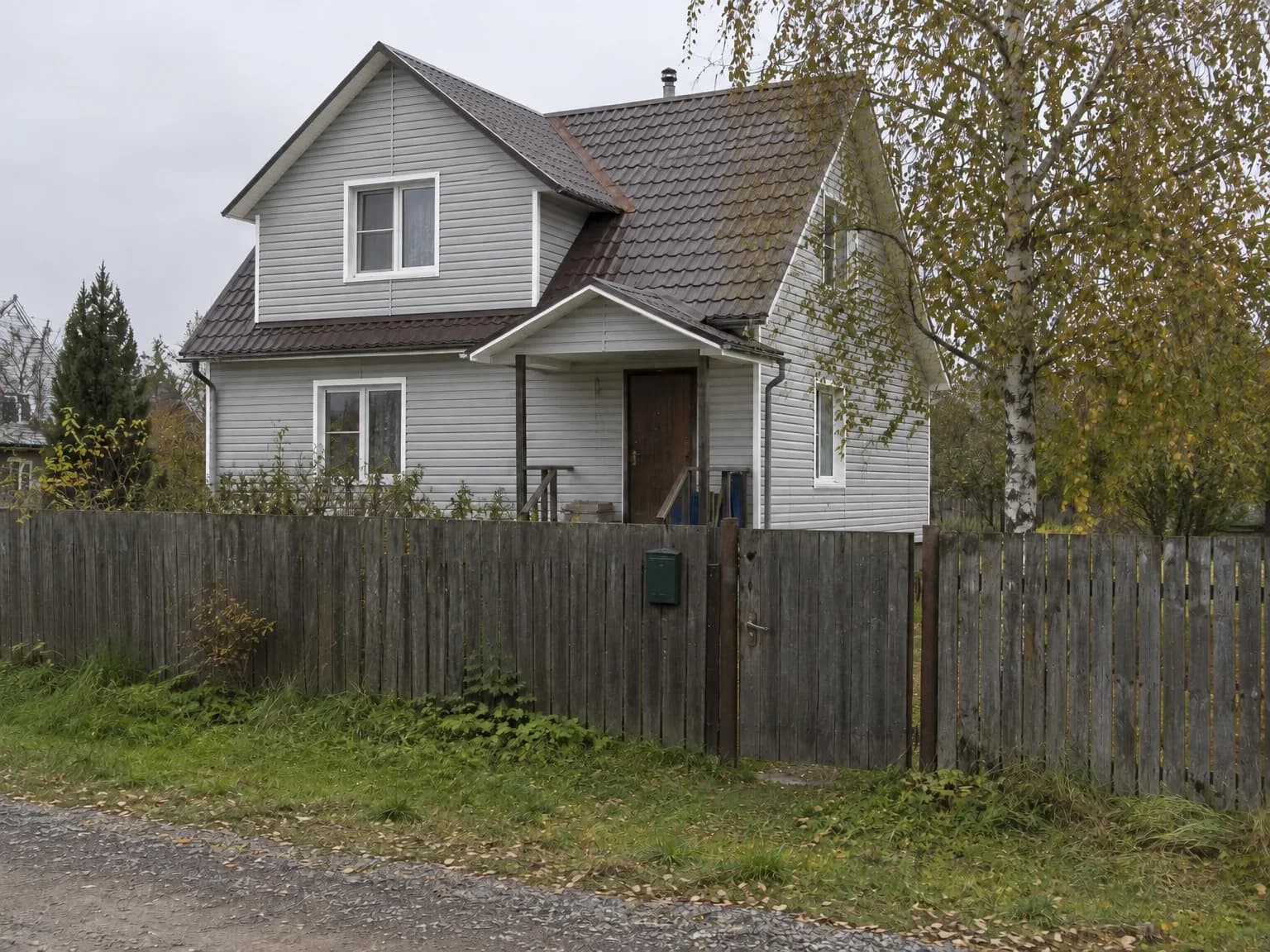
When you add a product photo, the model comes from it: the profile, glass inserts, handle and texture. The customer sees the door you're actually selling, not a lookalike.
Details that work
The Details field is optional. Use it for what's visible and matters to the customer: shapes, small parts, the color of individual elements.
Light grey siding, white window trim
Three-pane windows, white inside, anthracite outside
6 ft fence, sliding gate, brick posts
Pricing
| What | Price |
|---|---|
| One picture | 6 credits |
| One product on 30 house photos | 180 credits |
| 4K copy | +2 credits per picture |
If a picture fails, its credits come back. New accounts get 6 free credits. You can use the pictures commercially: send them to customers, put them on your site and in ads.
Ask your customer for a photo of the house and show them your product in about a minute.
Open the materials visualizerTry everything from this article in minutes
All the models and tools from this article are in one place. You get 6 free credits after sign-up, and every price is shown before you run it.
Open the materials visualizer