How to Install the ImageGPT Android App from Google Play and Sign In with Your Site Account
ImageGPT is on Google Play. Here’s how to install the app, sign in with your site account and start with the assistant, templates, film studio and photo edits by text.
Contents
The site already works in a phone browser, but the Android app is easier day to day: photos come straight from the gallery, results go back there, and everything you’ve made sits on its own tab. The ImageGPT app for Android is free on Google Play for Android 8 and newer.
It’s the same product, not a separate service. Sign in with the account you use on the site and your credits, subscription and generation history stay shared. Start a video on your computer and check the result on your phone, or the other way around.
What the app can do
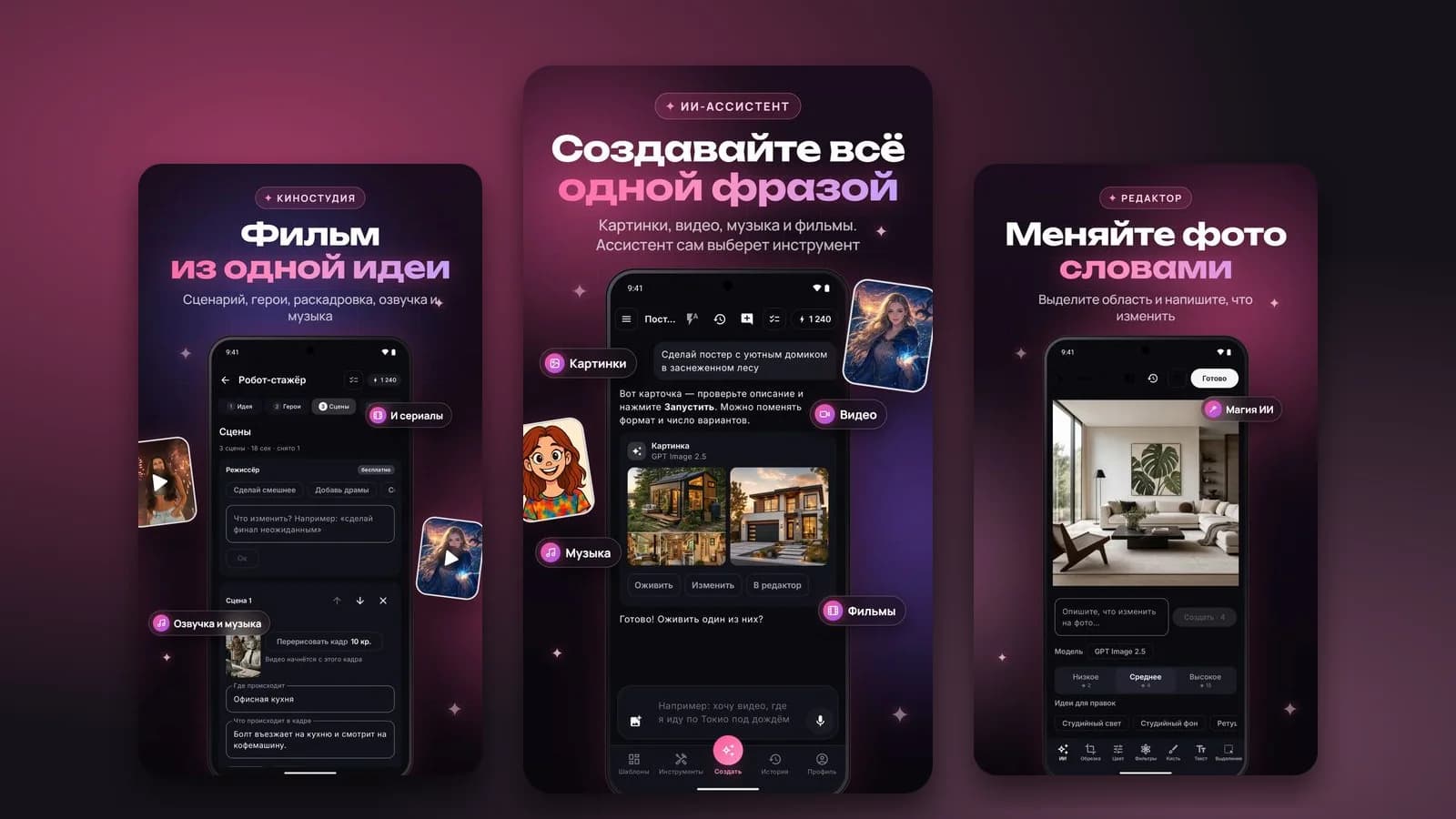
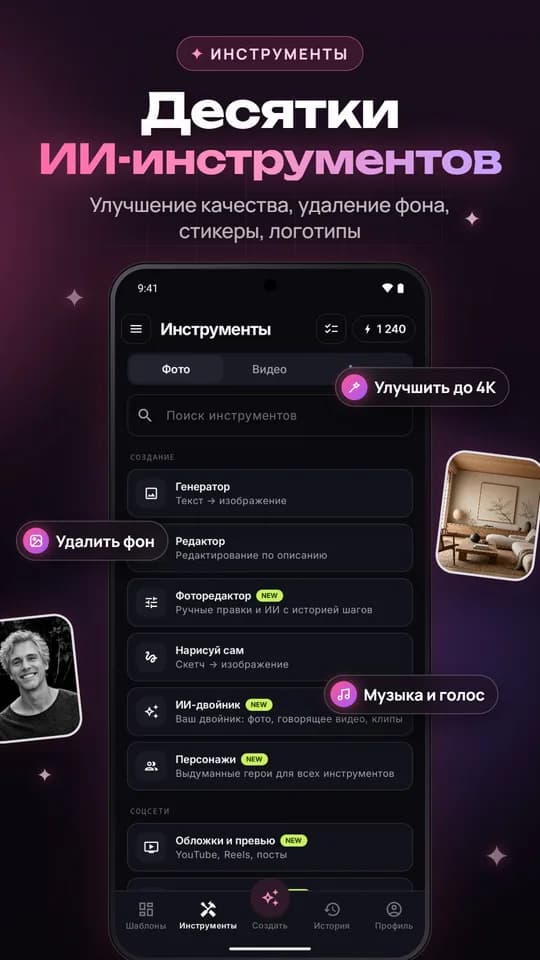
- Images from a text prompt on the same models as the site.
- Photo edits by text, a picture from a sketch, and a photo editor with step history.
- Video from text or from a photo.
- Songs and music from a short description.
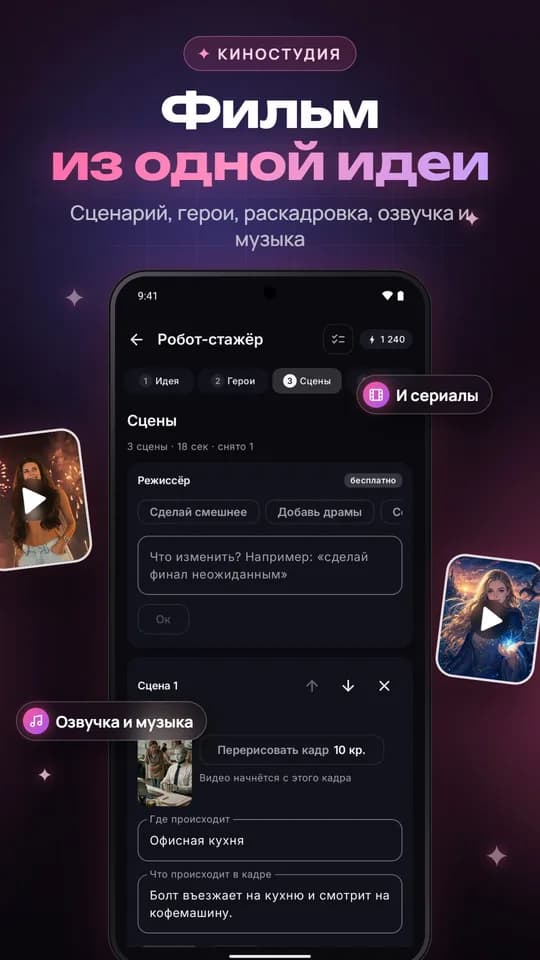
- Film studio: write a story, pick characters, get a short film.
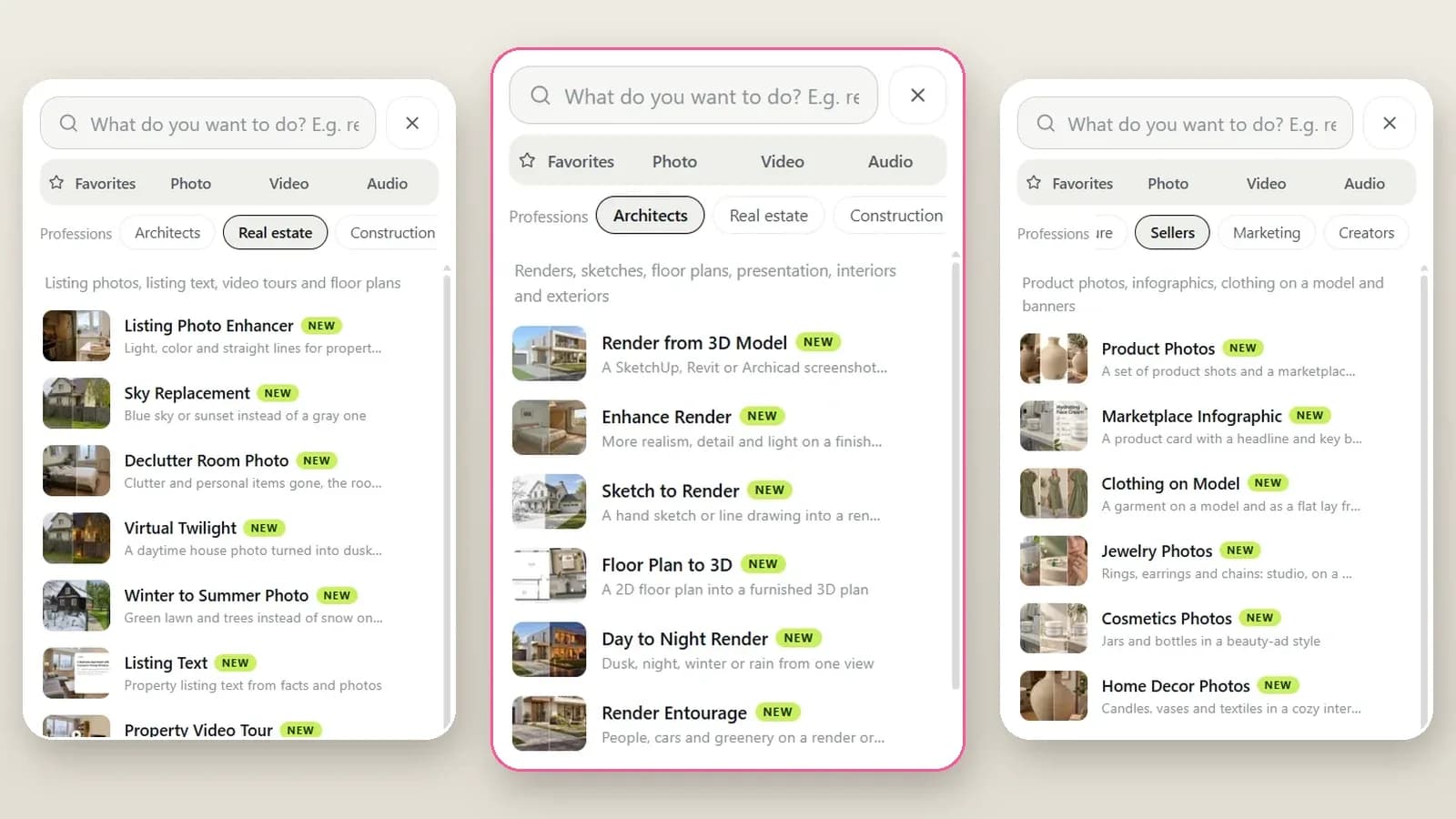
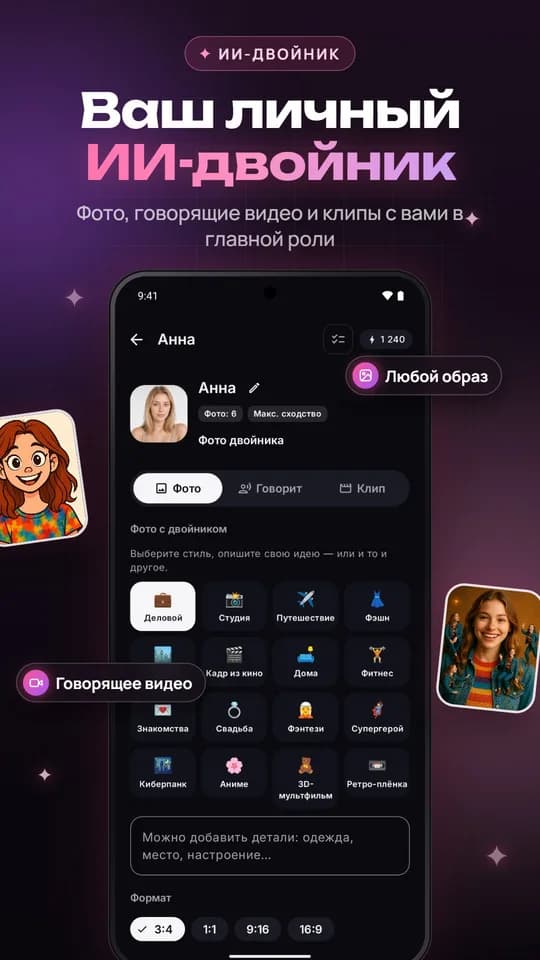
- Ready-made templates and photo effects, characters and an AI twin.
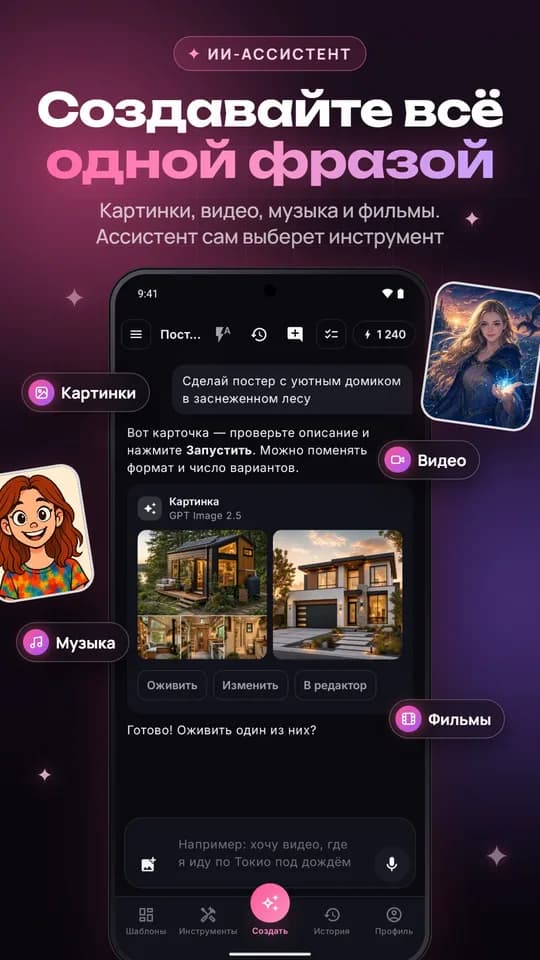
- An AI assistant you can just tell what you need — it picks the tool and writes the prompt.
What you need
- A phone or tablet on Android 8 or newer.
- Google Play and a Google account.
- The same sign-in you use on the site: email, Google or another linked method. Use that one — otherwise you’ll open a new empty account.
Install it step by step
- On your phone open Google Play and search for «AiArt: AI Photo & Video Maker», or tap Get it on Google Play from ImageGPT.org.
- On the app card tap Install.
- Open the app and choose the same sign-in method as on the site. If you use email, enter the address — a code arrives there.
- Check the balance at the top of the screen: those are the same credits as on the site. Earlier work is on the History tab.
Where to start
One phrase, one result
On the Create tab write what you want in plain words. The assistant picks a tool and a model and shows a card with the description and price — check it, change the format or number of variants if you like, then tap Run. You can attach a photo from the gallery.
Make a poster of a cozy cabin in a snowy forest, warm light in the windows, dusk
Animate this photo: the person smiles and waves, the camera slowly moves in
Templates
If you’d rather not write a prompt, open Templates: portraits, avatars, anime, posters, product shots. Pick a style, add your photo — done. A photo from a template starts at 3 credits.
Film studio and AI twin
Film studio builds a short film from one idea: script, characters, storyboard, voice-over and music. The lead can be your AI twin or a character — you create them once and reuse them in images, videos and films.
Edit a photo with words
In the editor select an area on the photo and write what to change: swap the furniture, remove something, change the background. Every step is saved, and you can go back to any of them.
Replace the sofa with a brown leather one, leave everything else as is
What it costs
Install is free. Generations use the same credit prices as the site: for example a FLUX 3 Klein image is 2 credits, a template photo from 3 credits, a track from 18 credits. The price is always visible before you run, and if a generation fails for a technical reason the credits come back.
If something goes wrong
- You signed in and see no credits — you likely picked a different sign-in and opened a new account. Sign out in the profile and use the method you use on the site.
- No email code — check Spam and that the address is correct.
- You have an iPhone — there’s no iOS app yet. Use the site in Safari; you can add it to the Home Screen from Share.
- Still stuck — write to support@imagegpt.org.
The ImageGPT Android app is free on Google Play. Same account, same credits.
Get it on Google PlayTry everything from this article in minutes
All the models and tools from this article are in one place. You get 6 free credits after sign-up, and every price is shown before you run it.
Get it on Google Play