
Black Friday Product Photos with AI: a Clean Set Before the Sale Hits
November 27 is close and studio slots are gone. One sharp product photo is enough for a white-background hero, a lifestyle frame, and a short clip for Stories.
Contents
Black Friday 2026 falls on November 27. Listings that win the week usually refresh three things: the main packshot, one lifestyle frame, and a short motion clip. You do not need a new studio booking for every SKU. Upload one clear phone photo and change the light and background while the product stays the same.
What to shoot first
- The whole product in focus, daylight, a plain table is fine.
- Readable labels. The model keeps text that is already sharp; it does not fix a blurry logo.
- One hero angle for the whole set. Add a second side view only when the lid or edge matters.
- Do not ask the image for “−50%” badges or new prices. Sale numbers belong in the listing fields and the ad account, not on a generated collage.
Three frames that cover the sale
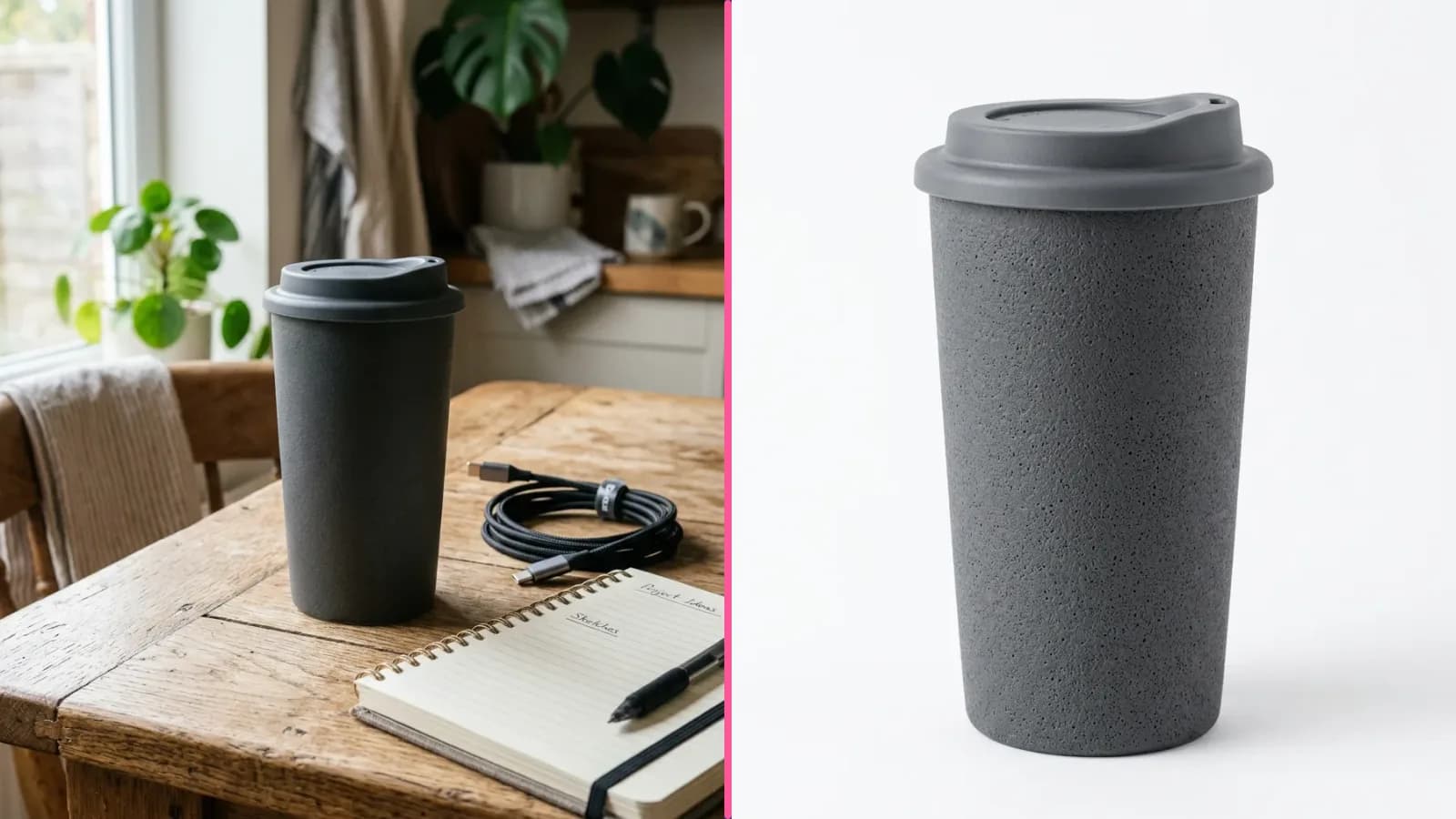
Most shops need a white-background hero, a coloured studio frame for the gallery, and a lifestyle shot for social. In Product photos those are separate ticks in one run. One shot is 6 credits; the button shows the total before you start.
Editor prompts if you want manual control
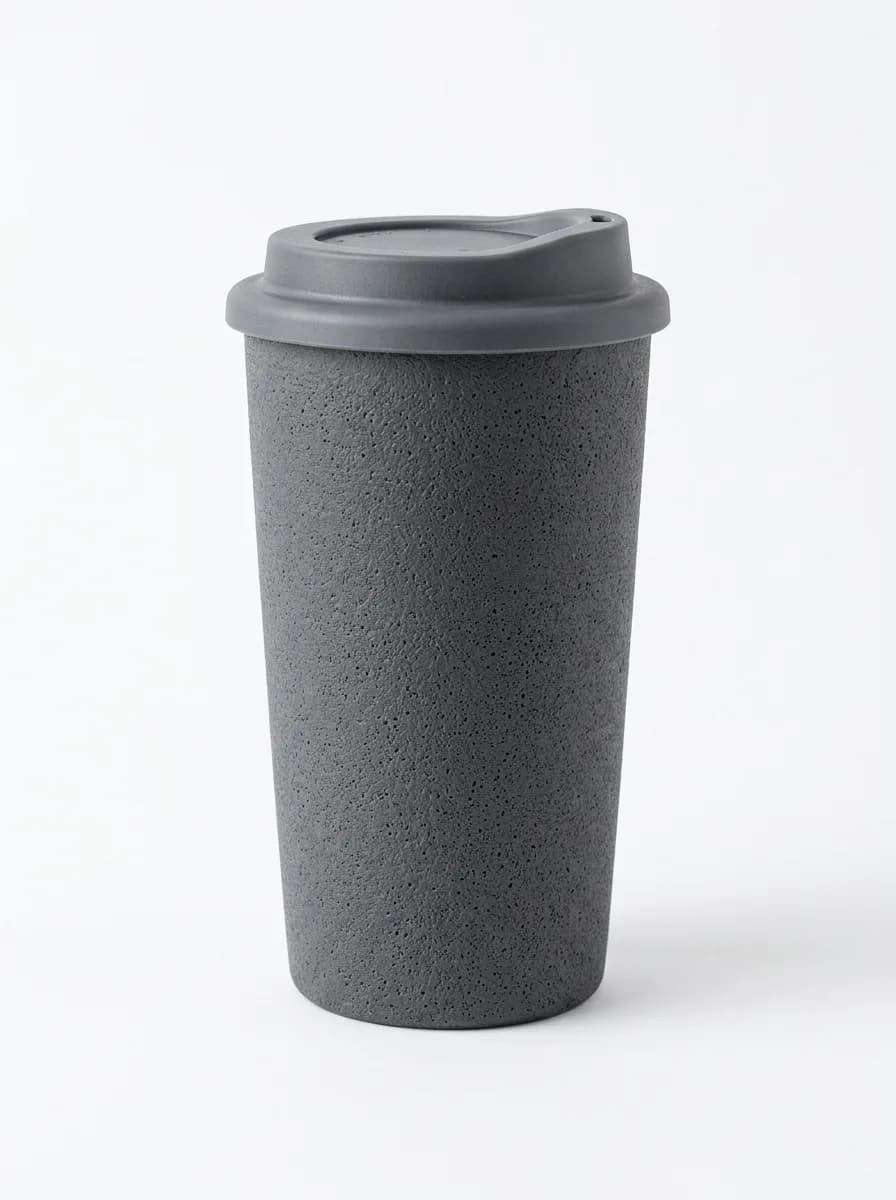
Convert to a clean marketplace product photo of the same travel mug: plain pure white background, even soft shadowless studio lighting, product centered, sharp focus, ecommerce ready. Keep the mug shape, colour, lid and proportions exactly the same. No text, no logos, no price tags.
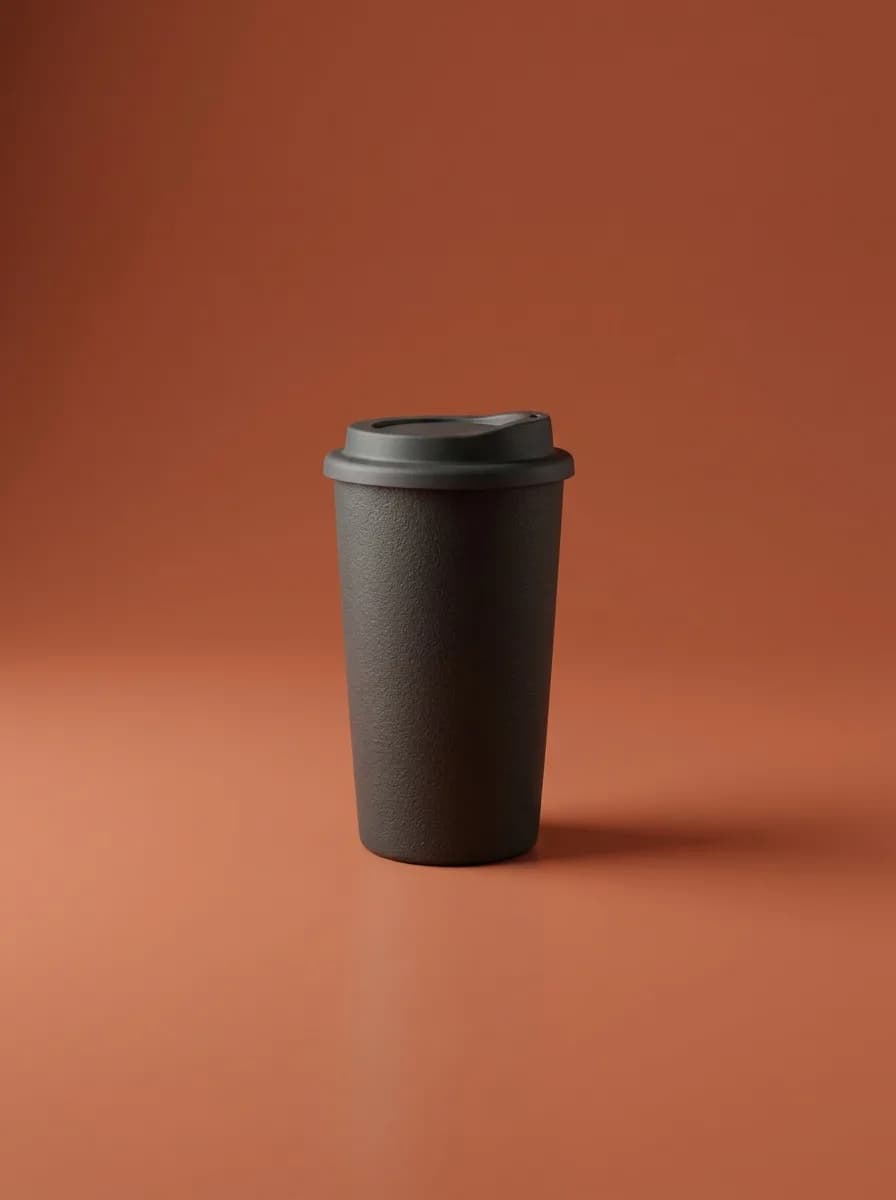
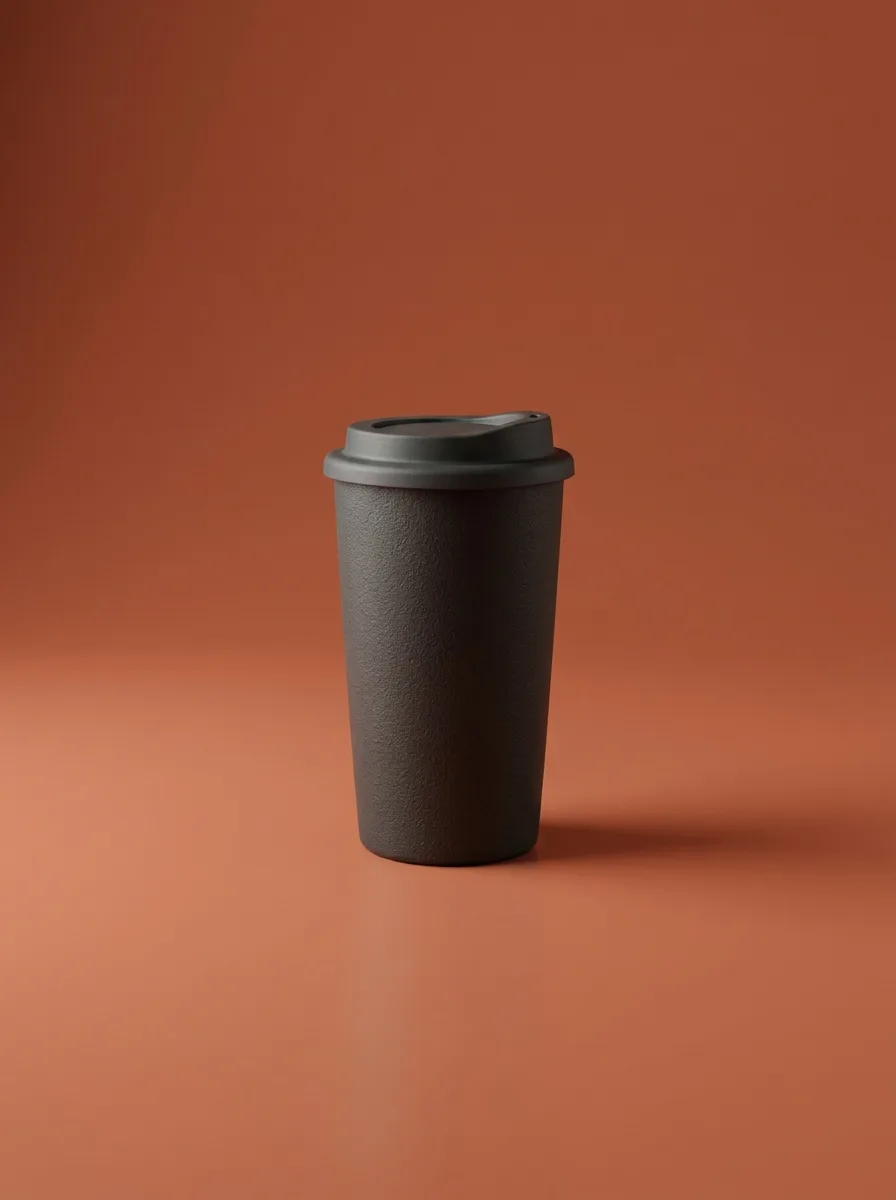
Restyle as a premium studio product shot of the same travel mug on a warm terracotta seamless backdrop, soft directional light from the left. Keep the mug shape, colour and lid exactly the same. No text, no numbers, no logos.
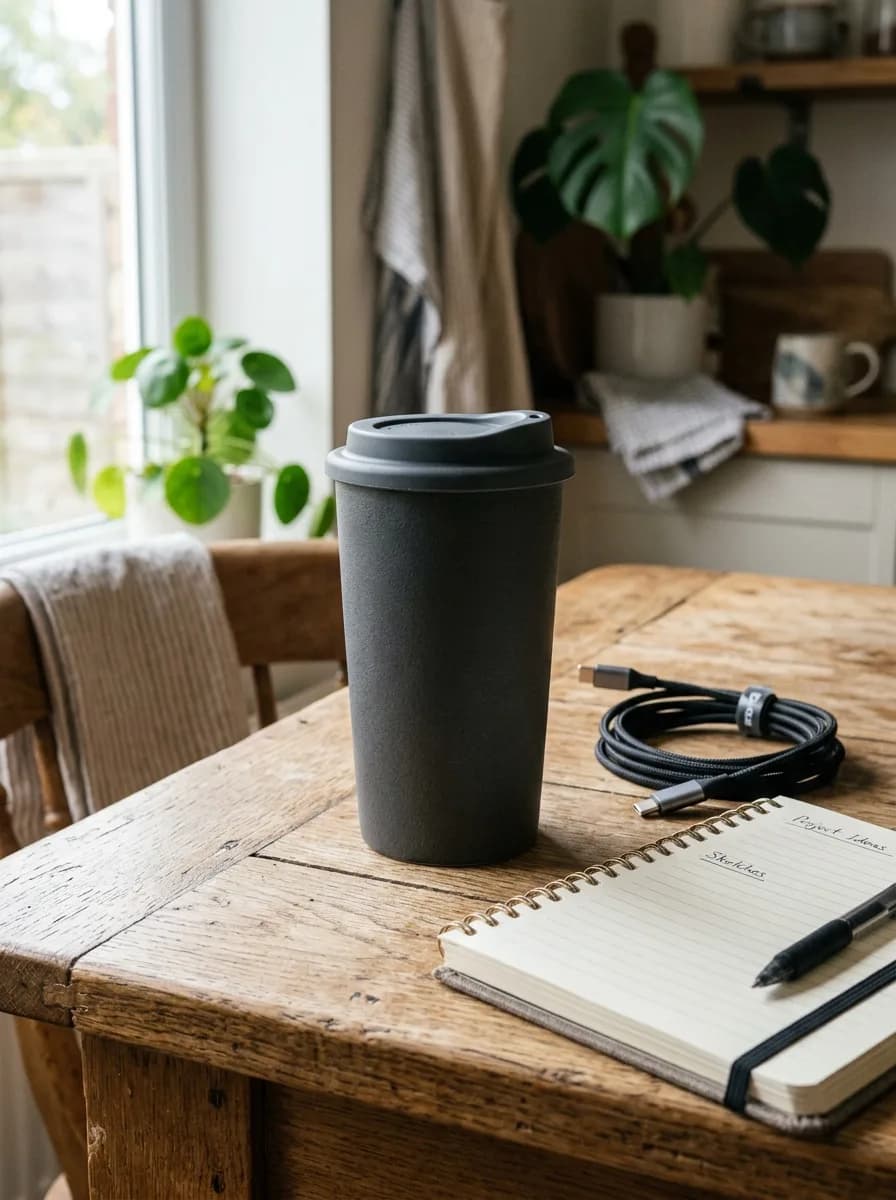
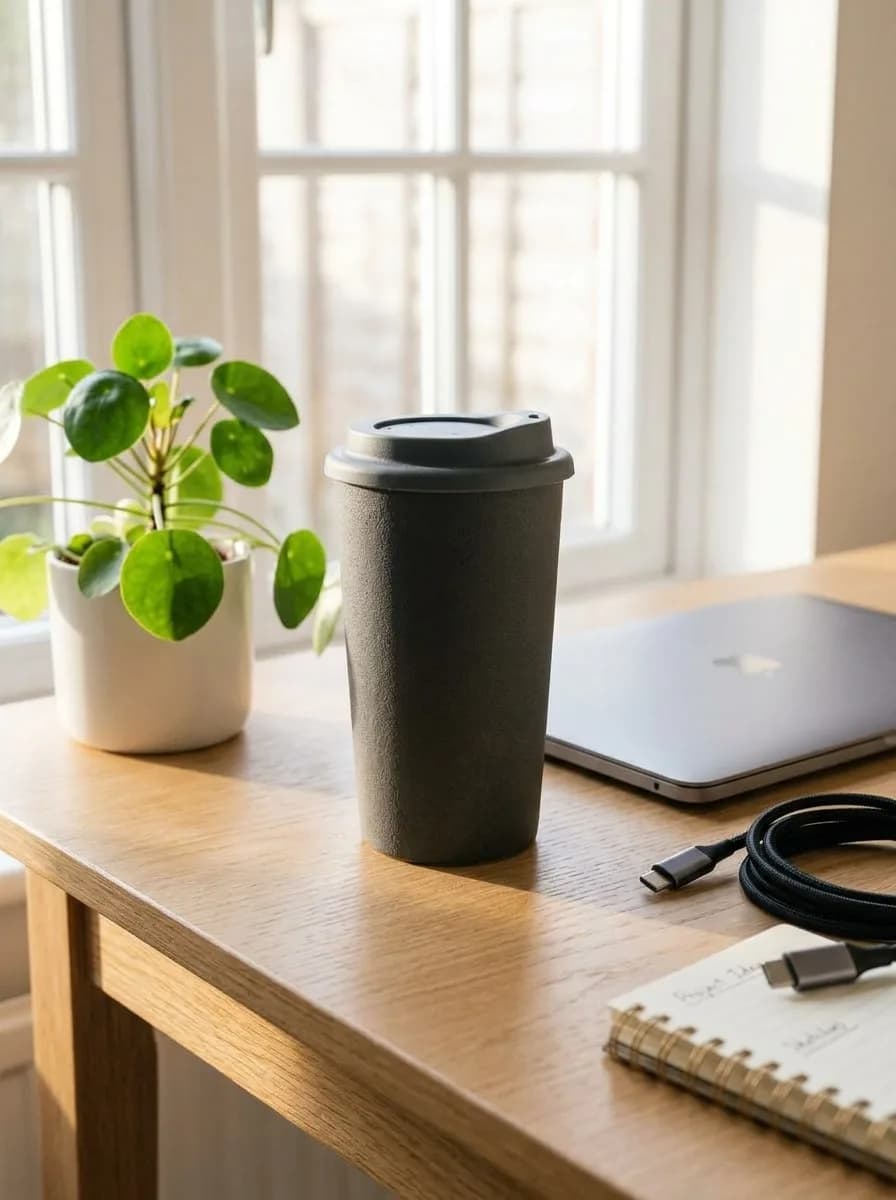
Place the same charcoal ceramic travel mug on a bright desk next to a closed laptop and a small plant, soft morning light. Keep the mug shape, colour and lid exactly the same. No text, no logos.
A five-second clip from the studio frame
Stories and ads often need motion more than a new still. Animate the finished studio shot, not the messy table photo. MiniMax H3 Turbo is enough for a slow push-in.
Five seconds on MiniMax H3 Turbo cost 22 credits. Failed clips are refunded.
A simple order of work before November 27
- Shoot or pick one clean photo per SKU while you still have daylight.
- Run white background and studio first — those go on the listing.
- Make lifestyle and the short clip only for the items you will push in ads or Stories.
- Upload prices and badges in the marketplace fields last, after the pictures are approved.
If you sell more than a handful of products, batch the packshots in one evening and leave lifestyle for the hero SKUs. A weak main image hurts the sale more than a missing desk scene.
Leave these off the image
- Discount percentages and countdown timers drawn into the photo.
- Marketplace logos or another brand’s packaging.
- A different product in a fake “before/after” pair.
- Tiny benefit text on the packshot when you can put callouts on a separate infographic card.
Upload one product photo, tick white background, studio and lifestyle, and download the sale set.
Make Black Friday product photosOne product shot is 6 credits. New accounts get 6 free credits.
Try everything from this article in minutes
All the models and tools from this article are in one place. You get 6 free credits after sign-up, and every price is shown before you run it.
Open product photos