How to Upscale an Image to 4K with AI Without Turning It into Mush
A 512-pixel phone crop looks fine on a chat preview and falls apart on a print or a cover. AI upscalers add pixels and recover detail instead of stretching the blur.
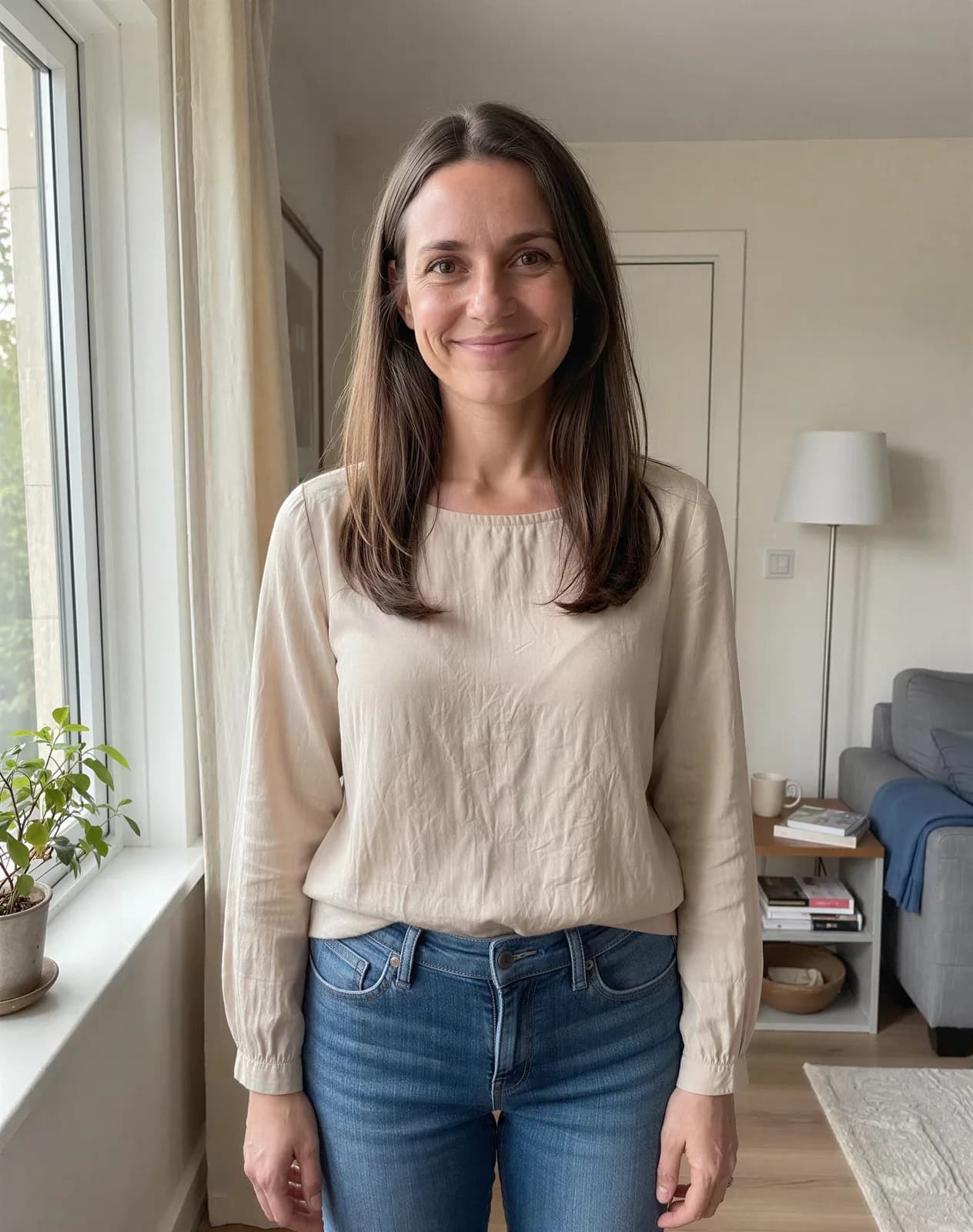
Upscaling an image to 4K with AI matters when you need a cover, a print, or a marketplace crop and the only file you have is a small phone photo. Classic “enlarge” just stretches pixels. An upscaler estimates missing detail, so edges stay cleaner and faces look less soft.
What to prepare
- Start from the sharpest original you have — not a screenshot of a screenshot.
- Crop first, then upscale. Upscaling empty margins wastes credits.
- For faces, keep the head large in the frame before you enlarge.
- Decide the target: 2× for social crops, 4× when you need print-like detail.
Which model to pick
| Model | Best for | Price example |
|---|---|---|
| Real-ESRGAN | Fast drafts and illustrations | 2 credits at 4× |
| SeedVR2 | Photo detail at a low price | 3 credits at 4× on a 1024×1024 base |
| Topaz | Studio-looking faces and photos | 21 credits at 4× on a 1024×1024 base |
| Recraft Crisp | Hard edges and text without inventing texture | 1 credits |
The button always shows the credit cost before you run. Failed jobs are not charged.
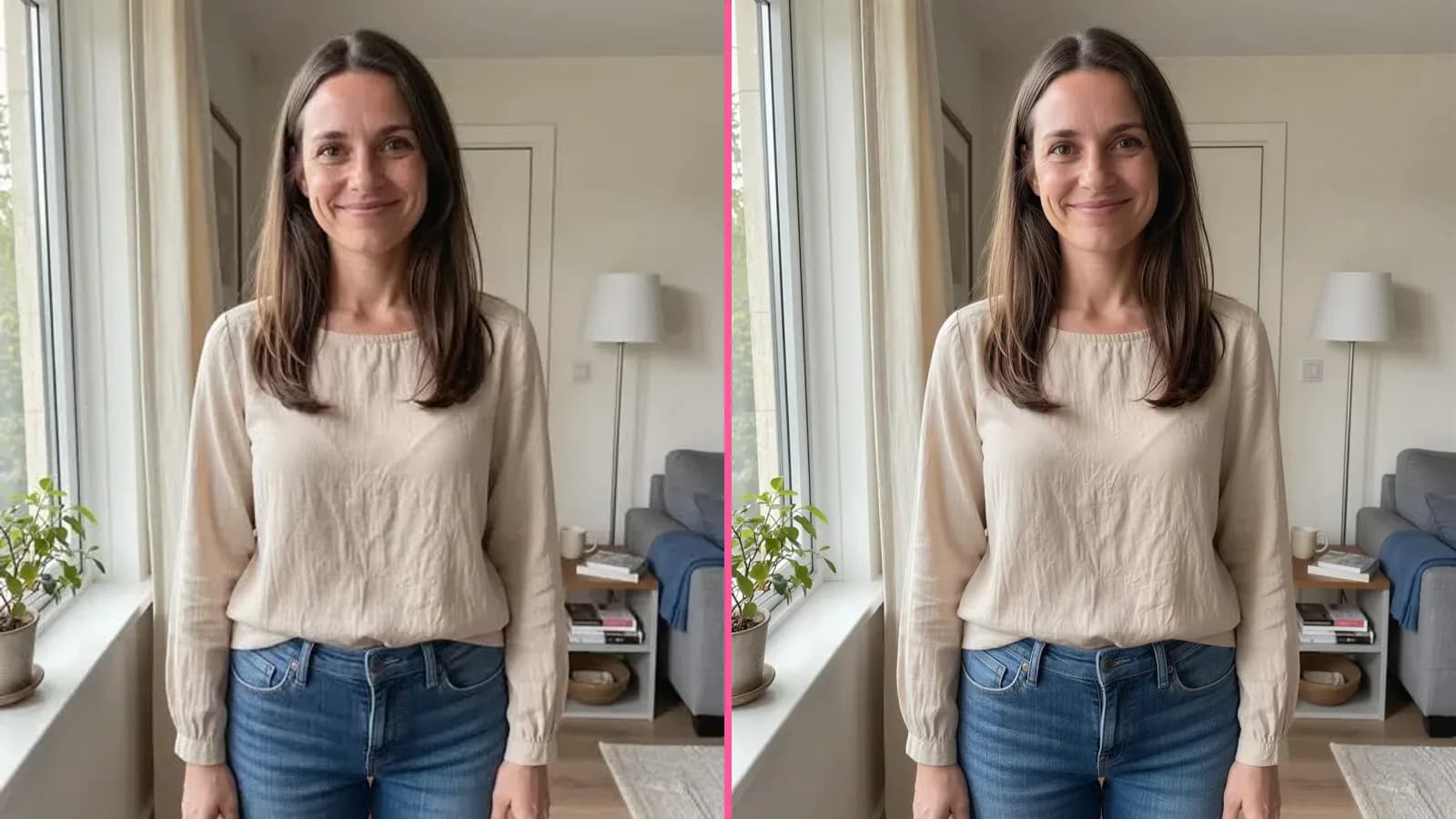
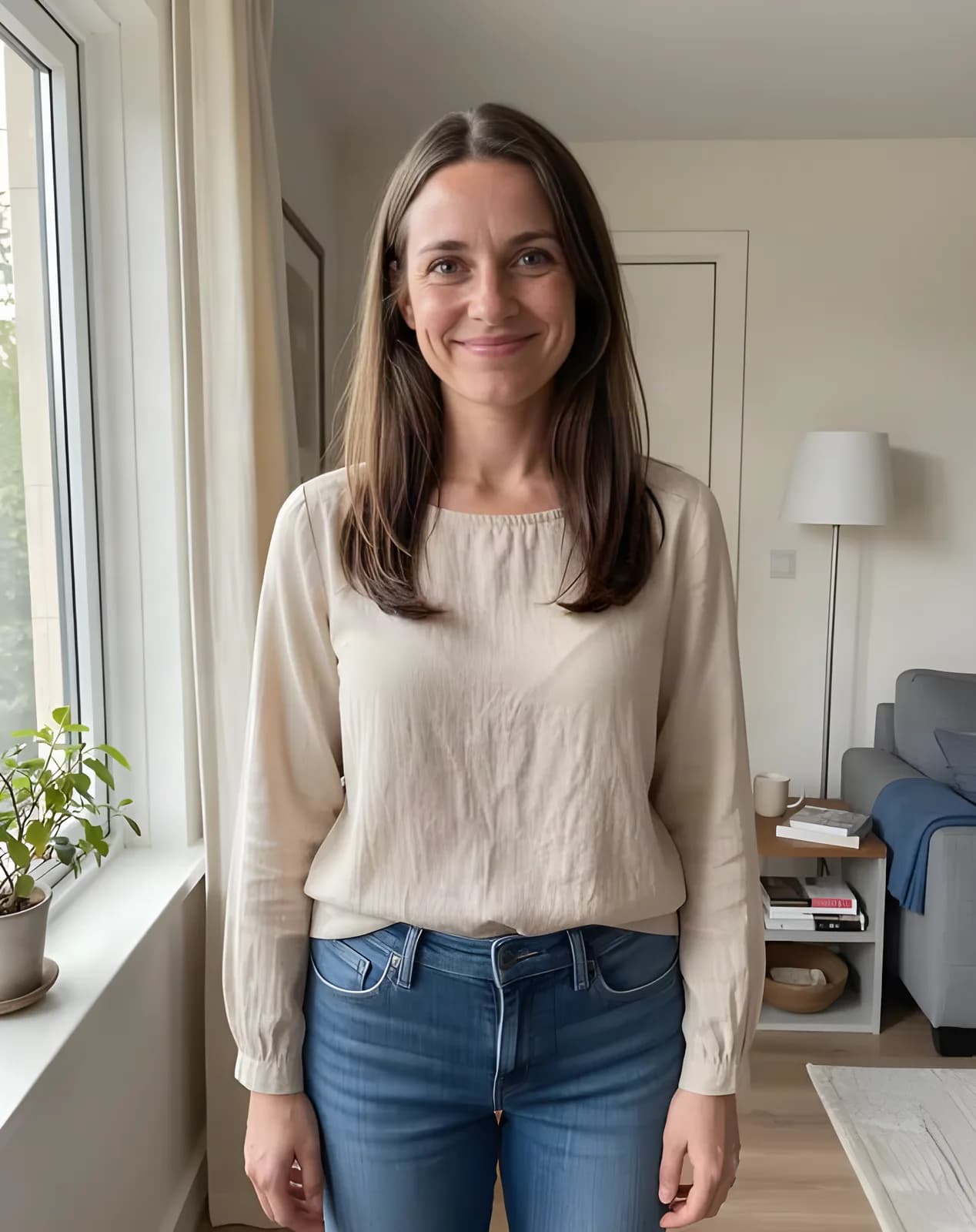
Same photo, two upscalers
Below is a 512-pixel source enlarged 4×. SeedVR2 recovers more photographic texture; Real-ESRGAN is the cheaper draft pass.

Steps in Enhance
- Open Enhance and upload the photo.
- Pick a model: Real-ESRGAN for a quick check, SeedVR2 or Topaz when the face matters.
- Choose 2× or 4×. Turn on face enhancement only on models that offer it.
- Download the result and check it at 100% zoom before you send it to print.
Upload a small photo, pick 4×, and download a sharper file for covers or print.
Upscale a photoReal-ESRGAN at 4× starts at 2 credits. New accounts get 6 free credits after sign-up.
Try everything from this article in minutes
All the models and tools from this article are in one place. You get 6 free credits after sign-up, and every price is shown before you run it.
Open Enhance