How to Make a Cross-Stitch Pattern from a Photo (Free, with DMC Threads)
We charted a corgi three ways: the whole photo, a tight crop and with the background removed. Here's what changed, which settings matter and what the printed pattern looks like.
Contents
A pattern from your own photo turns a cross-stitch project into a one-of-a-kind gift: the family dog, your first house, a wedding portrait. Charting it square by square on graph paper takes evenings, and pattern-maker apps often want a subscription before they'll let you print. ImageGPT's Cross-Stitch Pattern Maker builds the chart in your browser in a couple of seconds, matches the colors to DMC floss and gives you a printable PDF. It's free, so you can try different sizes and color counts until the chart looks right.
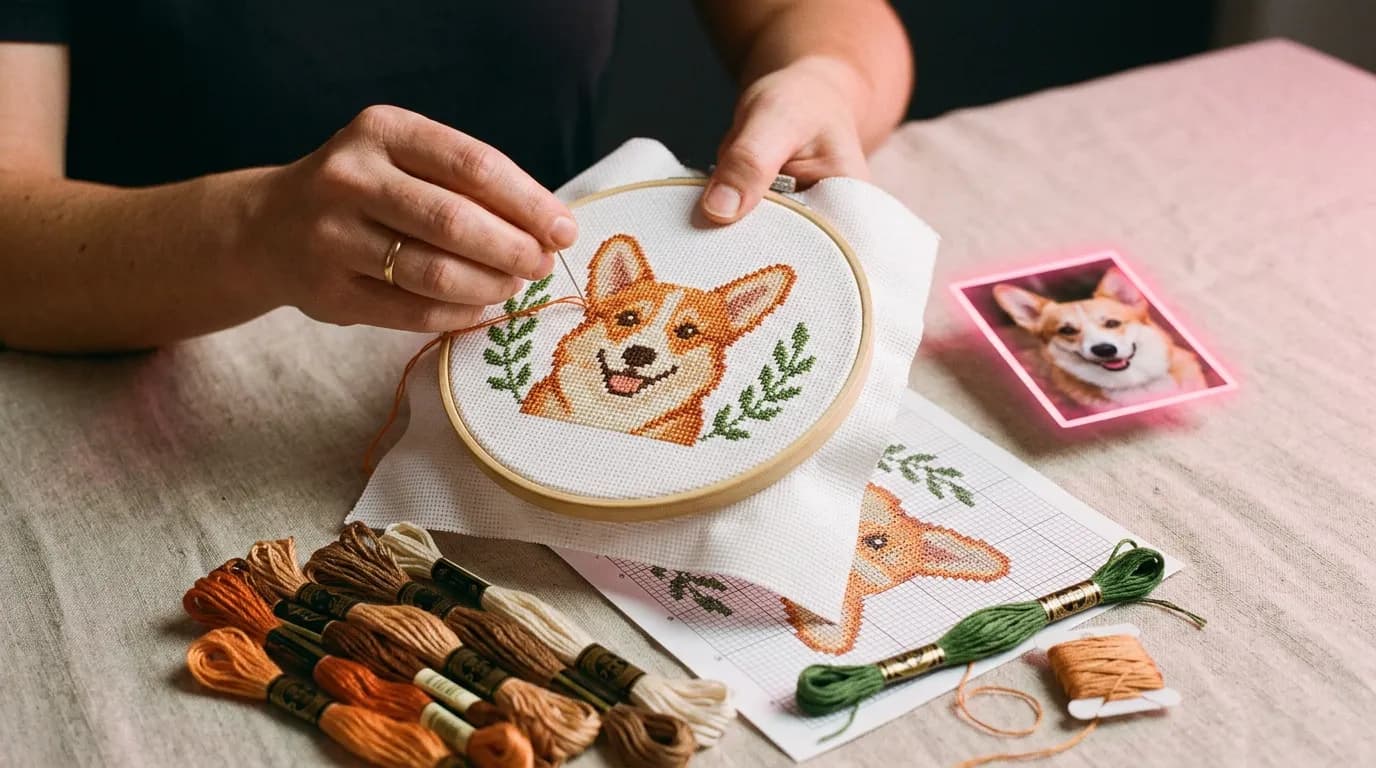
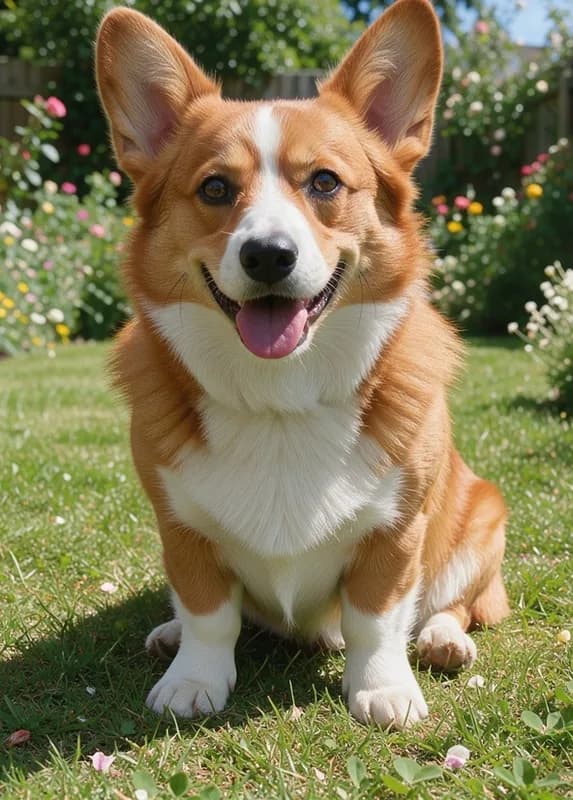
To show what the settings do, we used an AI-generated photo of a corgi sitting in a garden.
What you'll need
- A photo where the subject is big and the background is simple. Cropping in tight before you upload makes the biggest difference — more on that below.
- An idea of your fabric. Aida 11, 14, 16 or 18 count all work; the count decides how big the finished piece will be.
- A rough finished size. On 14-count Aida, 100 stitches across is about 7 inches.
Step by step
- Open the Cross-Stitch Pattern Maker and upload a photo or picture.
- Set the width in stitches — anything from 30 to 300 — and your fabric count. The finished size updates in inches and centimeters as you go.
- Pick the number of colors: 8, 16, 24, 32 or 48.
- Optionally turn on "Smooth blends", "Leave the background unstitched" or "Backstitch outline".
- Hit "Create pattern" and look over the preview and the thread key.
- Missing a thread? Click it in the key and pick a close DMC shade — the chart rebuilds.
- Download the PDF, either as a color chart or with black-and-white symbols for a mono printer.
Crop first: the tip that matters most
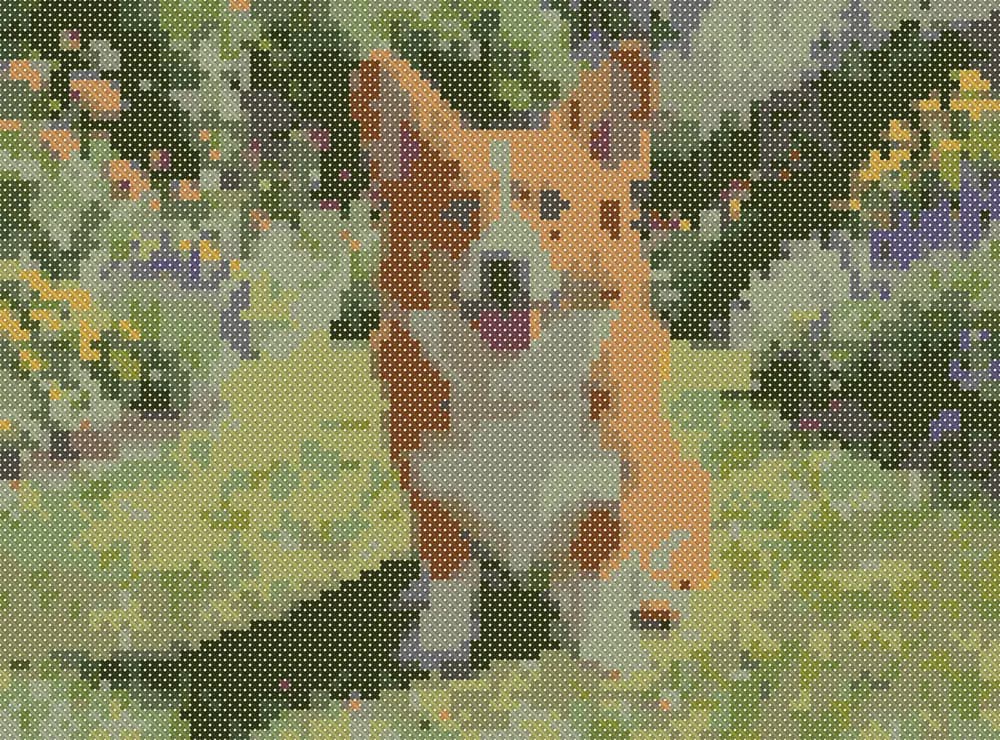
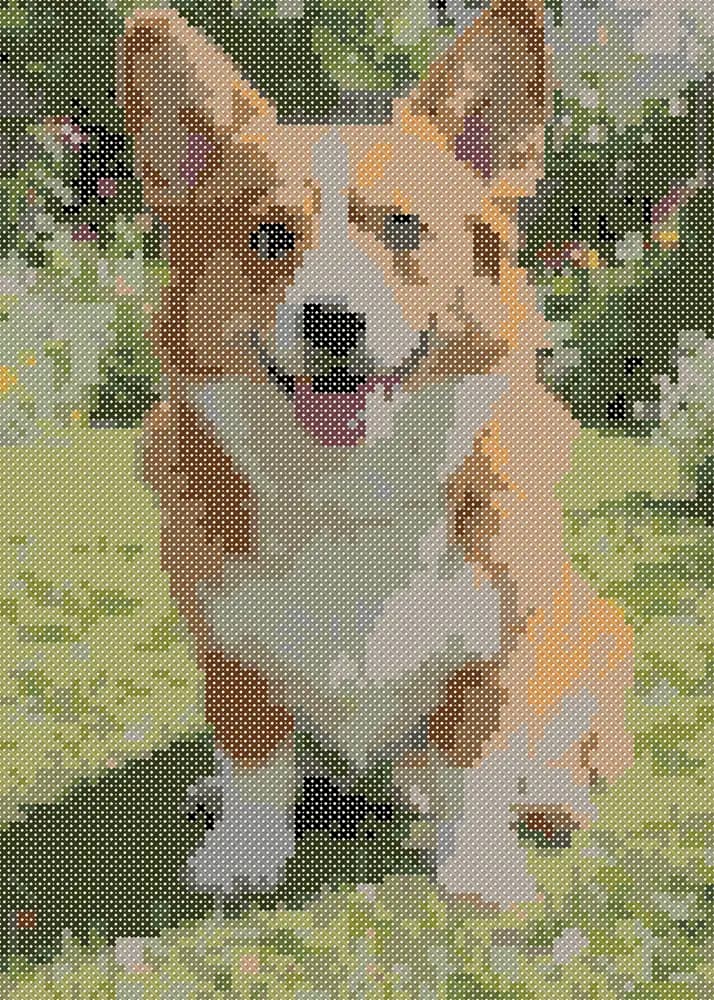
Our first try used the whole photo at 100 stitches wide and 24 colors. The dog ended up small, the white chest came out grey-green and the lawn turned into a mosaic of a dozen greens. Threads are matched across the entire image, so the more background there is, the more of your palette goes to grass and shrubs. Cropping to just the dog, with the same 24 colors, brought back the fur, eyes and tongue: 80 × 112 stitches, 5.7 × 8.0 in on 14-count Aida and 8,960 stitches in total.
Stitching just the subject
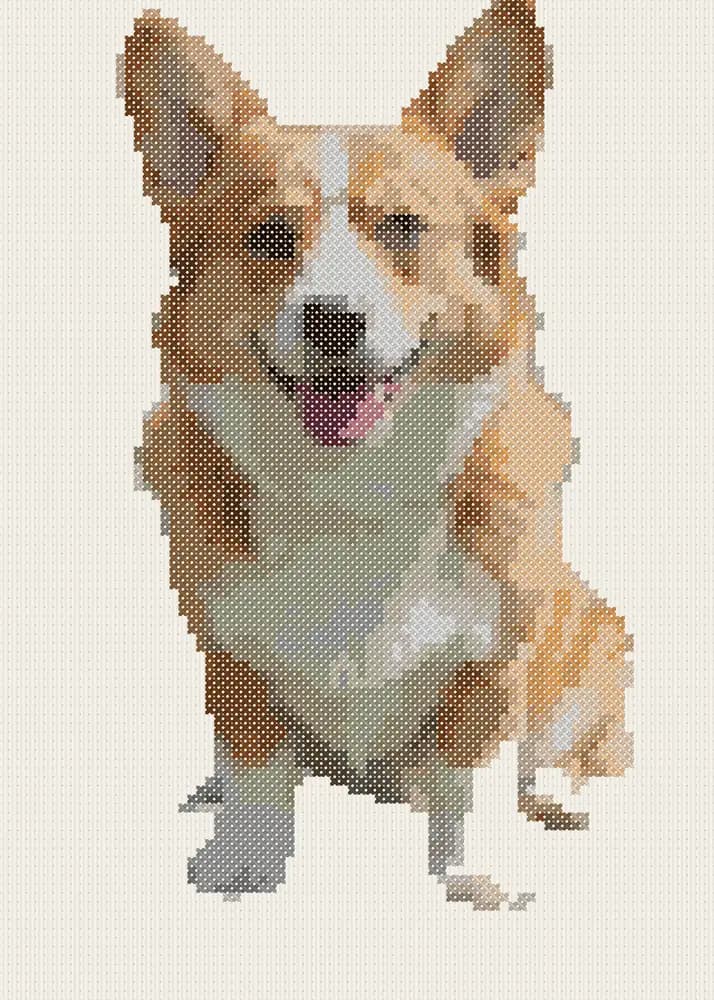
If you don't want a background at all, remove it first with the background remover (1 credit). The pattern maker treats transparent pixels as white, so load the cut-out and turn on "Leave the background unstitched": a plain light background at the edges stays bare fabric. On our corgi that cut the stitch count from 8,960 to 3,853 — less than half the work.
- Smooth blends mixes neighbouring colors stitch by stitch. Gradients on faces get softer, but you'll have more single stitches.
- Backstitch outline adds lines along strong color edges in DMC 3371, which makes small pieces read more crisply.
- Lone single stitches are cleaned up automatically, so you're not parking threads for one cross.
What the printed pattern looks like
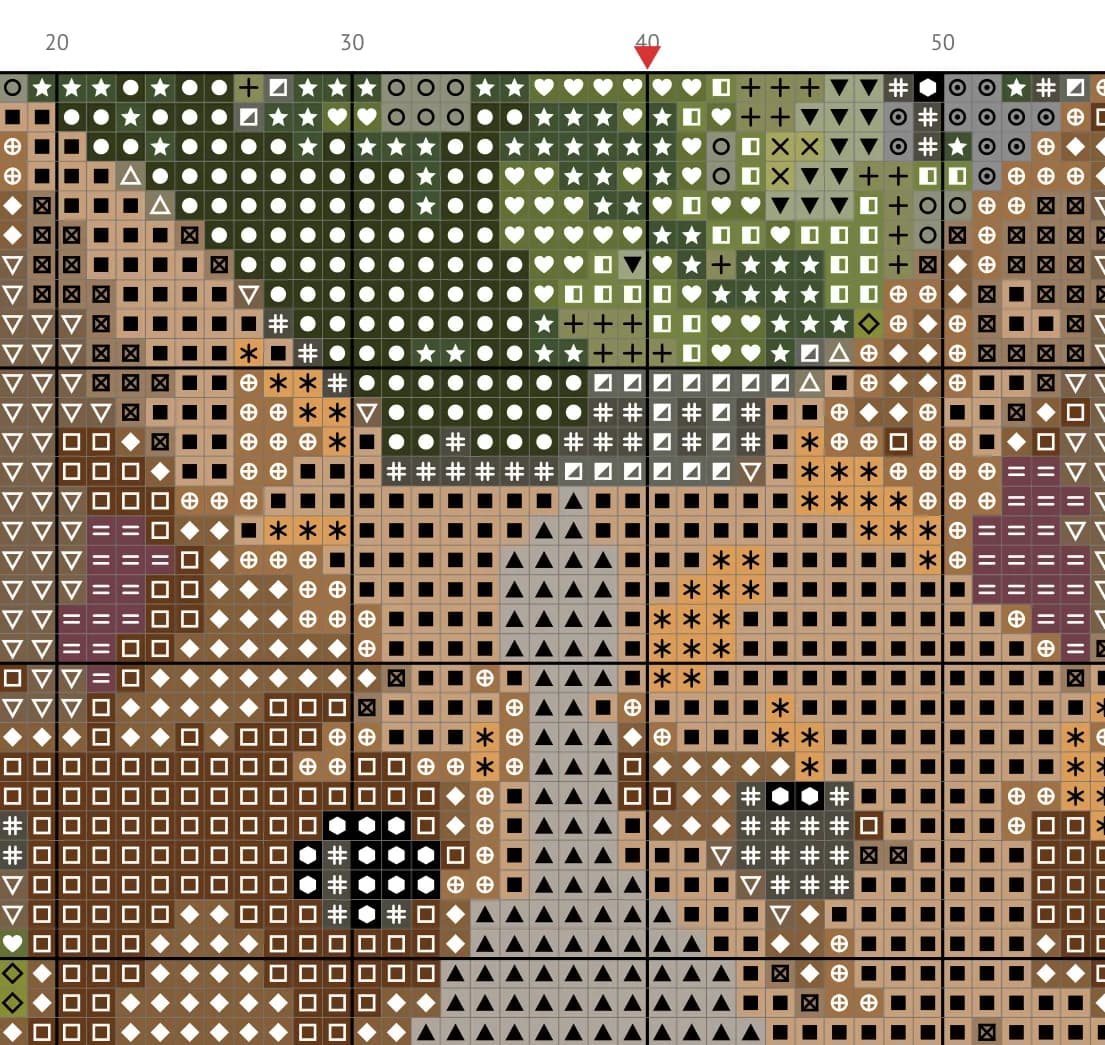
Our 80 × 112 chart came to 6 Letter pages: an overview with the preview and a page map, the thread key, and the chart itself. The chart has bold lines every 10 squares, row and column numbers that run across the whole pattern, center marks, and two repeated rows where pages meet, so lining them up is easy. Each color has its own symbol, and the symbols differ by shape, not just color — the chart works on a black-and-white printer.
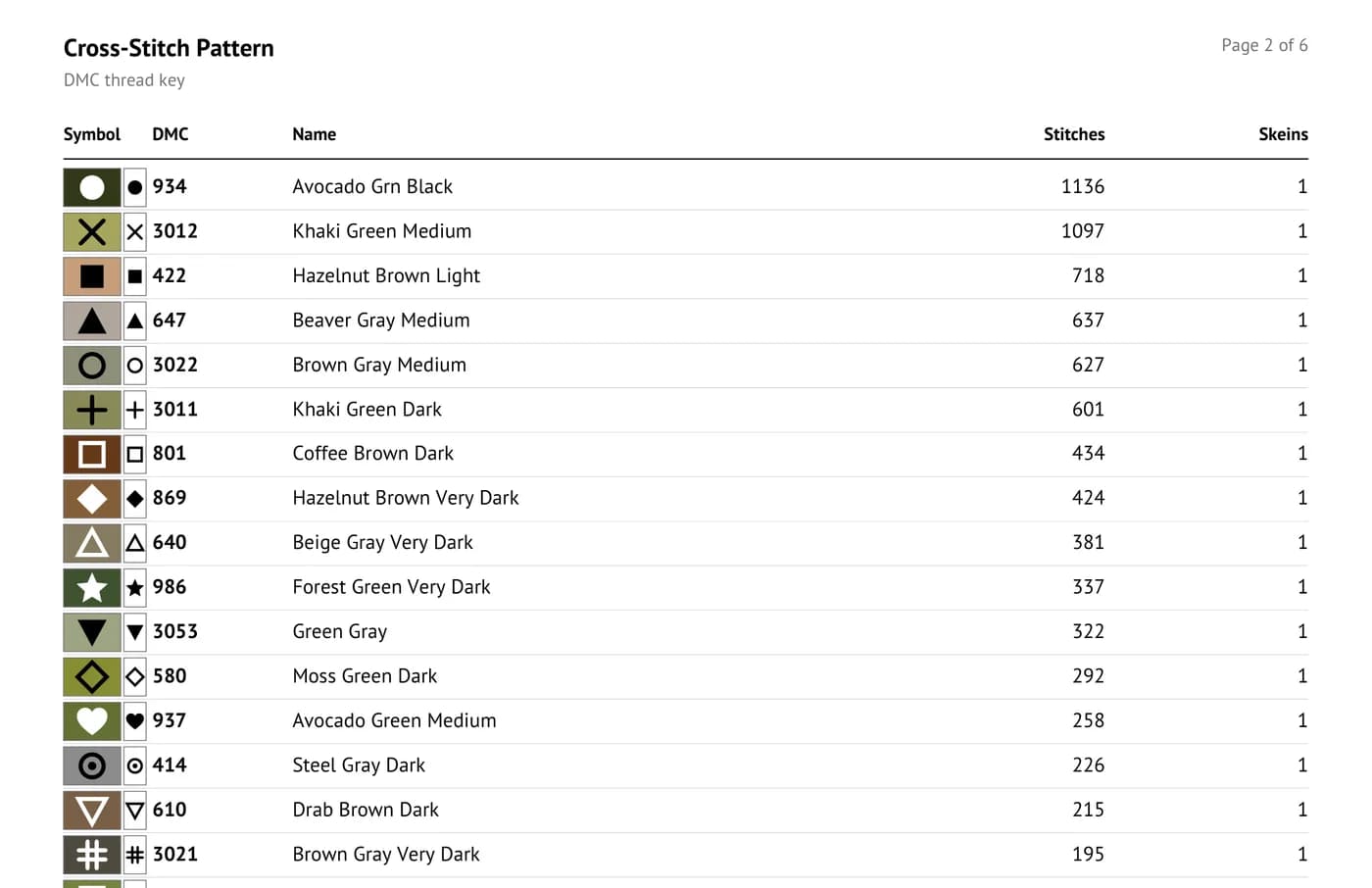
Colors are matched from 489 DMC threads. Skein counts are worked out from the number of stitches, the fabric count and the strands you stitch with (3 on 11-count, 2 on the rest), with a little spare. They're an estimate — everyone's tension is different — and screen colors are approximate, so check against a real DMC color card before you shop.
Knitters and diamond painters too
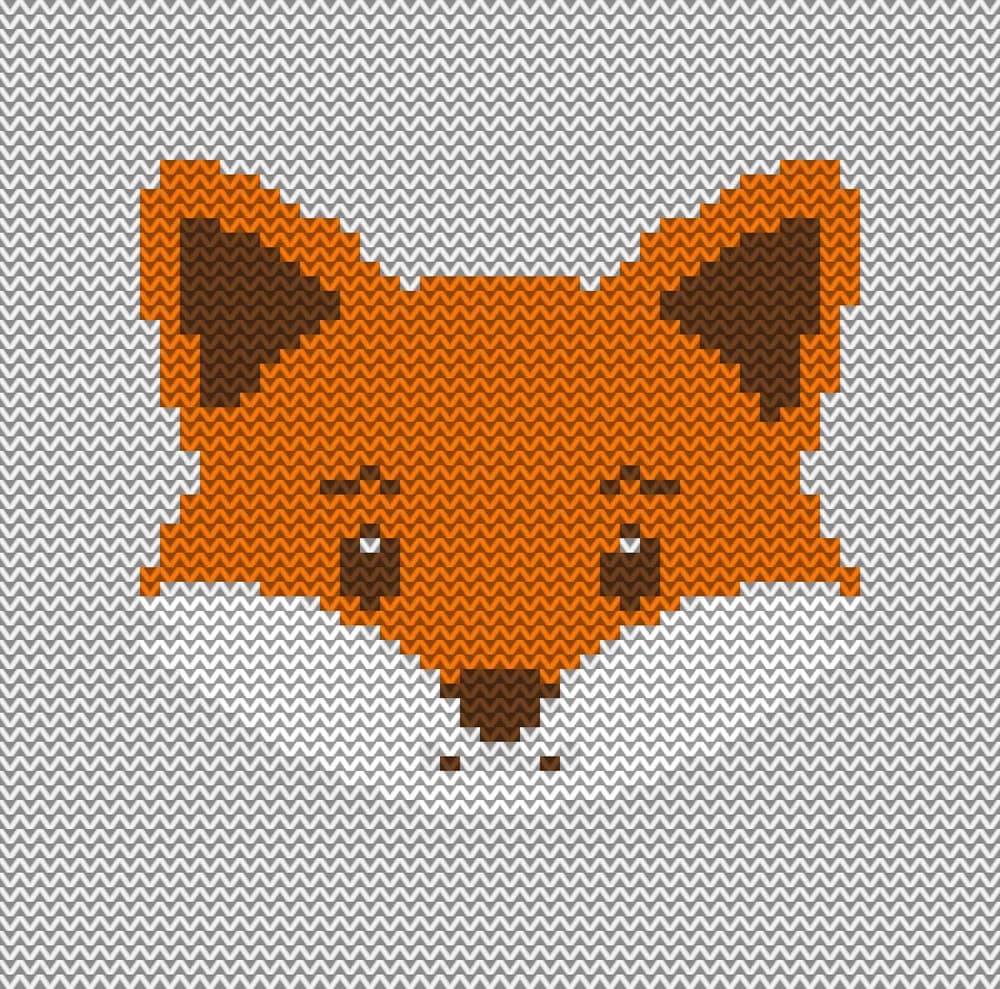
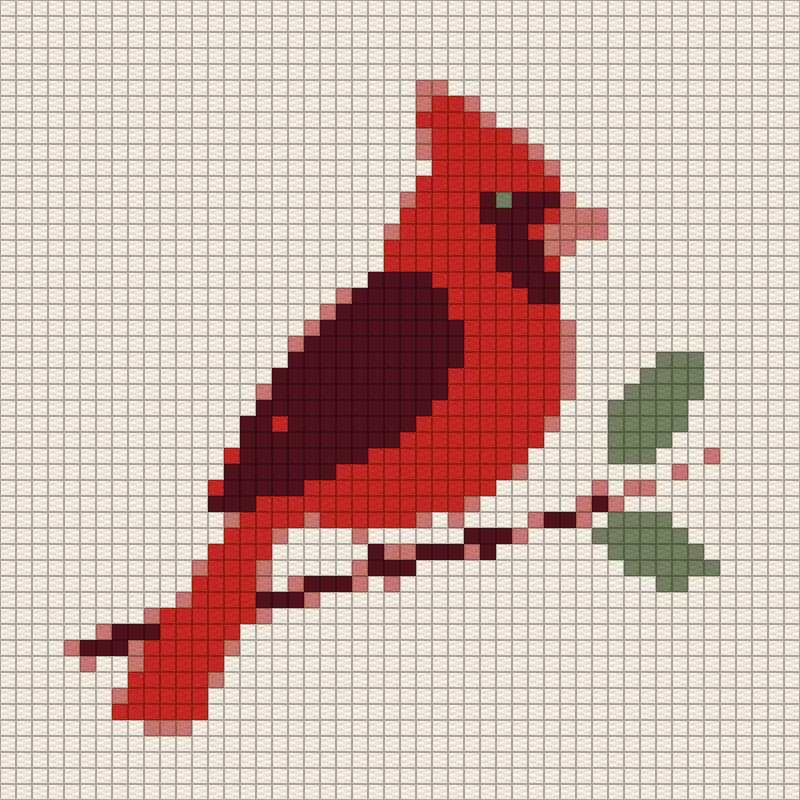
The same idea works for other crafts. The Knitting Chart Maker makes colorwork charts for Fair Isle and intarsia that respect your gauge — knit stitches are wider than they are tall, so it adds rows to keep the picture from looking squashed — plus tapestry crochet and C2C charts with a row-by-row written pattern. Diamond Painting from Photo charts square 2.5 mm drills with DMC codes and a drill count for every color. Both are free.
Ask the Assistant
Attach a photo in the Assistant chat and describe what you want to stitch; it opens the right tool with your photo loaded.
make a cross stitch pattern from this photo of my dog
I need a C2C blanket chart from this picture
Pricing
The pattern, thread key and PDF are free and you can download them as often as you like. The only paid extra here is background removal, if you want it: 1 credit per photo. New accounts get 6 free credits.
Upload a photo and get a chart with DMC threads and a printable PDF.
Make a cross-stitch patternMore examples and answers about sizes, floss and skeins on the tool page.
Cross-stitch pattern makerTry everything from this article in minutes
All the models and tools from this article are in one place. You get 6 free credits after sign-up, and every price is shown before you run it.
Make a cross-stitch pattern