How to Recreate a Pinterest Room in Your Own Space with AI — and Do the Same for Your House and Yard
Interior Design, House Exterior and Landscape Design now take a style example. Show the AI a picture you love and it brings that look into your own room, house or yard. A new mode changes one thing without redoing the room.
Contents
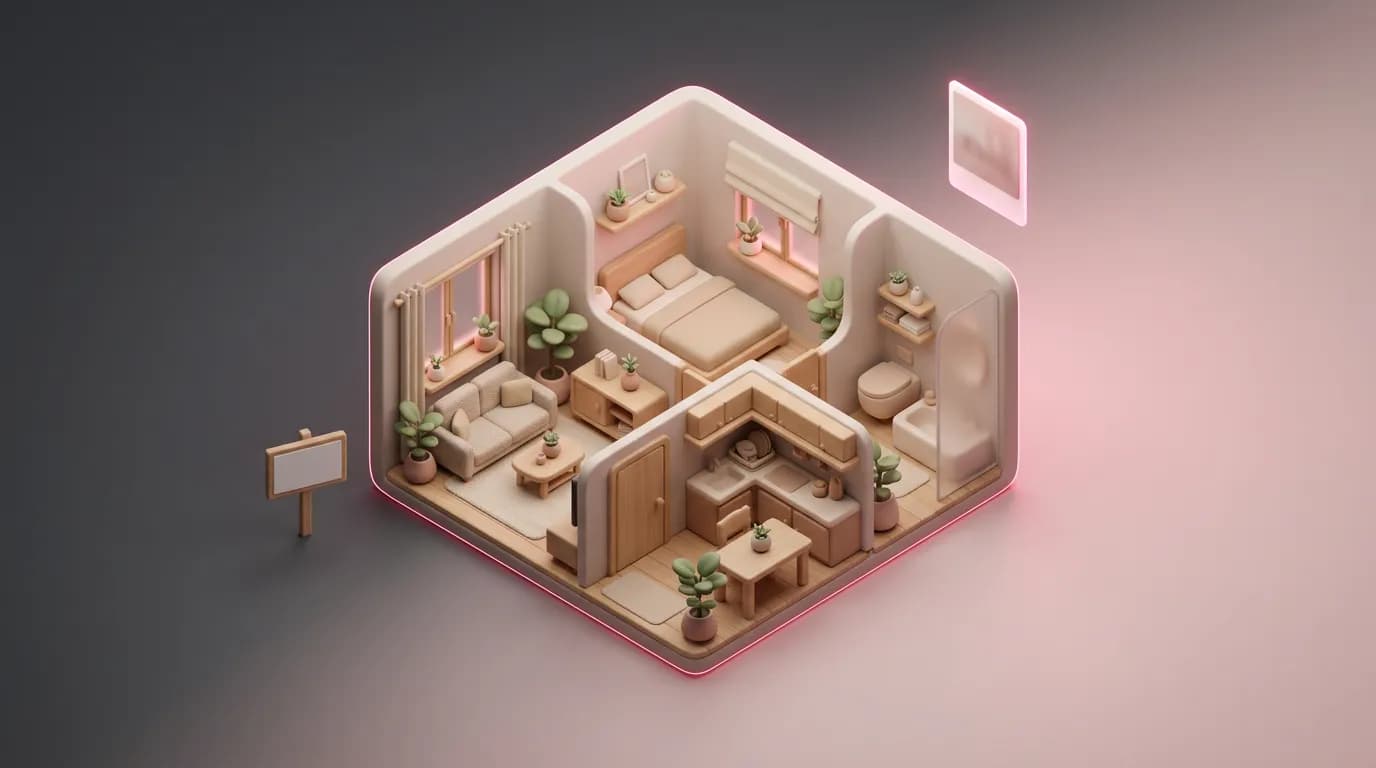
Most renovations start with a saved pin. The trouble is that a pin shows someone else's room: bigger windows, a different layout, better light. Describing the look in words doesn't help much either — "dark wood, green velvet, brass" fits a hundred different rooms. Now you can simply show the AI the picture. It takes the style, colors and materials from it and applies them to a photo of your own room, keeping your walls, windows and camera angle.
The same style example works in House Exterior and Landscape Design, and all three tools got more careful about what they keep. Every source photo and example below was itself made with AI.
What you need
- A photo of your room, house or yard. For a room, shoot in daylight from a corner or doorway, holding the phone level, with the floor and at least two walls in frame.
- A picture you like: a Pinterest screenshot, a furniture catalog page or a magazine shot. For the exterior, a house you walked past; for the yard, a garden you liked.
- For a small edit, a sentence about what to change — and, if you have one, a photo of the item: a wardrobe, a tile, a mirror.
A room in the style of your pin
From the example the AI takes the palette, wall and floor finishes, materials, types of furniture, lighting and decor. It doesn't copy the example's layout, windows or angle, so the pin can be a completely different space — a big loft with brick and tall windows — and the result is still your room. Once an example is uploaded, the style buttons disappear: the picture is the style.
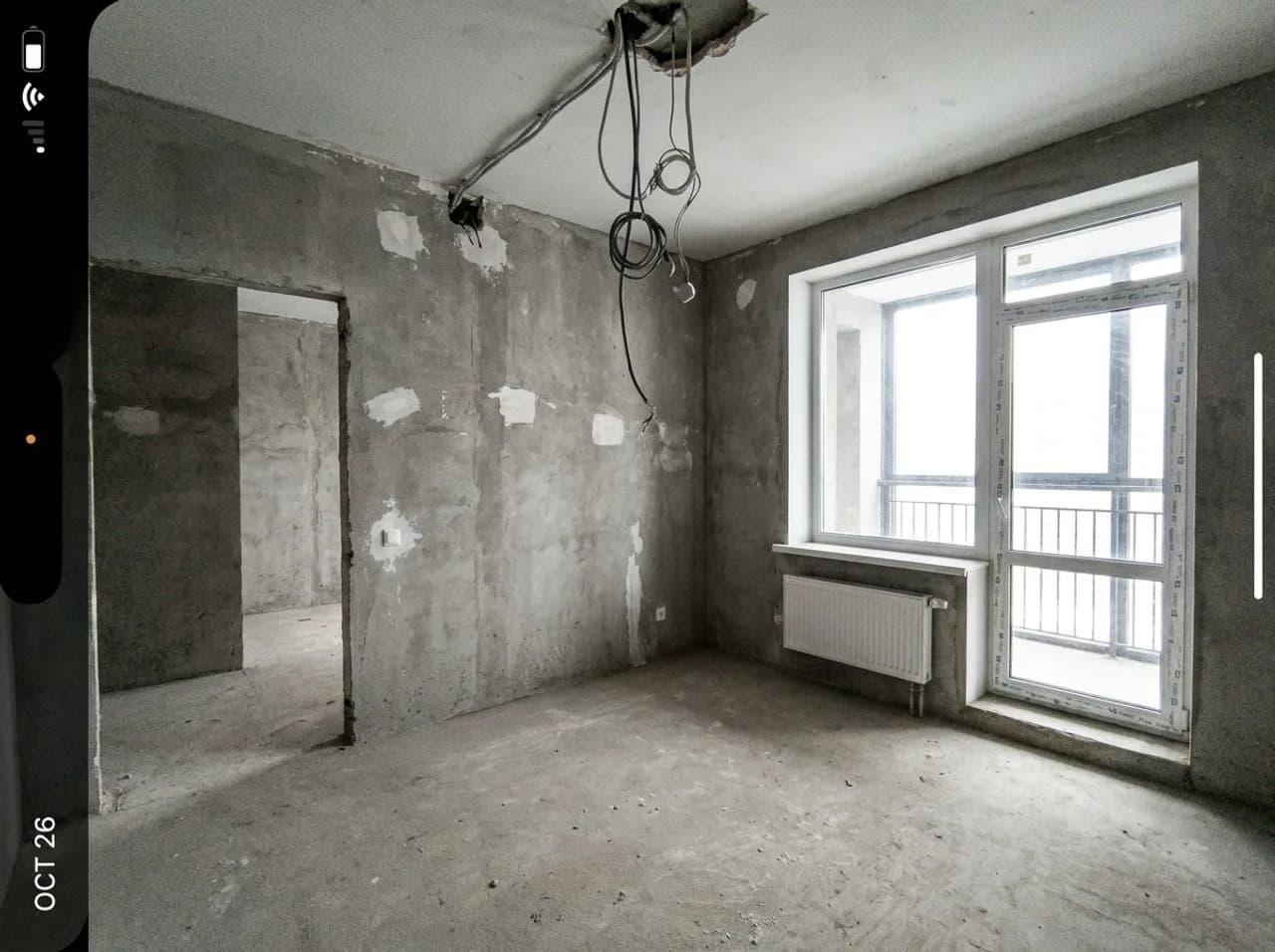
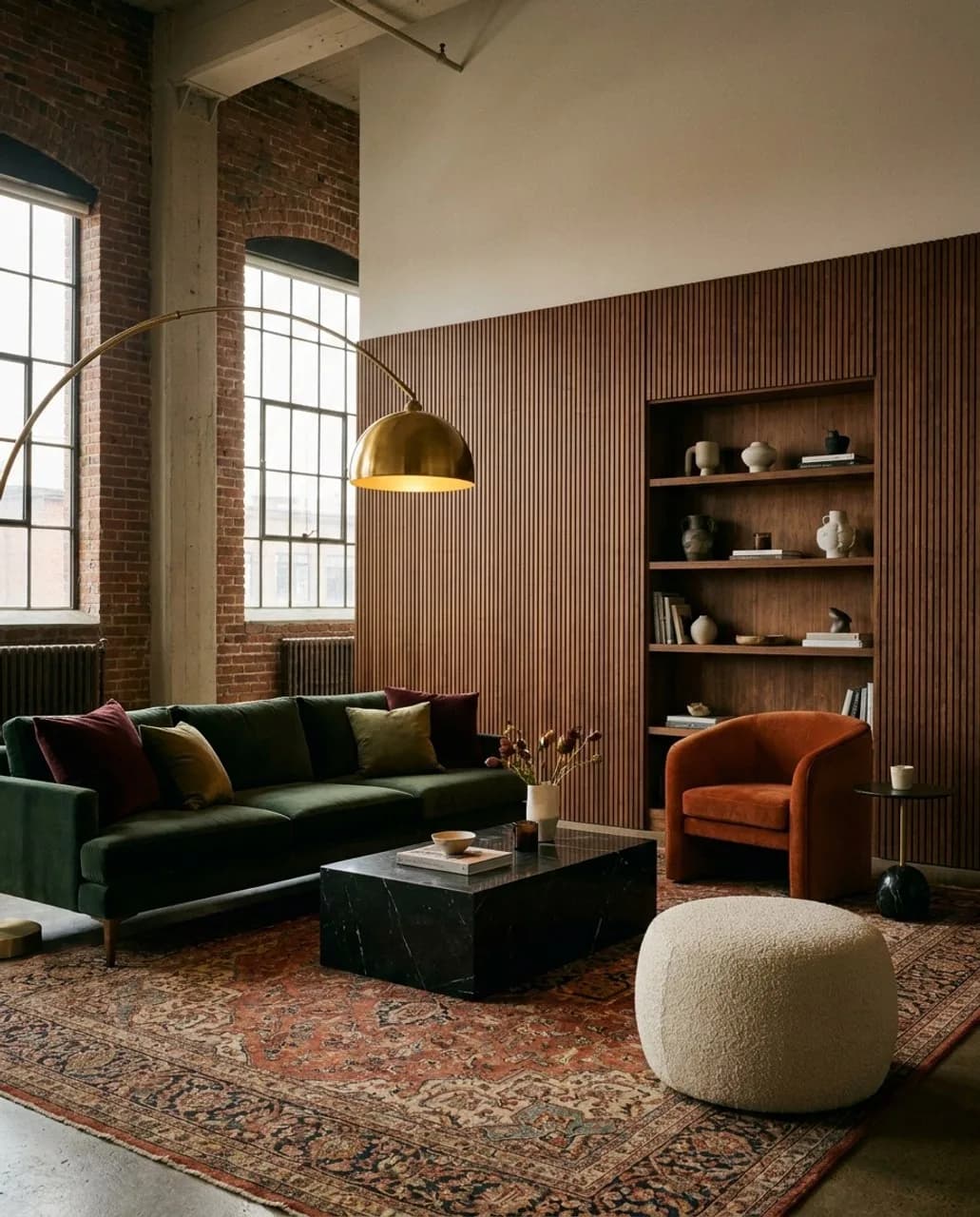
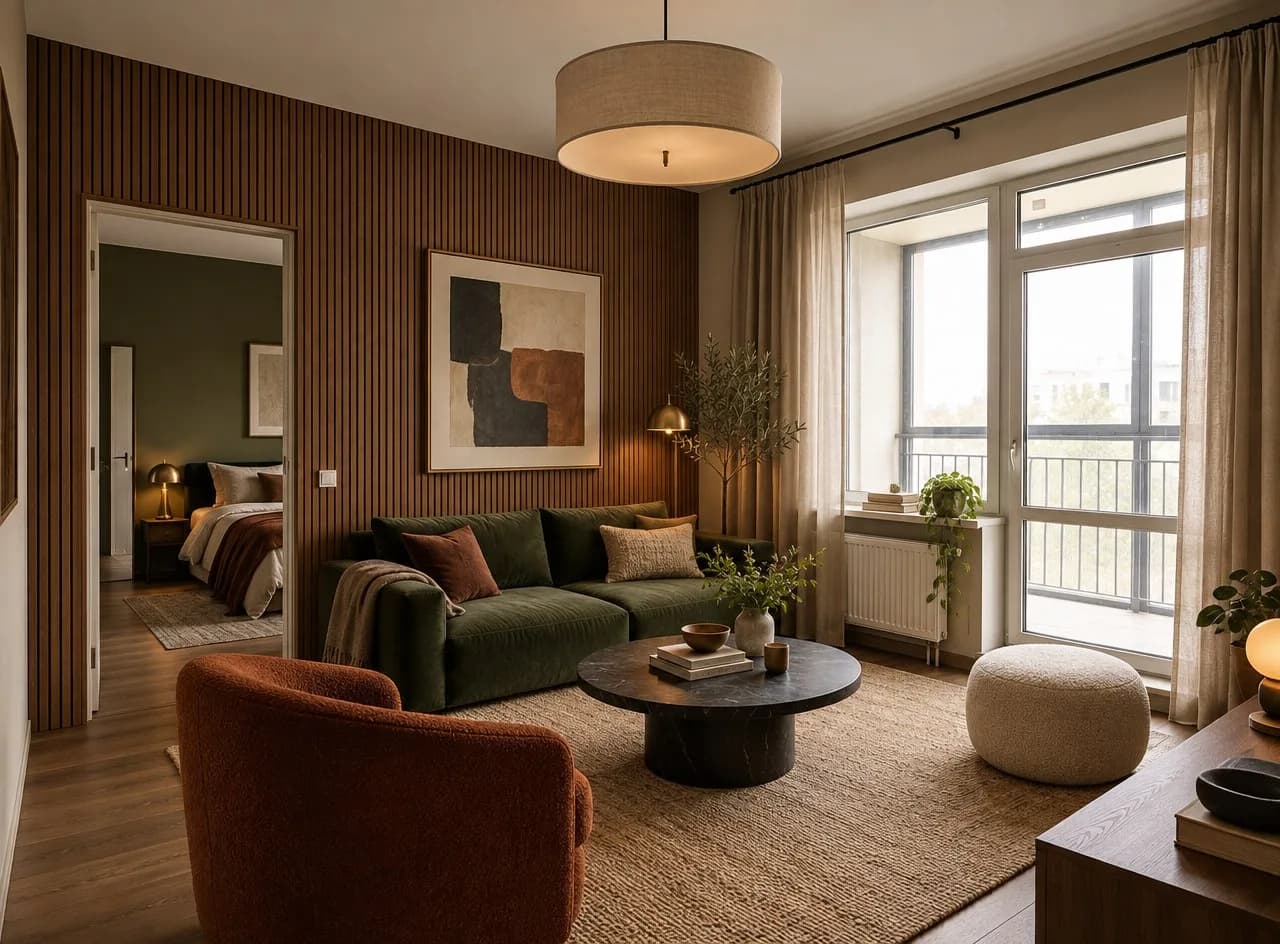
No example? Pick one of eleven styles. Each style is now a full brief — palette, materials, furniture and lighting — so the variants of one room, and all the rooms of one home, come out in the same scheme.
Change by description: one thing, not the whole room
The old "Repaint and refinish" mode only handled paint, wallpaper and floors. It's now called Change by description and takes any small edit: add a wardrobe, swap a mirror, put up shelves, paint one wall. The AI changes only what you write in What to change and leaves the furniture, colors, light and angle alone. Add a style example — say, a wardrobe from a catalog — and it uses that item or material.
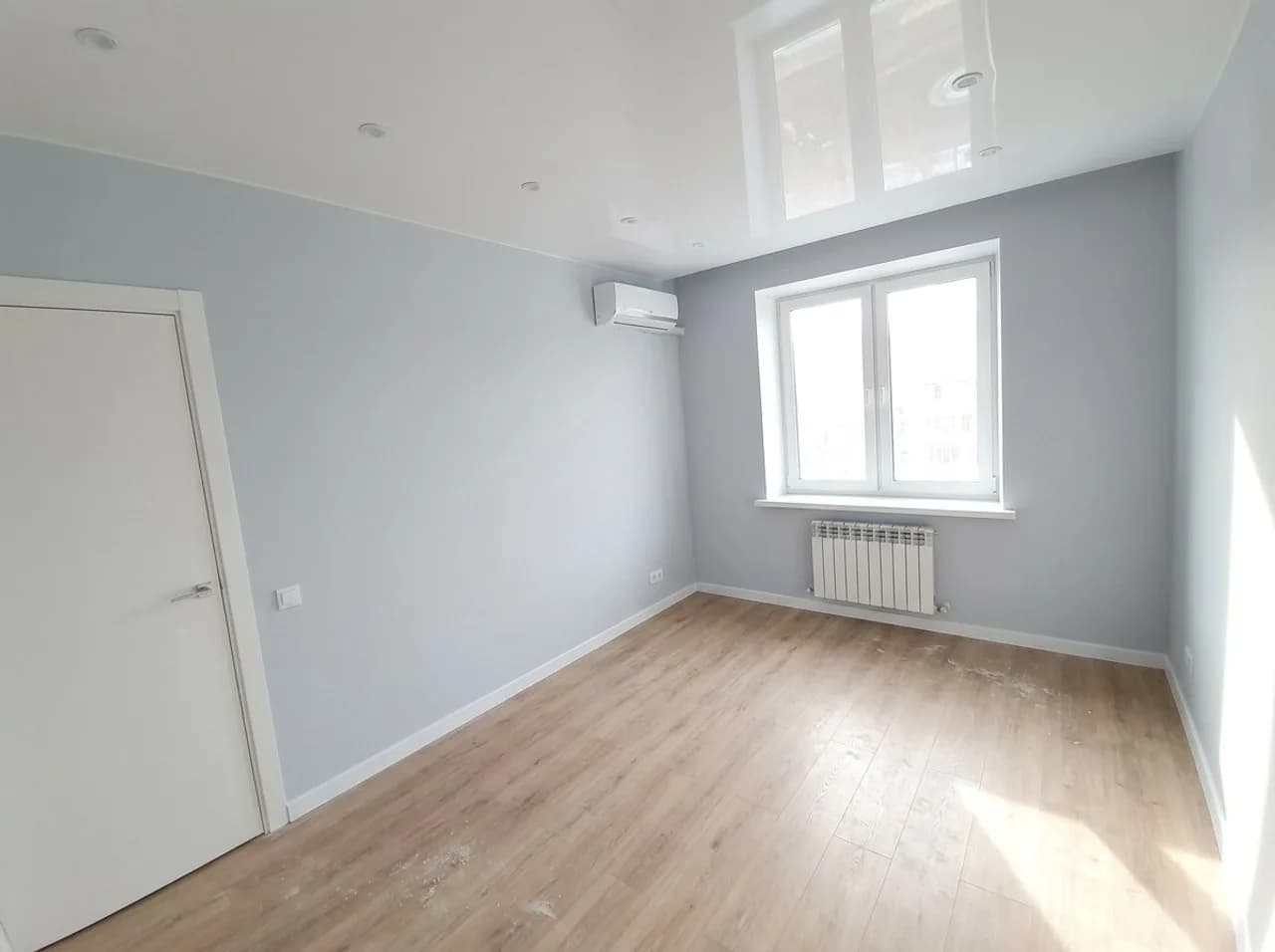
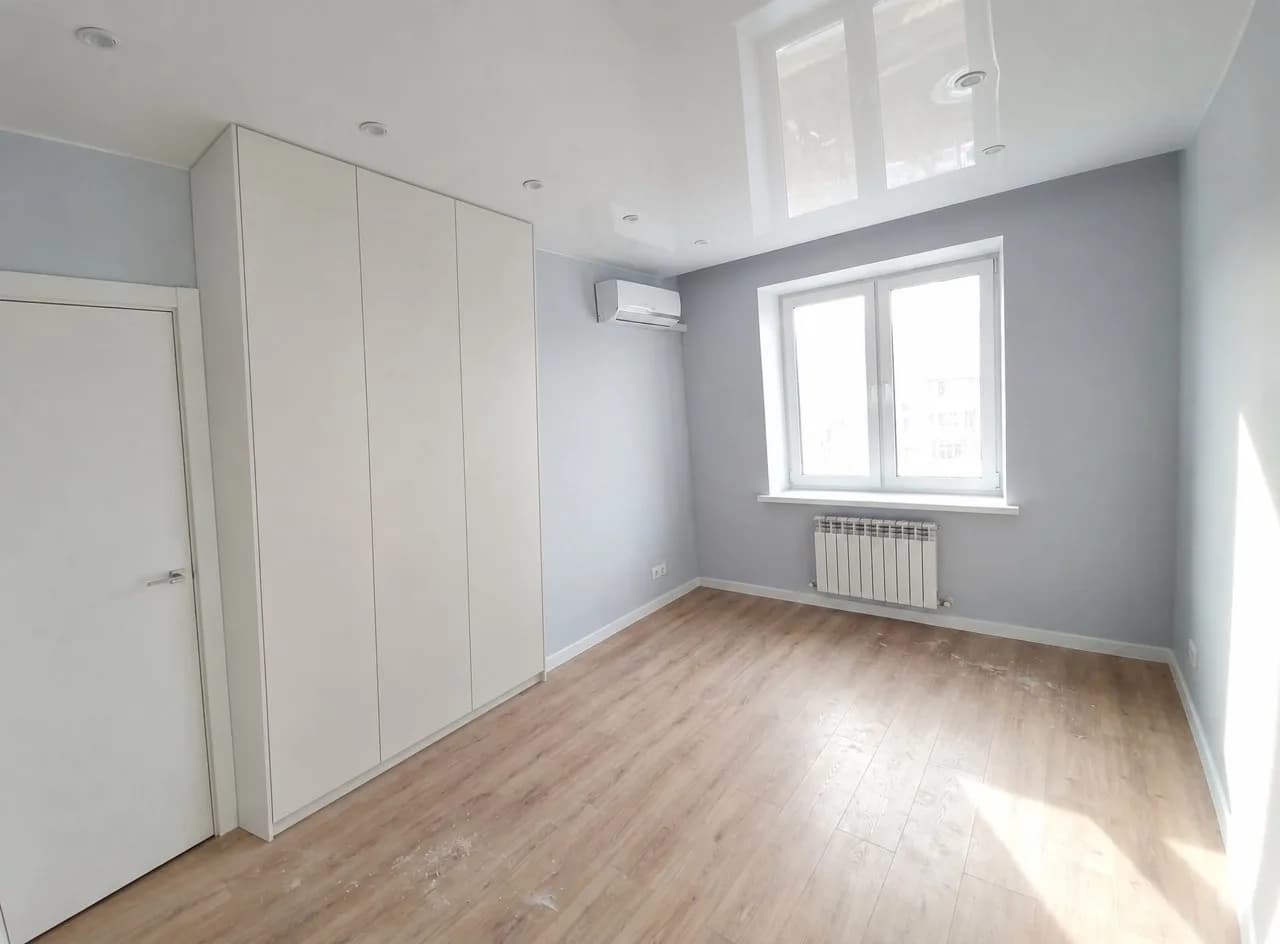
add a floor-to-ceiling wardrobe on the left wall next to the door, light, no handles
replace the rectangular mirror above the sink with a round one in a thin brass frame
paint only the wall behind the bed deep green, keep everything else as it is
Empty rooms: tell it what the room is for
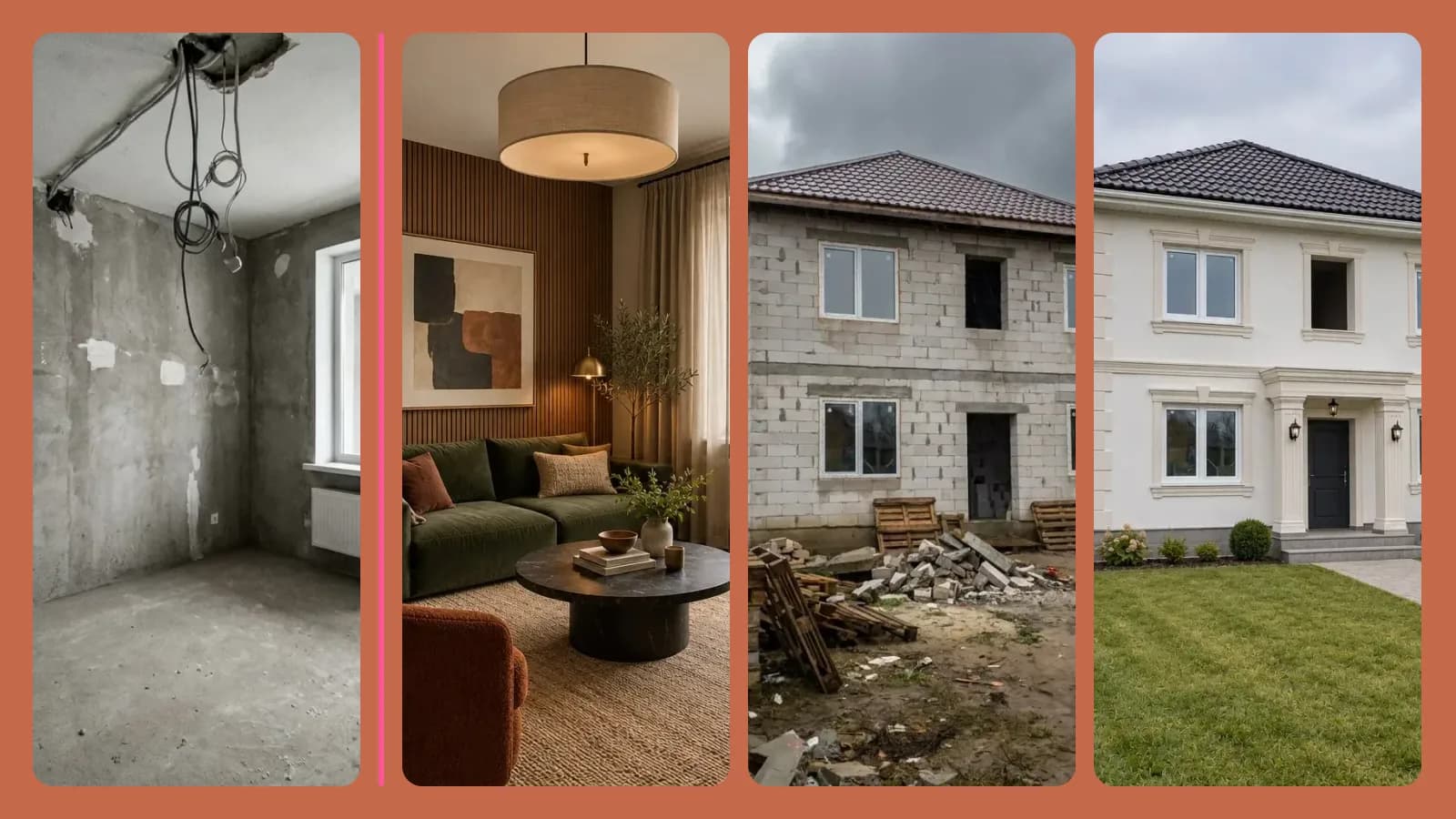
A furnished room tells the AI whether it's a bedroom or a living room. An empty one could be anything, so New design and Furnish empty room have a Space setting. Leave it on From the photo and the AI first decides what the room suits from its size and windows, then furnishes it. Or pick the room yourself — a bedroom, a kids' room, a home office — or a business space such as a cafe, office, shop or beauty salon.
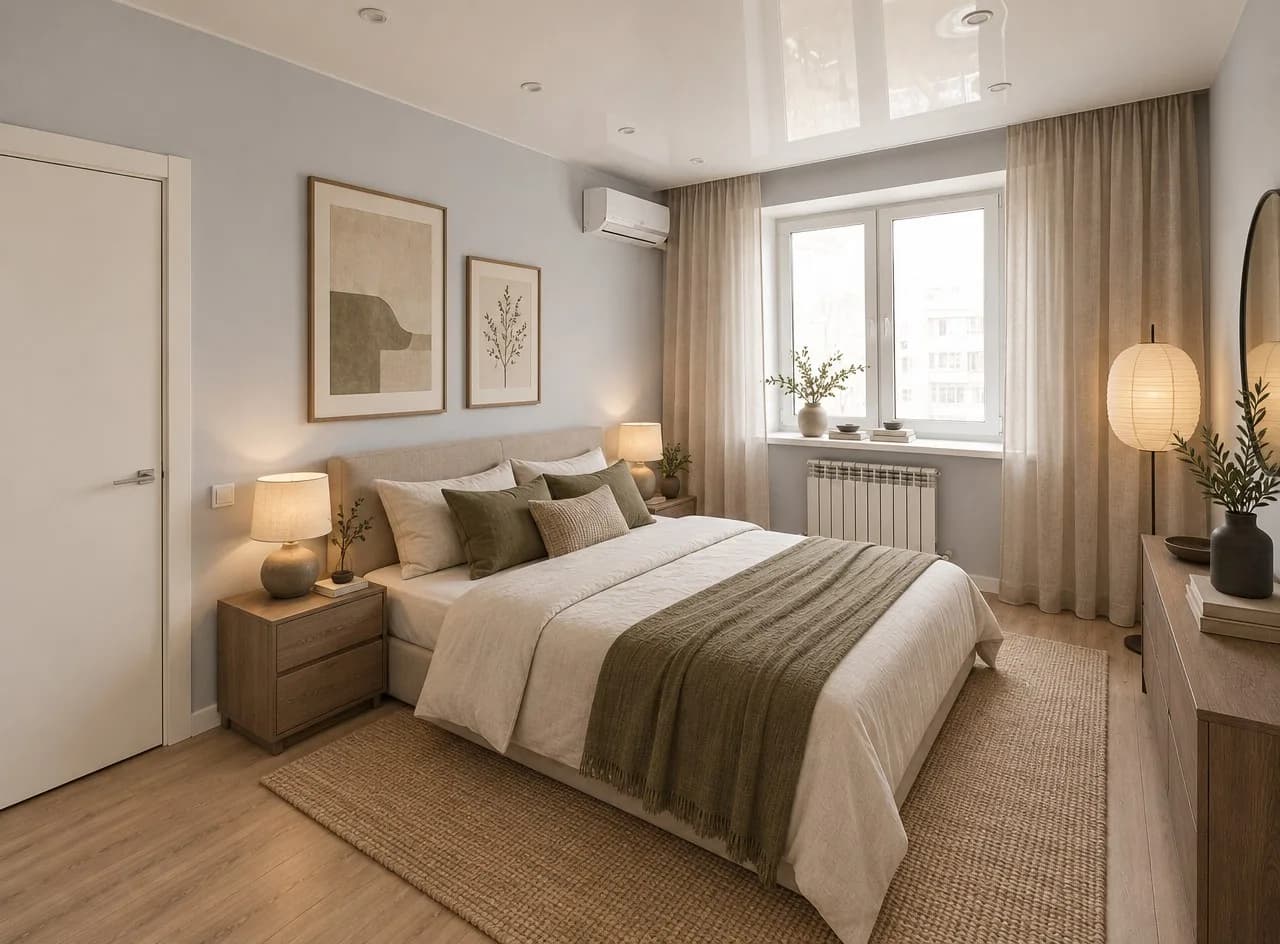
House Exterior: a new look, the same house
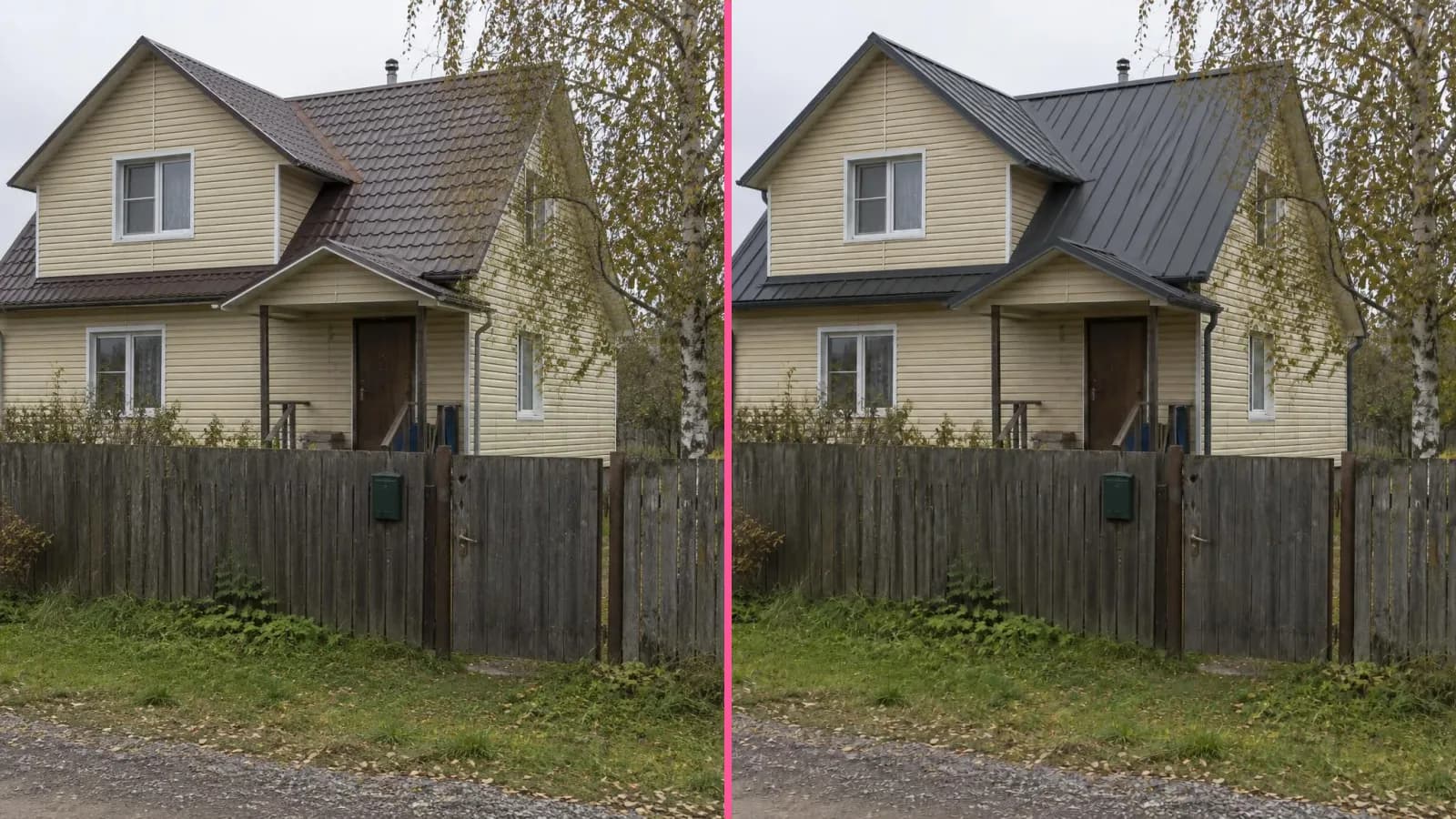
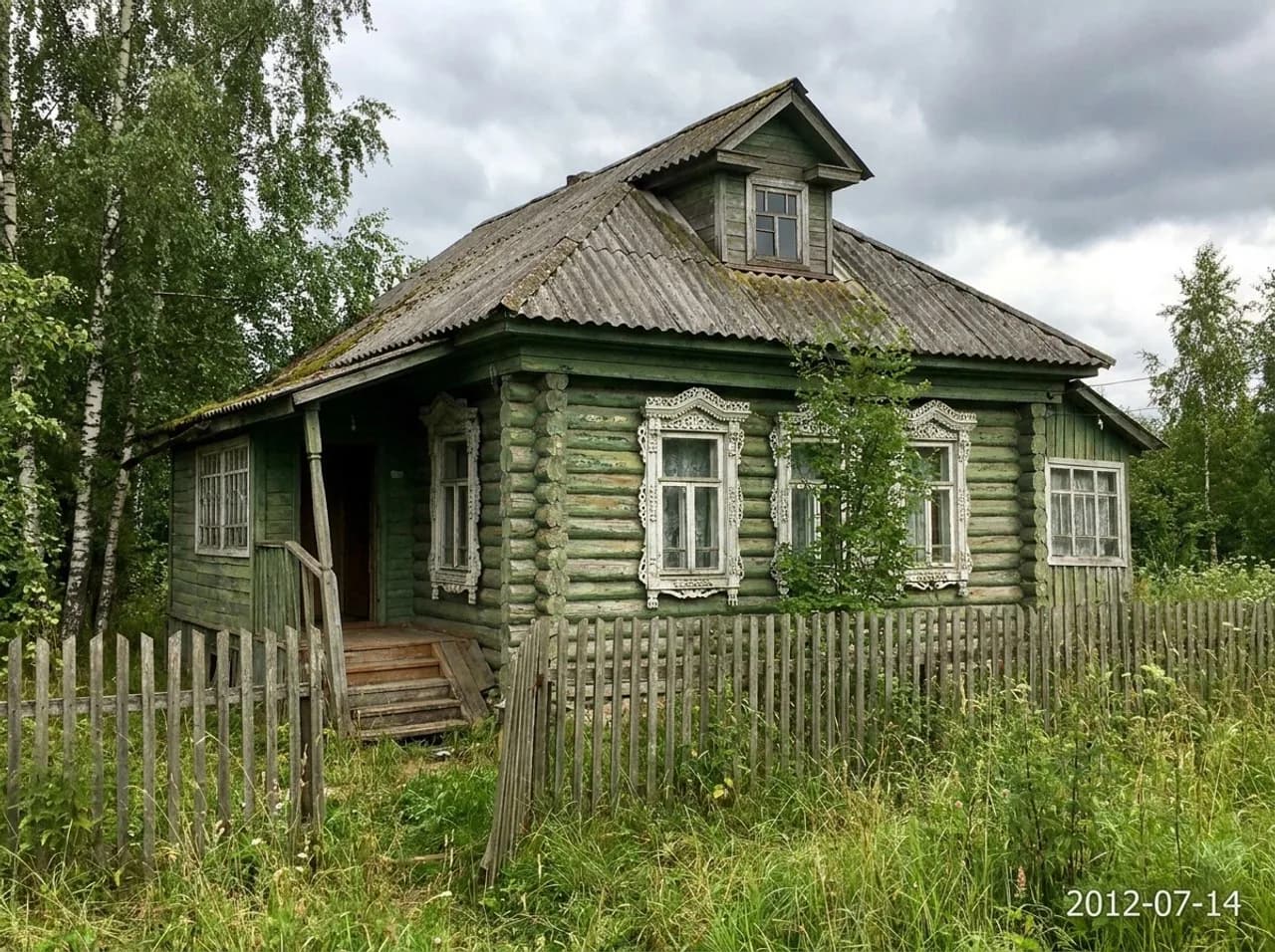
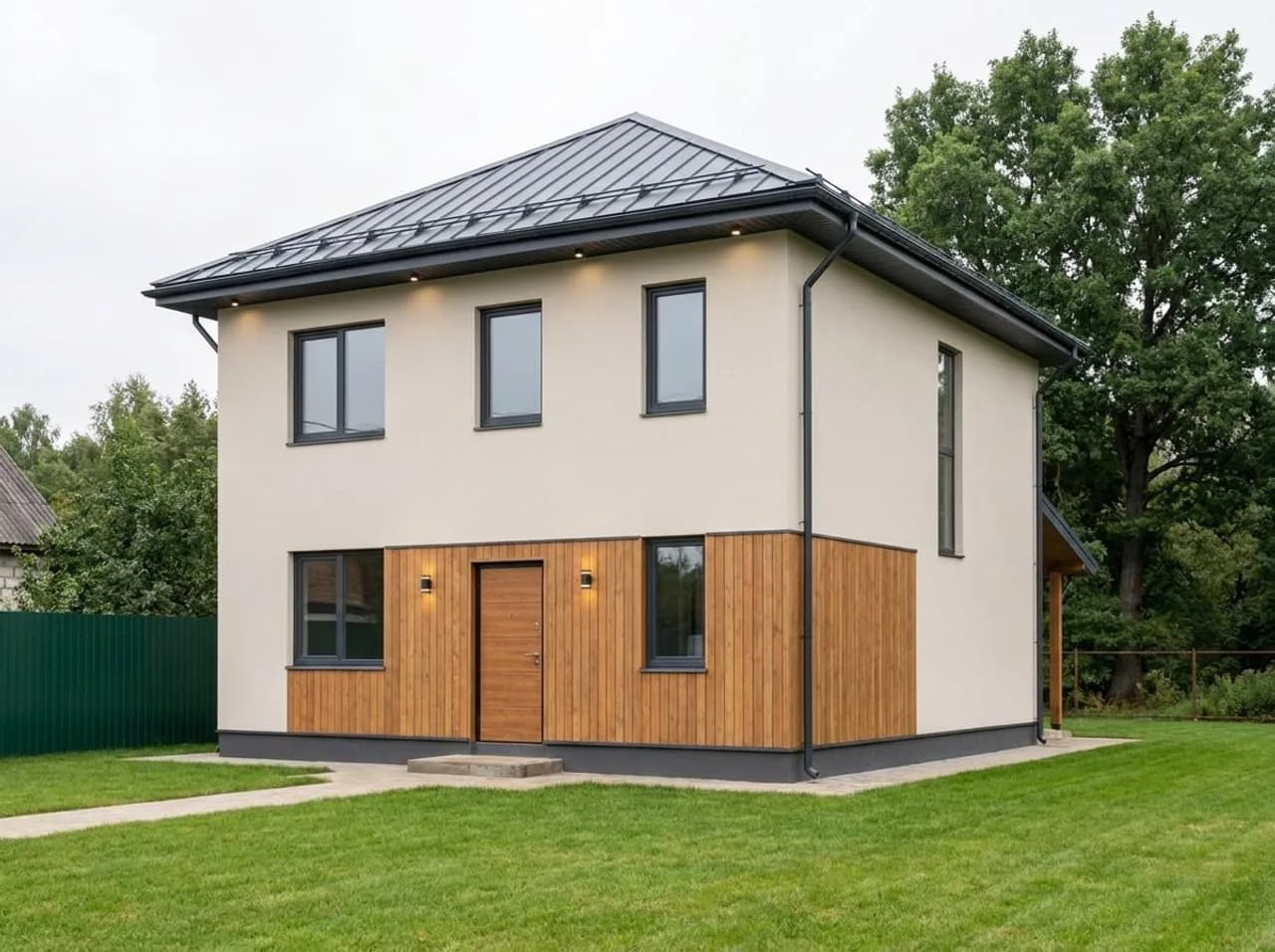
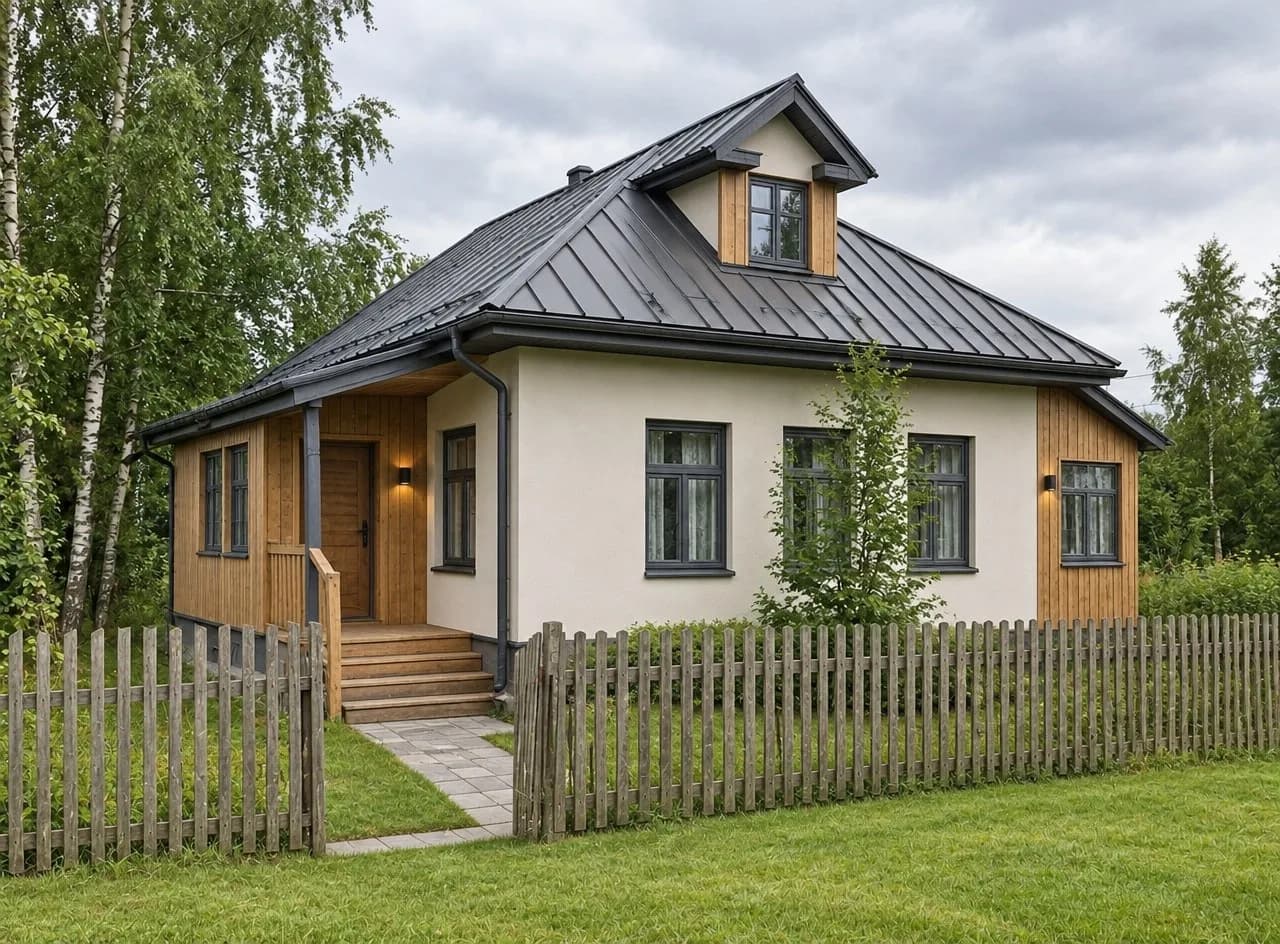
With a photo, House Exterior changes the finishes, not the building. The footprint, number of floors, roof shape and pitch, porch, balconies, windows and doors stay as they are — even Barnhouse and High-tech no longer rebuild the roof. Building debris and mud around the house are cleared away and replaced with a lawn and a path to the door.
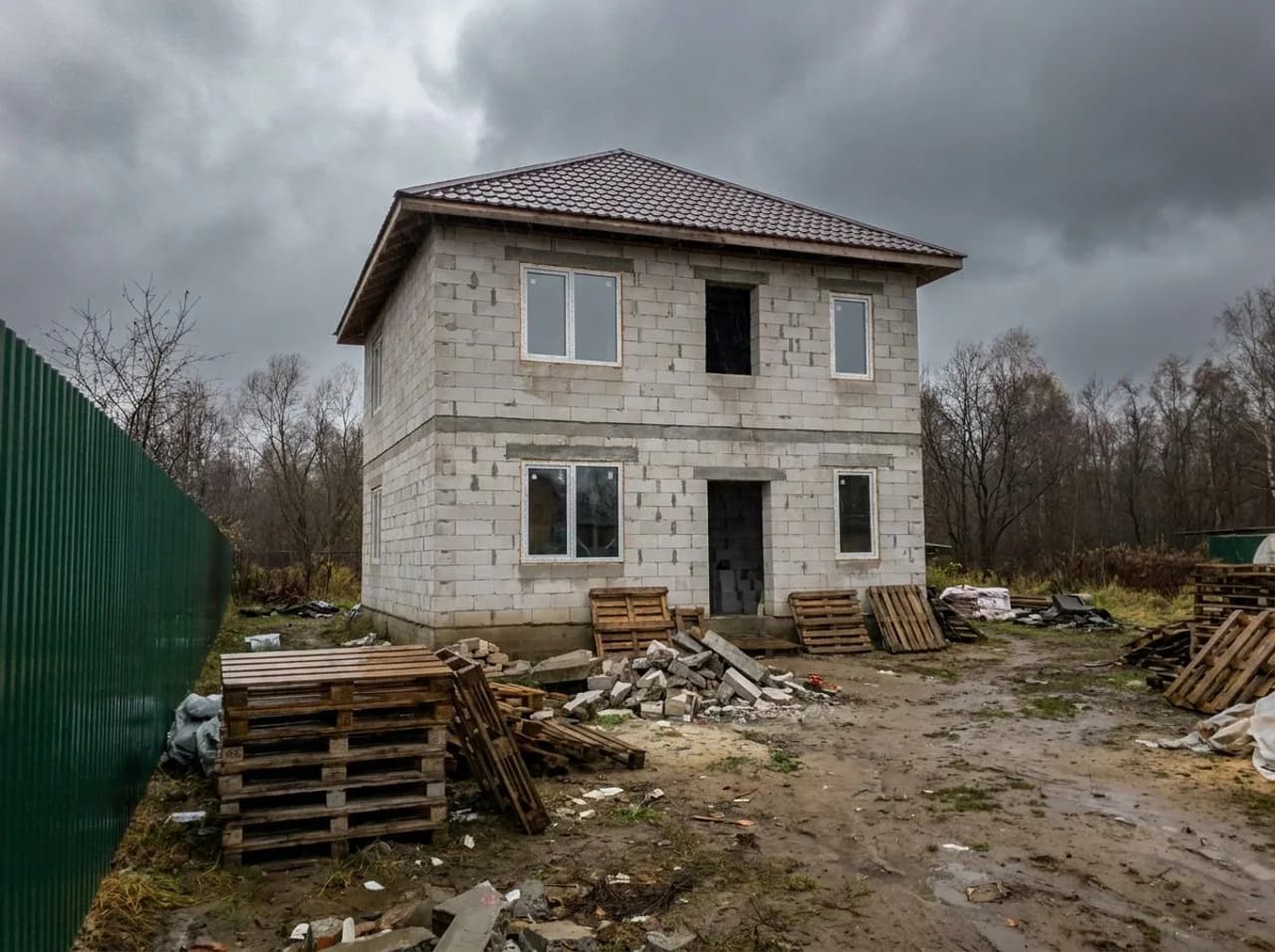
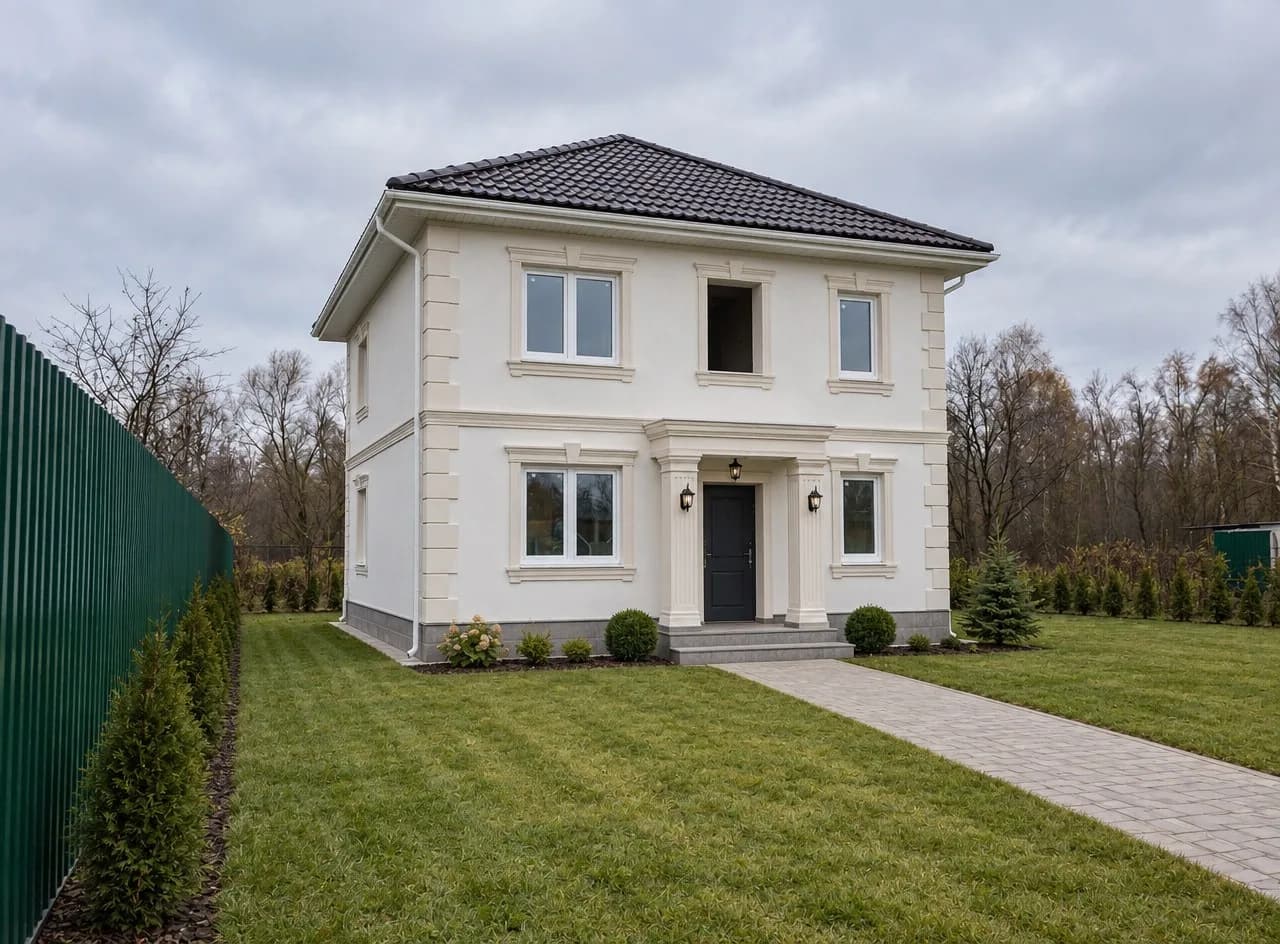
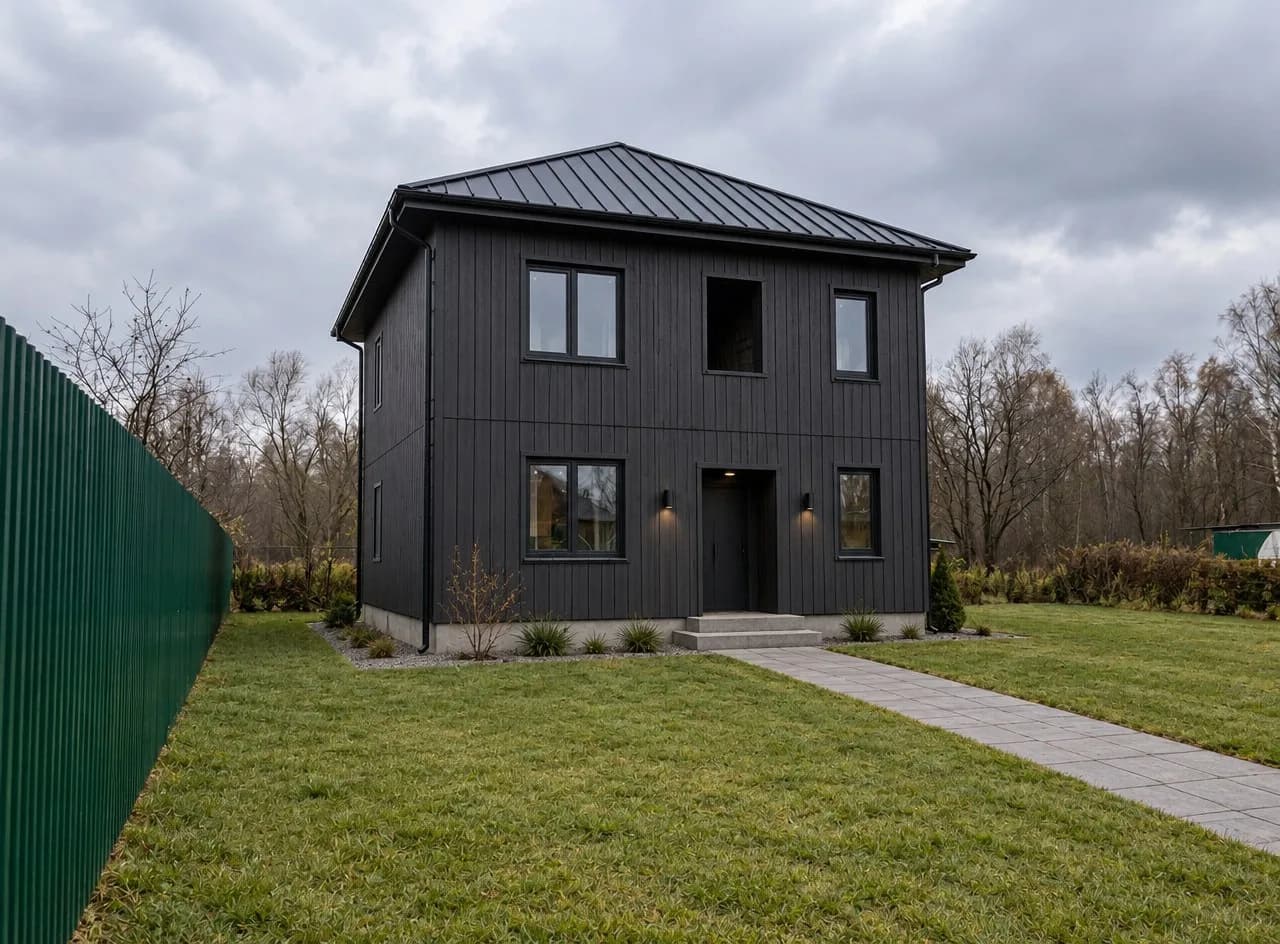
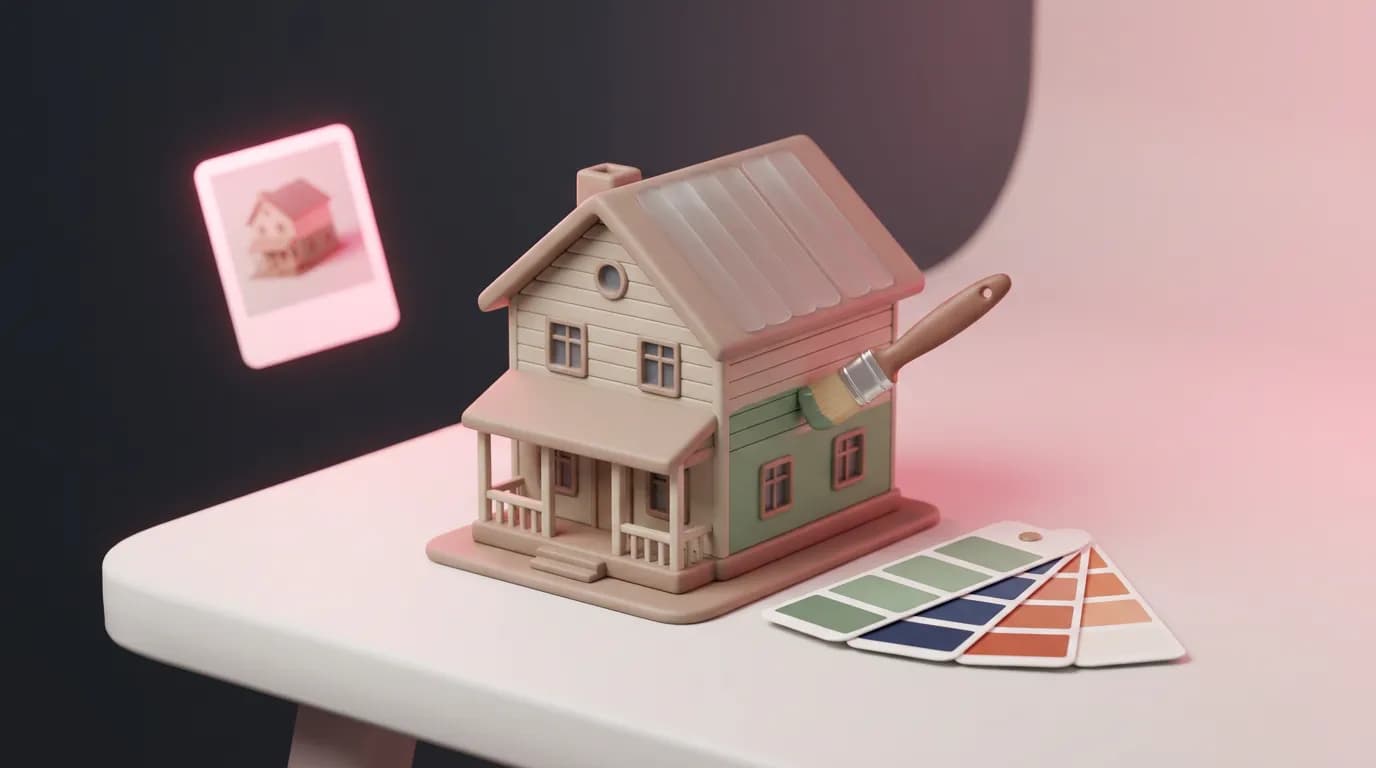
Upload a house you like as the style example and the AI carries its materials and colors over to yours without changing the shape.
Landscape Design: no more bare dirt
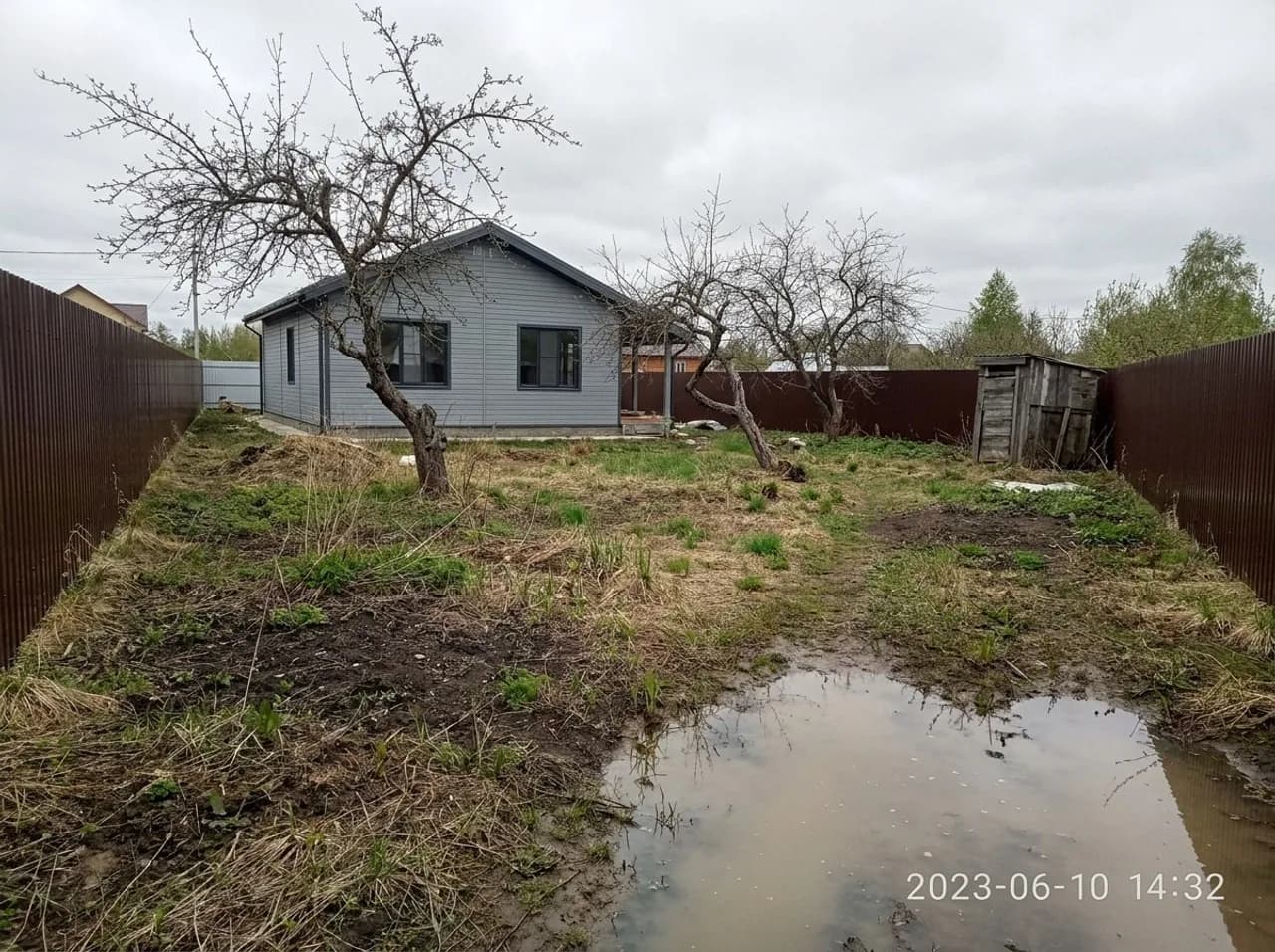
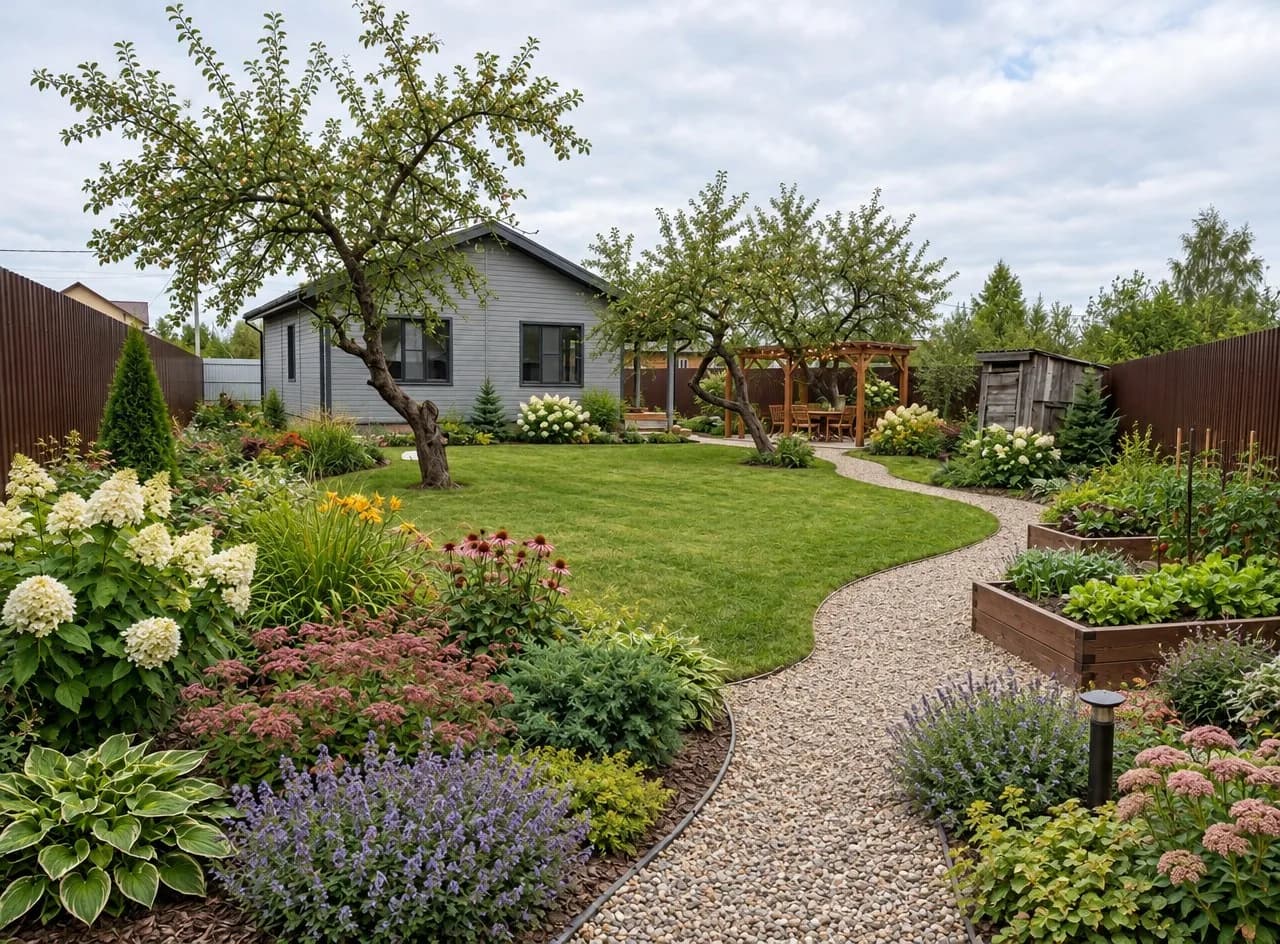
Landscape Design replaces bare soil, puddles, weeds and junk with a finished garden and picks plants that survive cold winters, unless your photo clearly shows a warmer climate. The house, outbuildings, large trees and the lie of the land stay where they are.
Step by step
- Open Interior Design and upload a photo of your room.
- Under What to do, pick New design, Change by description, Furnish empty room or Clear out the room.
- For an empty room, set Space or leave it on From the photo.
- Upload a picture under Style example (optional), or choose a style.
- Add anything important under Wishes — "a desk by the window", "lots of storage". In Change by description, fill in What to change instead.
- Choose how many variants you want and run it. House Exterior and Landscape Design work the same way: photo, style or example, wishes.
What it costs
An Interior Design image costs 6 credits, or 24 credits for four variants at once. House Exterior is 6 credits per image and Landscape Design 6 credits. The style example and the Space setting don't change the price. New accounts get 6 free credits.
Upload your room and a picture you love, and see it in your own space.
Open Interior DesignTry everything from this article in minutes
All the models and tools from this article are in one place. You get 6 free credits after sign-up, and every price is shown before you run it.
Try Interior Design